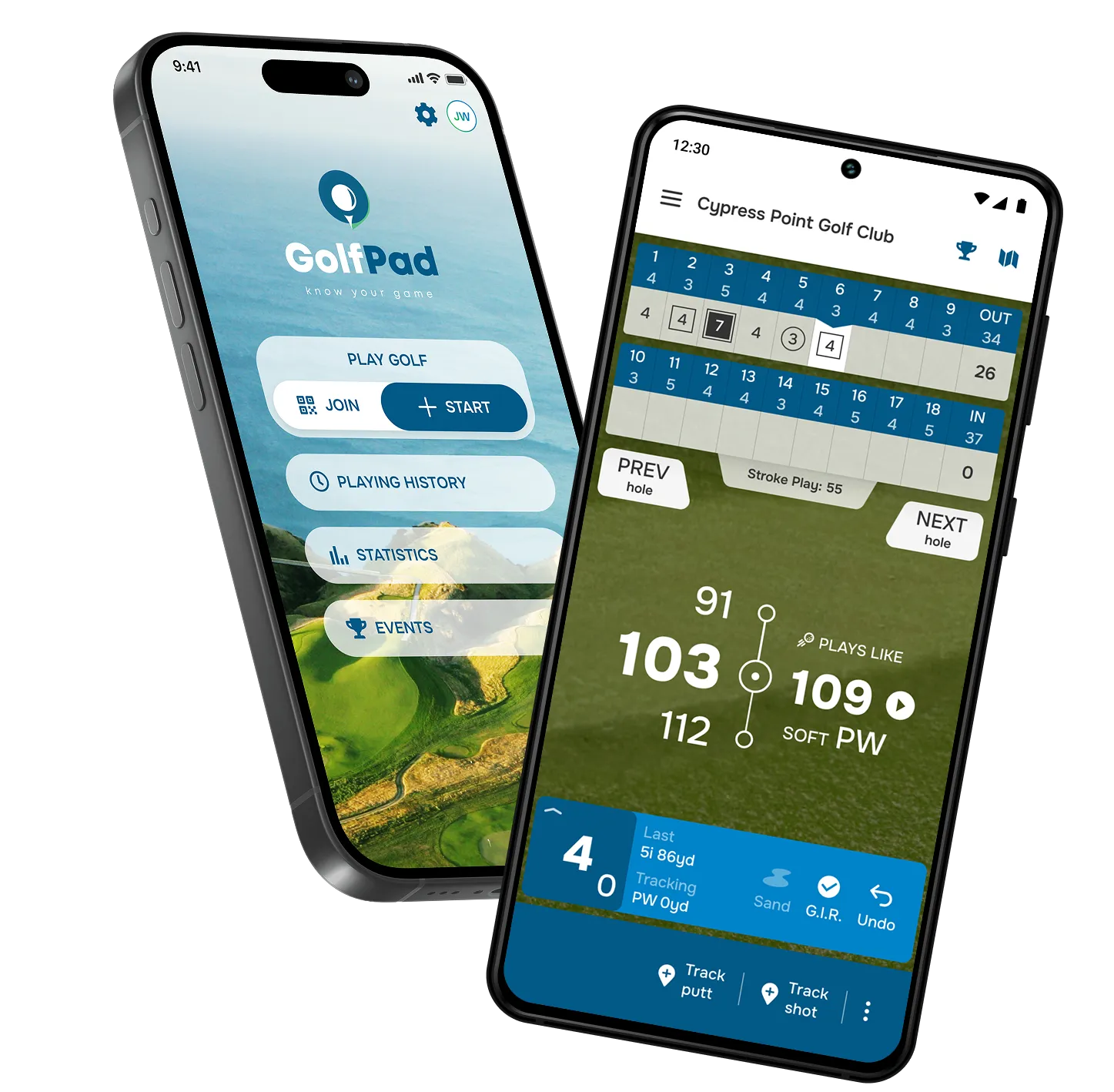
Turn your phone into a voice golf rangefinder and shot tracker!
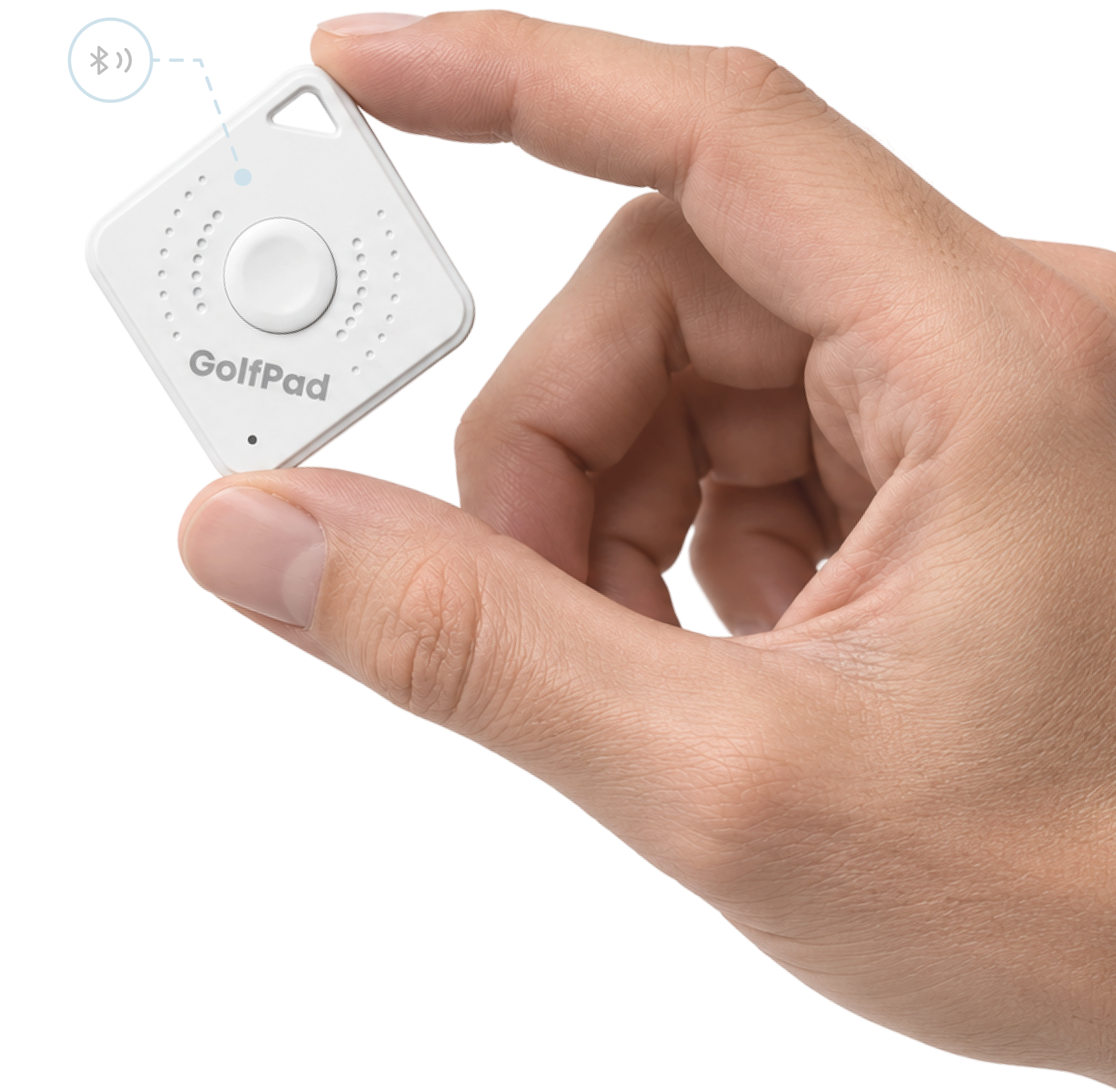
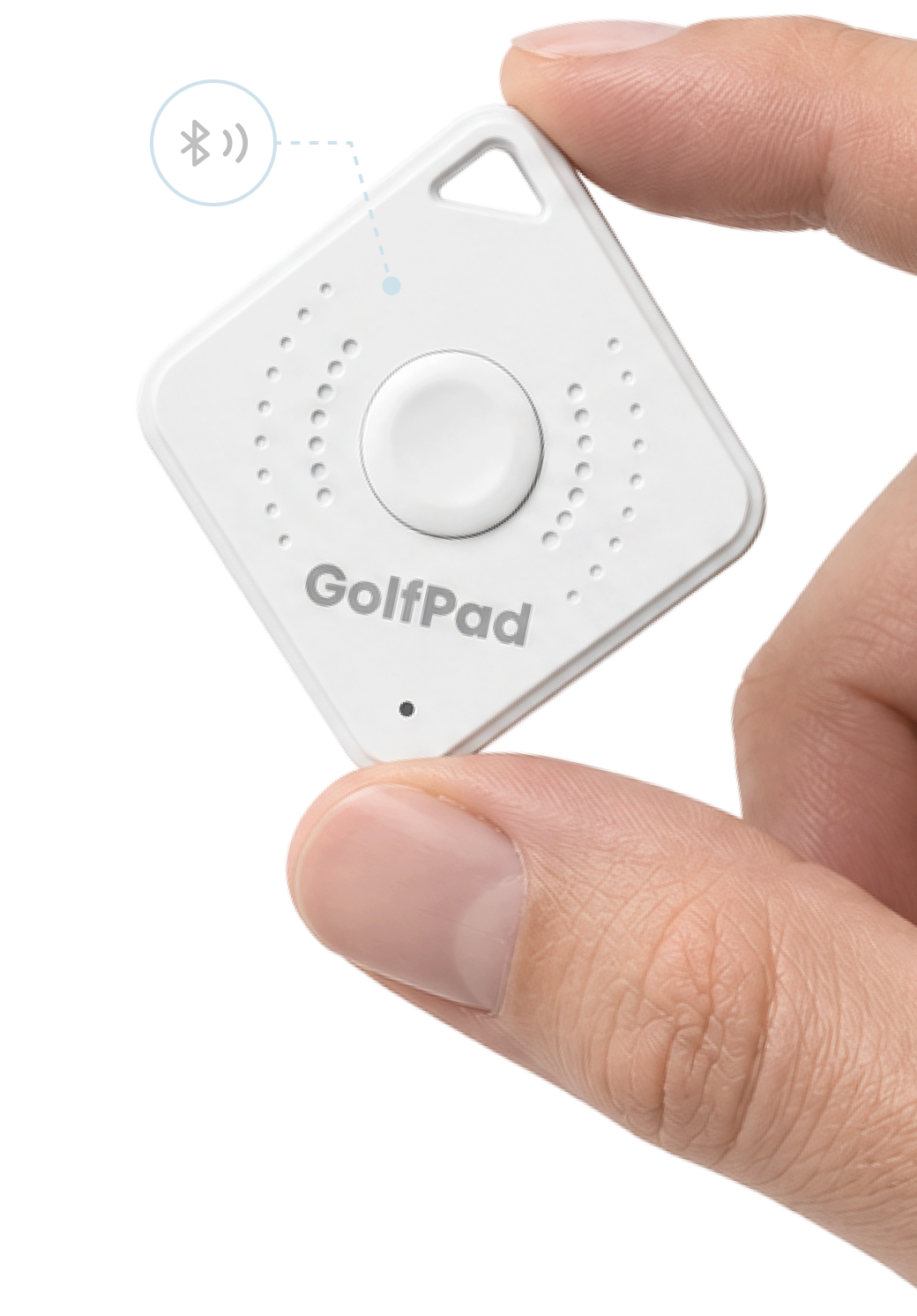
Your phone does the talking. It tells you the distance to the green, or that your shot was recorded. You can also connect a speaker or earbuds — completely optional.
Always within reach
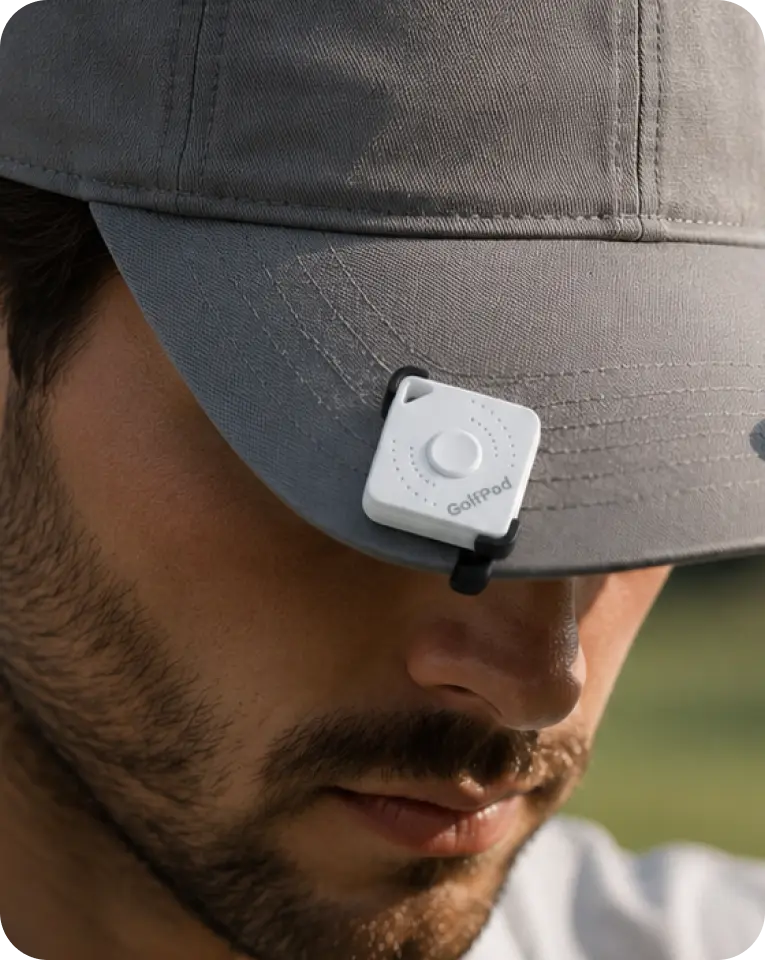
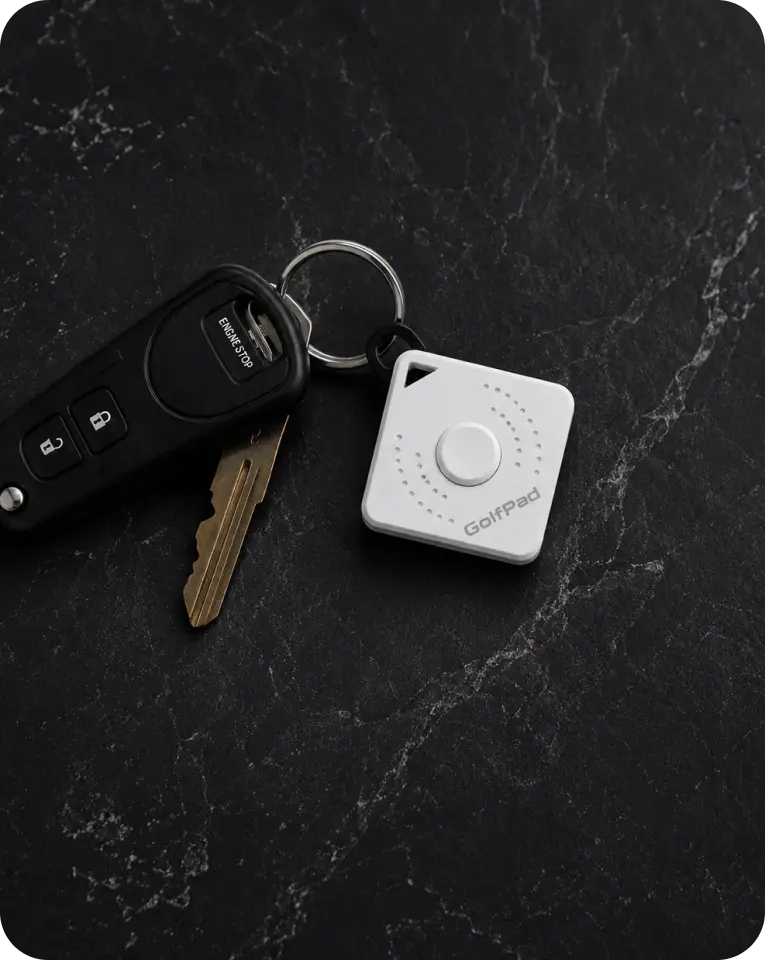
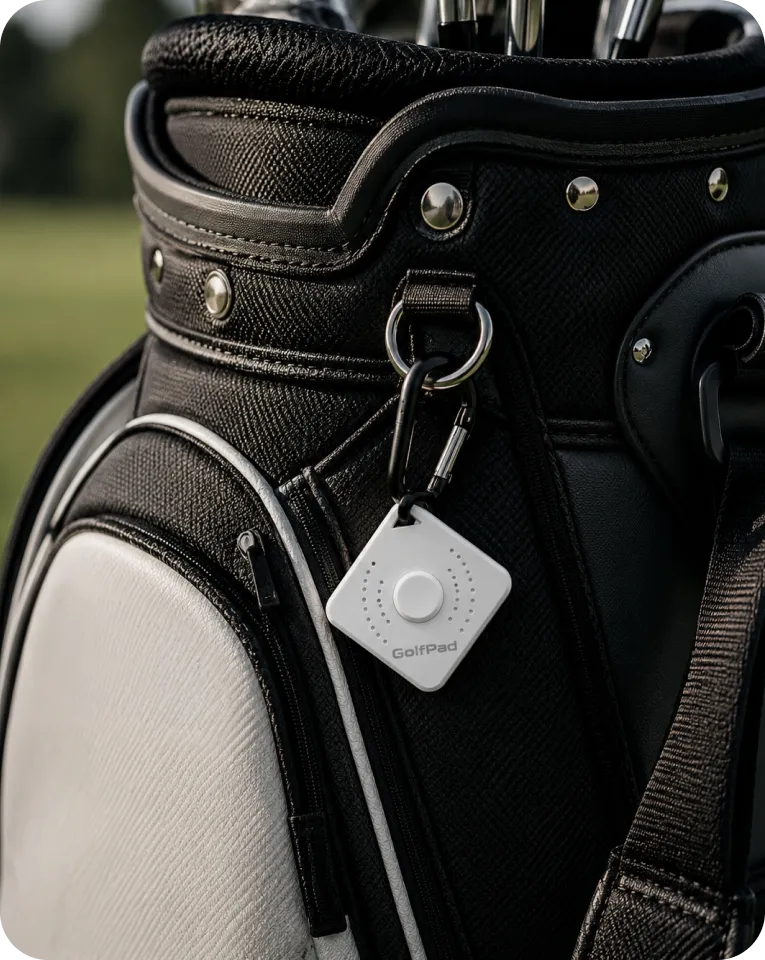
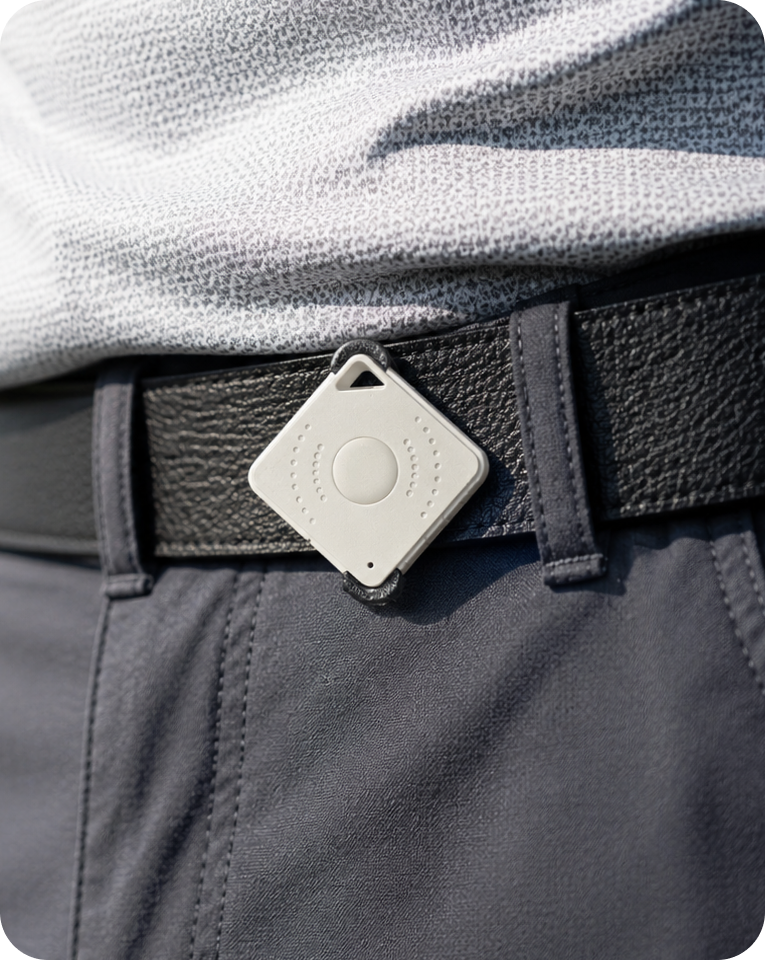
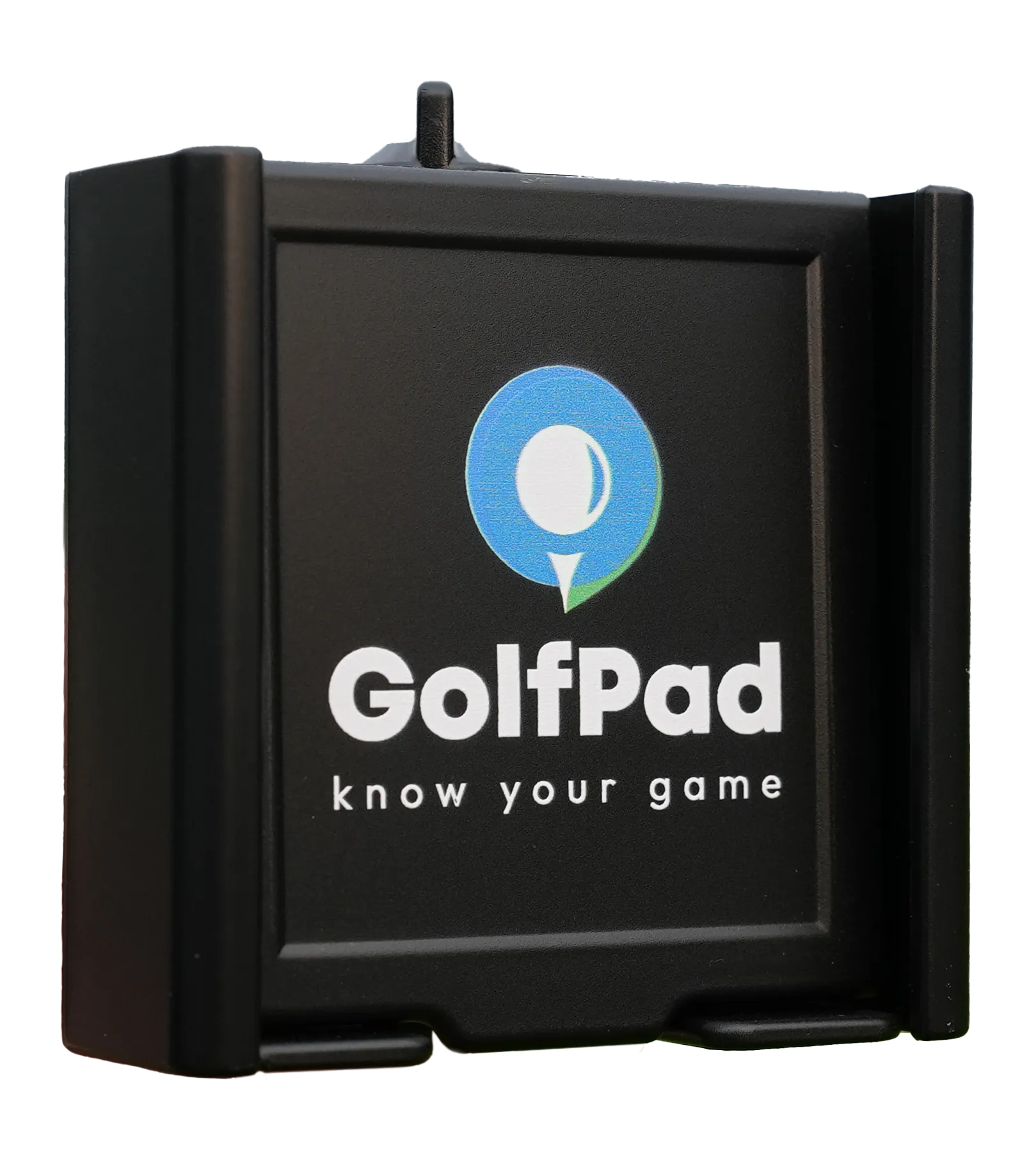
Clip it anywhere — cap, belt, bag, keys. The Button stays out of the way and ready when you need it

Simple & customizable
Choose what each click does and make it work for your game.

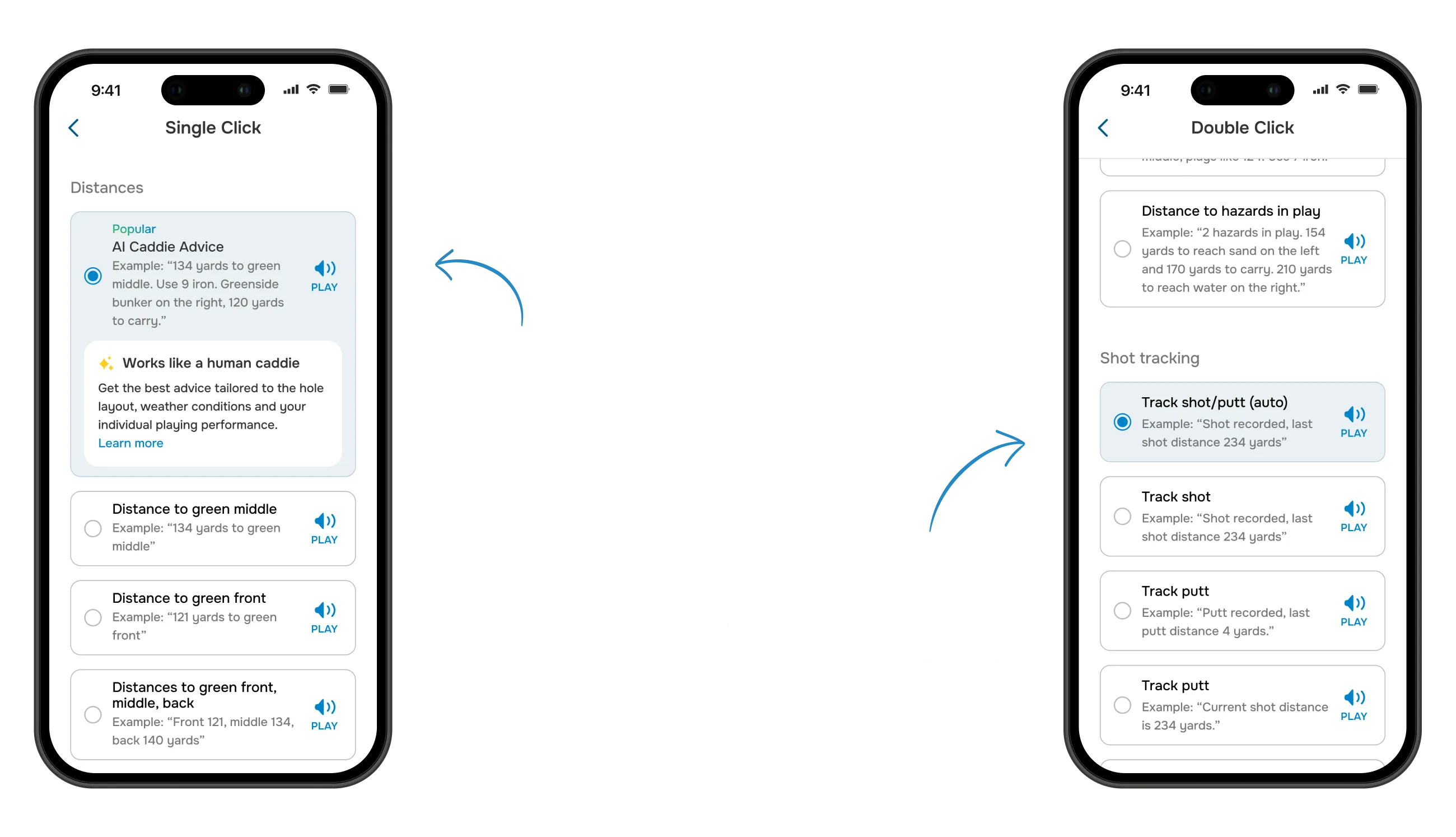
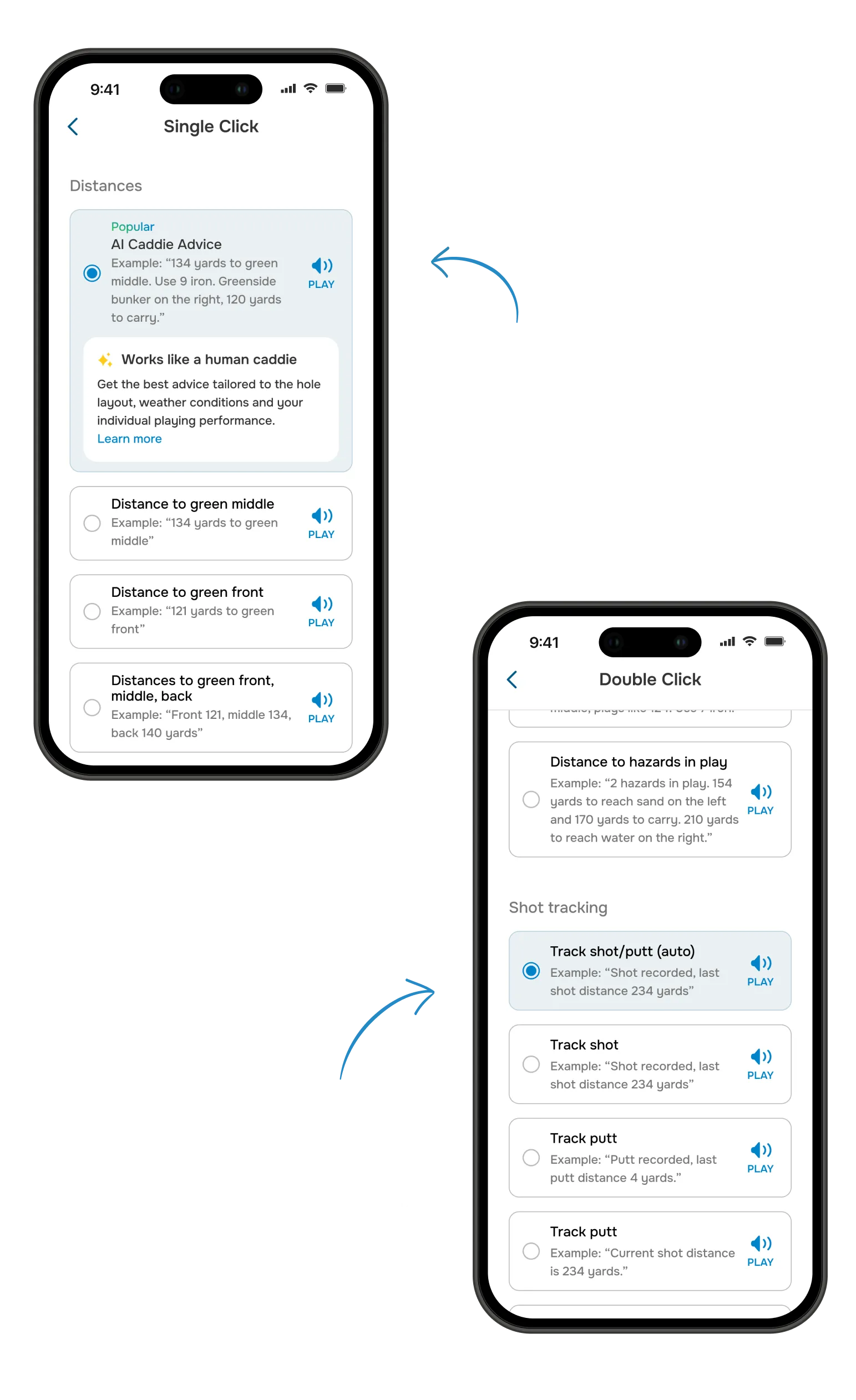
Assign any of these to a single or double click. A few are part of Golf Pad Premium.
Popular
AI Caddie Advice
Example: “Green is 300 yards away. Water hazard is 195 yards to reach, but plays 10 yards shorter with the wind. Use 6 iron for a safe layup”
Distance to green middle
Example: “136 yards to green middle”
Distance to front, middle and back of the green
Example: “Front 124, middle 136, back 149 yards”
Premium
Distance to green middle, Plays Like and club recommendation
Example: “124 yards to green middle, plays like 136. Use 7 iron”
Premium
Distance to hazards in play
Example: “2 hazards in play. 154 yards to reach sand on the left and 170 yards to carry. 210 yards to reach water on the right”
Track shot/putt (auto)
Example: “Shot recorded. Last shot 234 yards”
Track shot
Example: “Shot recorded. Last shot 234 yards”
Track putt
Example: “Putt recorded. Last shot 234 yards”
Mark flag
Example: “Flag position marked”
Current tracking shot distance
Example: “Current shot distance is 234 yards”
Track penalty
Example: “Penalty recorded”
Get yours
Clip it anywhere — cap, belt, bag, keys. The Button stays out of the way and ready when you need it

1 year warranty
WHY GOLFERS LOVE CLICK
Access key Golf Pad features with a simple press, so your focus stays on the next shot.
A real, tactile click — never capacitive
Click once. Click twice. Done.
Instant Bluetooth pairing, no setup needed
Ultra-light, clips anywhere
COMPLETE YOUR SETUP
Combine Click with other Golf Pad products
6 month golfer-friendly money back guarantee
30 day golfer-friendly money back guarantee
Golf Pad Click turns any phone into a voice golf rangefinder and shot tracker. It's a small Bluetooth button that clips to your hat, belt, glove, or bag. Press it once or twice and the Golf Pad app speaks your distances out loud and logs your shots, so you never pull out your phone or look at a screen.
Yes, and it's free. Click is a remote control for the Golf Pad app, so it doesn't work on its own: the app is what calculates your distances and does the talking, Click just tells it when to speak. Golf Pad has over 5 million downloads and a 4.7-star rating from more than 50,000 golfers, and the rangefinder and shot tracking you'll use Click for are in the free version.
No, that's optional. Your phone's own speaker works great and is loud enough to hear clearly outdoors. Pair it with a Bluetooth speaker or earbuds if you prefer, but plenty of golfers just use Click with the phone speaker.
Yes, that's the best practice. Your phone is doing all the real work: it's the GPS source that knows where you are on the course, and it's what plays the audio back. Click only sends the "go" signal over Bluetooth. So keep your phone in your pocket, on your belt, or somewhere close on your person (rather than left behind in the cart or bottom of your bag) for the most accurate distances and the clearest sound.
You set that yourself in the app, that's the "Custom Actions" part of Click. Each of the two presses (single click, double click) can be assigned to a specific callout, like distance to the front, middle, or back of the green. There's also "AI Caddie Advice", which is part of Golf Pad Premium: instead of you choosing, Golf Pad works out which number is most useful from where you are on the hole and calls that one out. You can change what each click does at any time from within the app.
Yes, Click works with both iOS and Android through Bluetooth.
The Click button with its battery already installed, an ultra-light clip, and a 3-month Premium upgrade to the Golf Pad app, plus free feature updates and unlimited customer support. Nothing else to buy: no charger, no subscription — see the next question.
No. Click has no required subscription. The Golf Pad app is free, and the core features you'll use Click for — voice rangefinder distances and shot tracking — stay free for as long as you play. Premium is optional and adds extras like Plays Like distances and AI Caddie Advice; your purchase includes 3 months of it, and when those end Click keeps working exactly as before.
Click measures 32.5 x 32.5 mm and is 7 mm thick (about 1.3 x 1.3 x 0.3 inches), roughly the footprint of a postage stamp. It weighs 7.8 g (0.28 oz) with the battery in, so once it's clipped to your hat or belt you stop noticing it.
No, and there's nothing to charge before a round. Click runs on a replaceable CR2032 lithium coin cell with a long battery life, and it ships with the battery already installed, so it works straight out of the box. When the battery finally runs down you swap it yourself in seconds — it's the same cell sold in any supermarket or pharmacy — instead of replacing the device.
Wherever is easiest for you to reach: your hat brim, your pocket, belt are the most common spots.
Click needs a live Bluetooth connection to your phone to work, so if your phone is too far away (for example, left in the cart while you walk to your ball), it won't be able to send the command. Keeping your phone on you avoids this.


Subscribe for early access to promotions, feature announcements & more.