No items found.

Please note: as of version 20.0.69, Golf Pad no longer supports Apple Watch Series 3 and older. If you use an older model, please install the Golf Pad Classic app on your phone and watch from the App Store.
Before your first round — enable Apple Health access. The Golf Pad Apple Watch app records each round as a Workout, which requires access to Apple Health. If it's off, the watch shows "Enable Health access to continue" and the round can't start. On your iPhone, open Settings > Apps > Health > Data Access & Devices > Golf Pad, and enable Workouts.
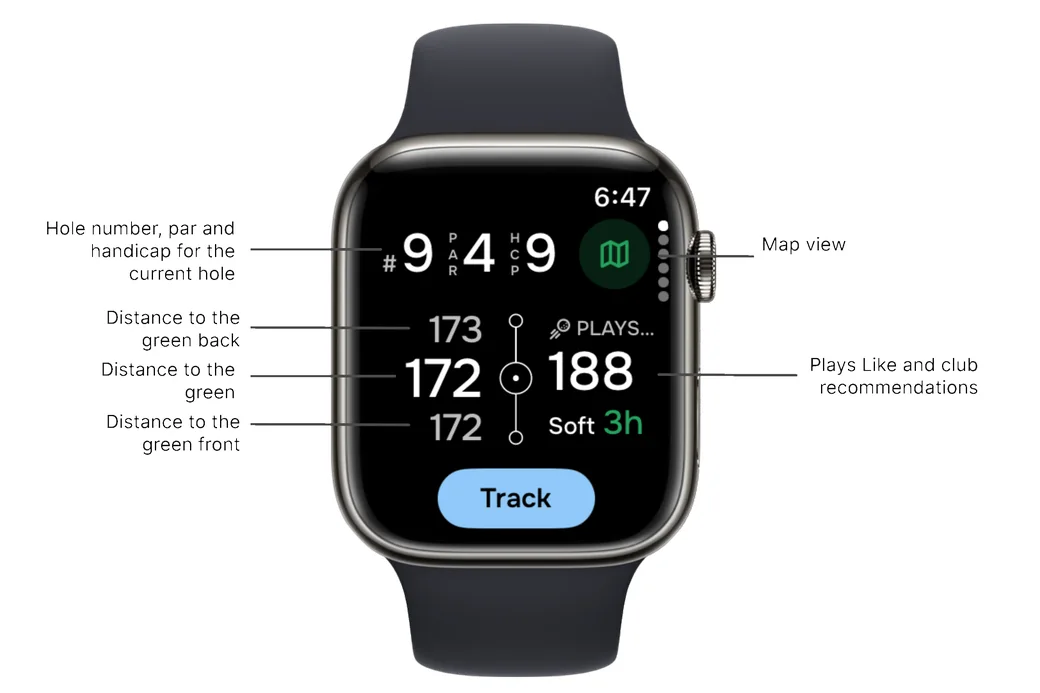
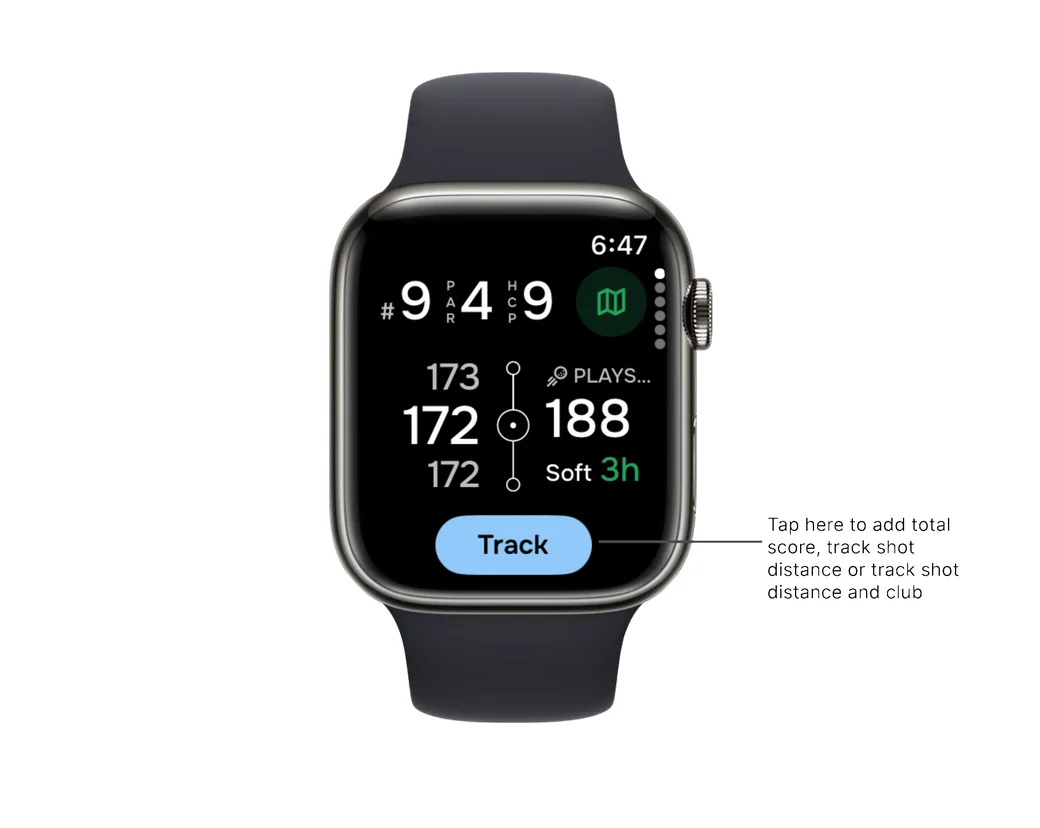
On the main screen, you can quickly view key hole and distance information, including:
You can also keep score and open the map view directly from this screen.
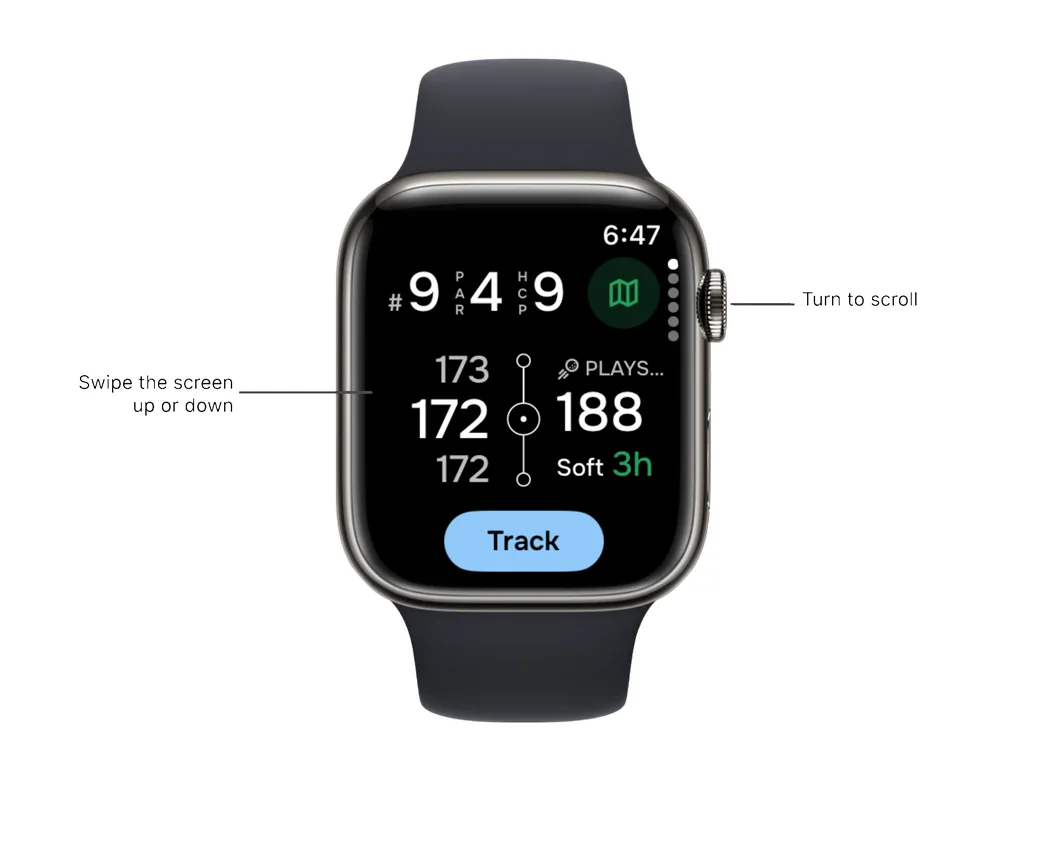
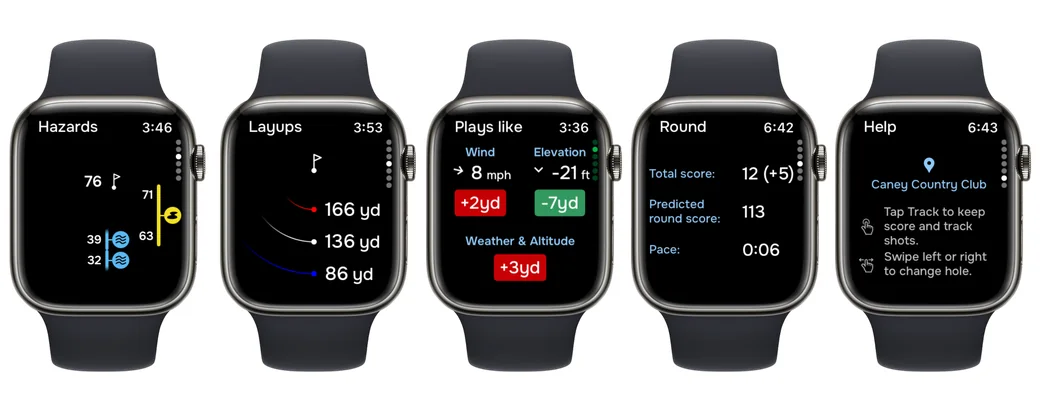
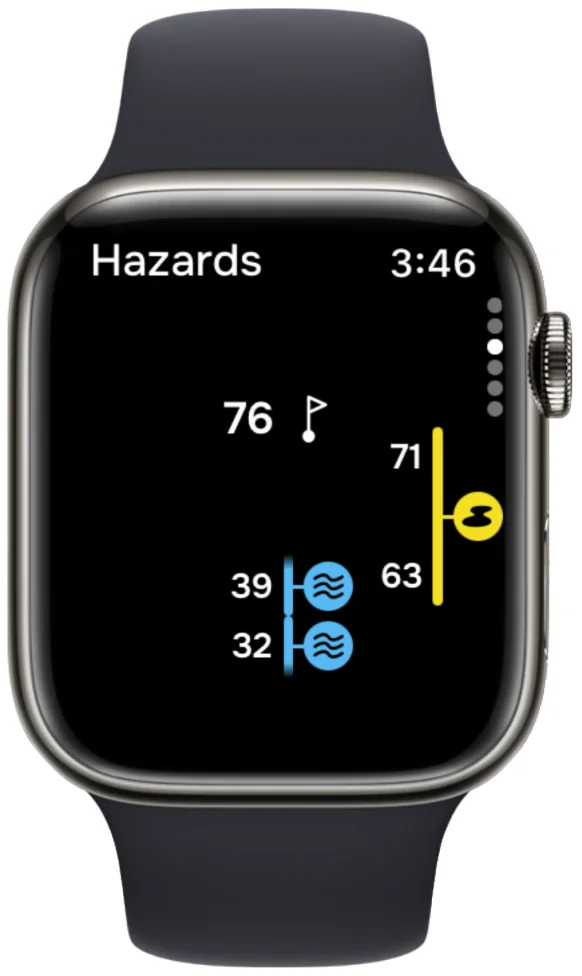
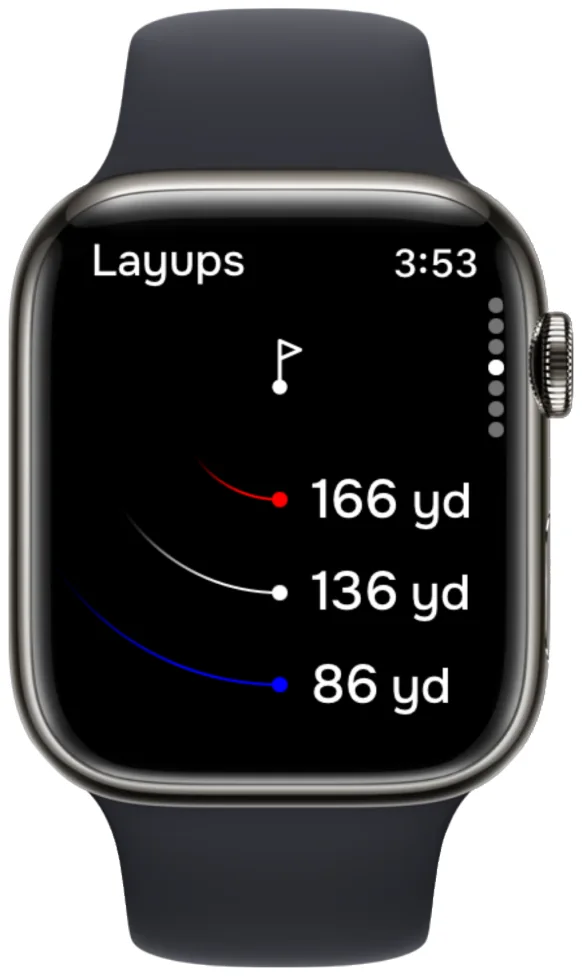
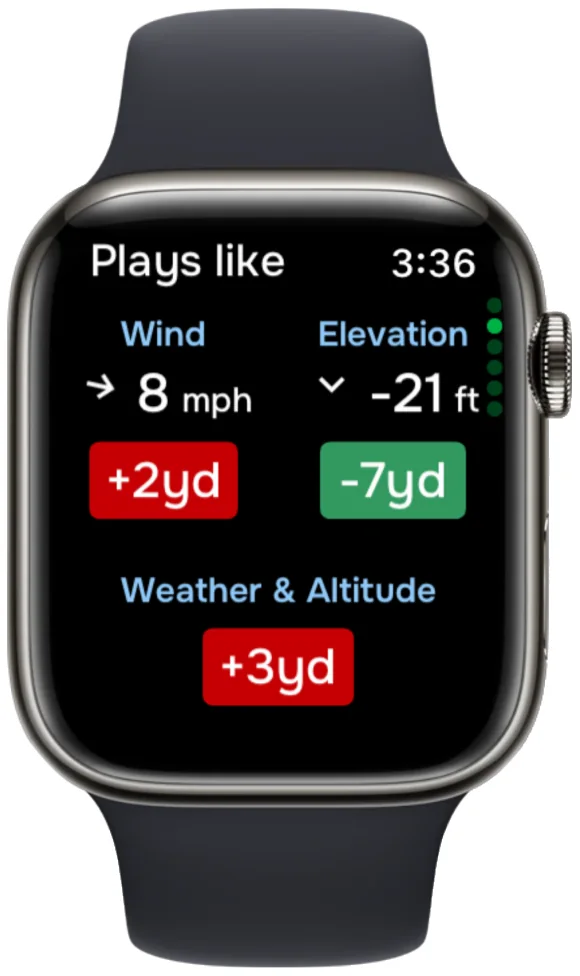
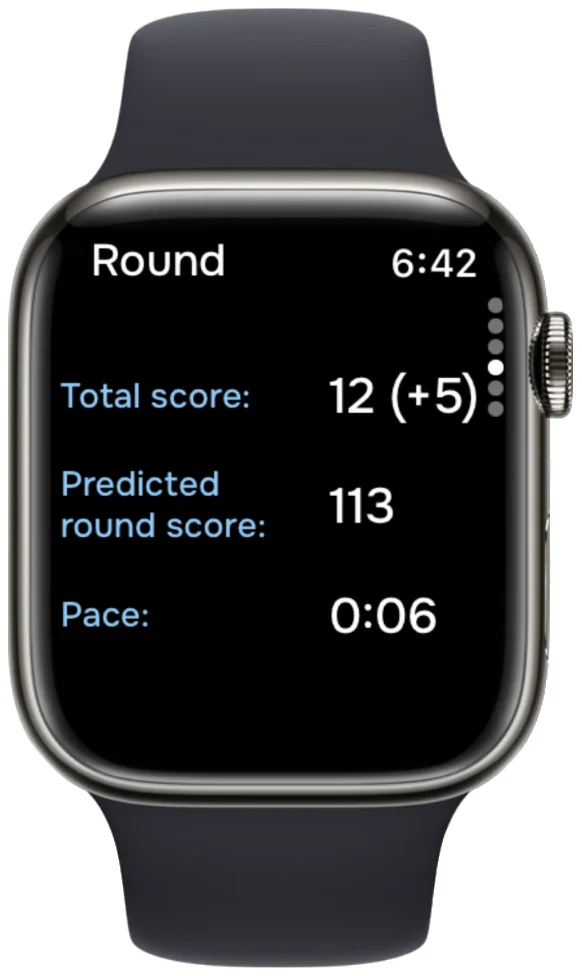
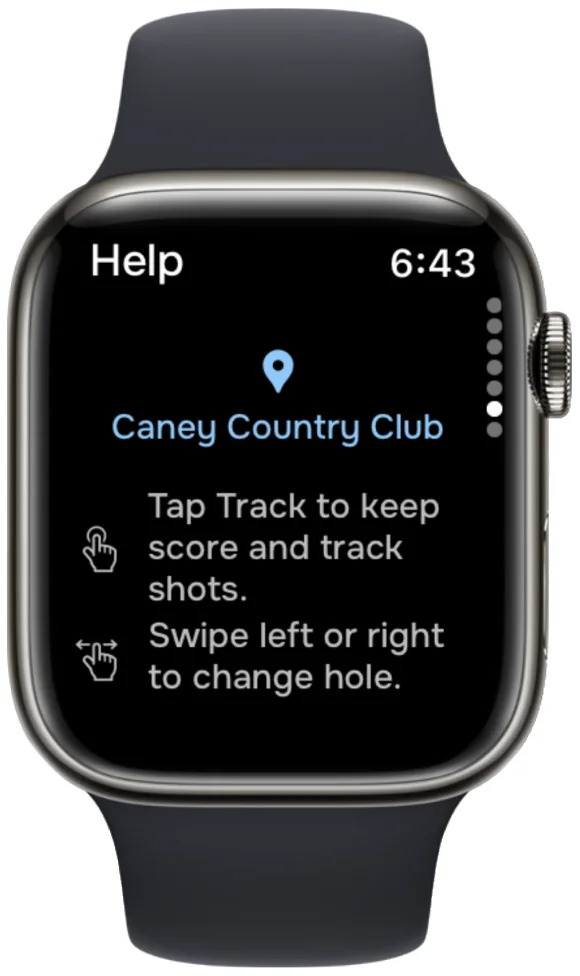
Scroll up or down to view hazards, layups, “Plays Like” details, round statistics, and the help screen.
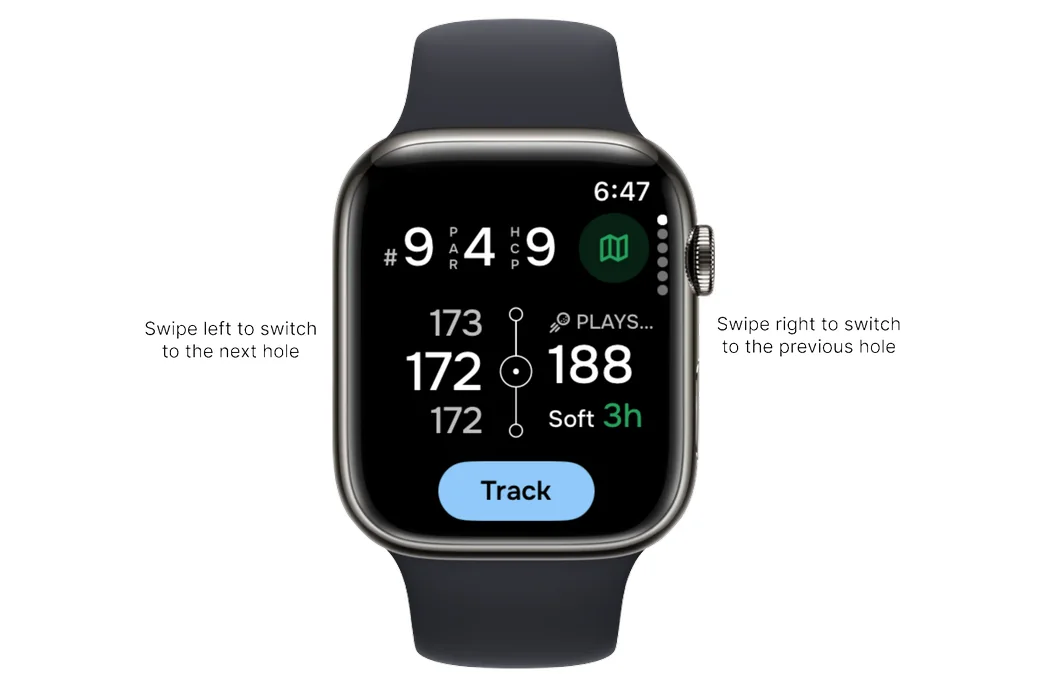
Keep score using the button at the bottom of the screen. You can select the scoring mode in the phone app under Preferences > Smartwatch Sync > Scoring.
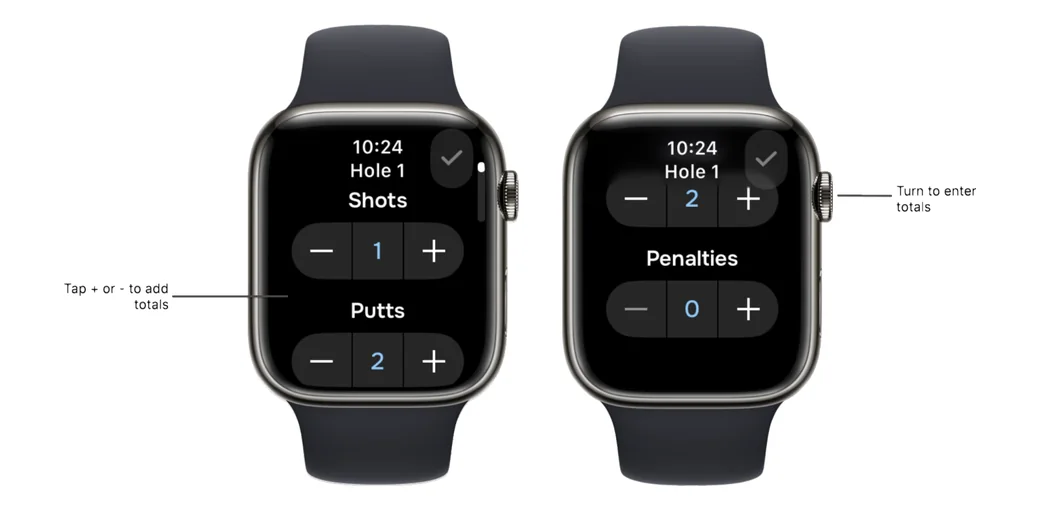
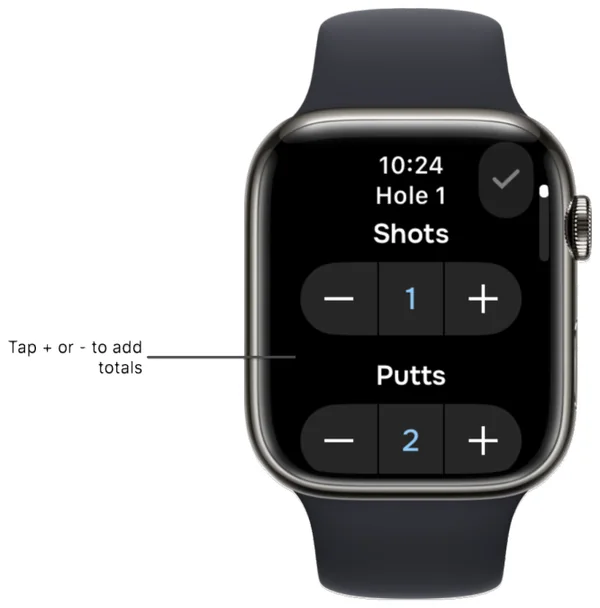
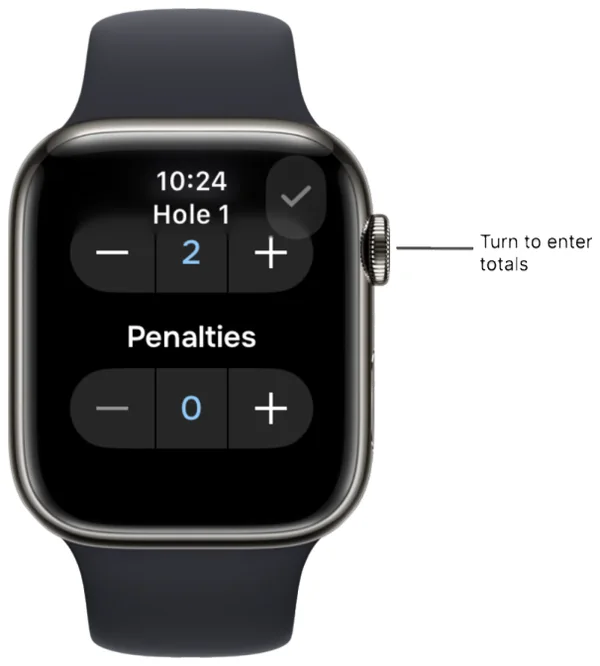
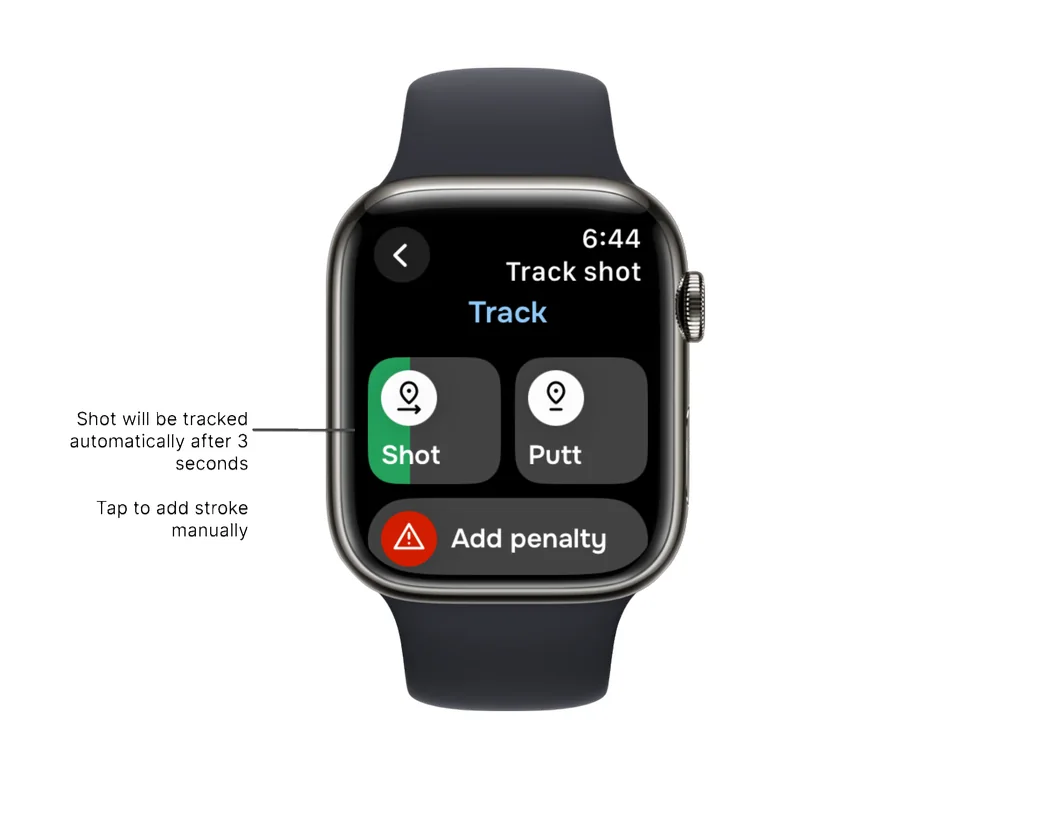
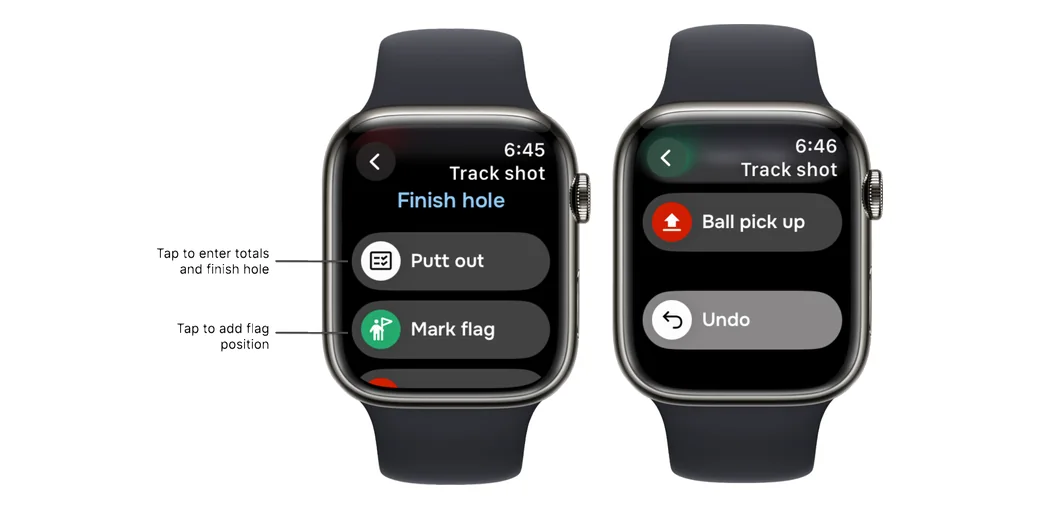
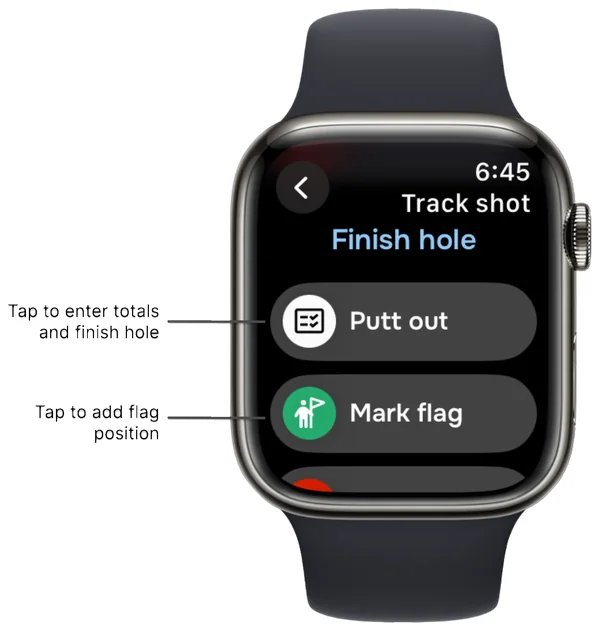
Scroll down to open the menu, where you can finish the hole, use putt out to add totals, mark the flag position, pick up the ball or undo the last action.
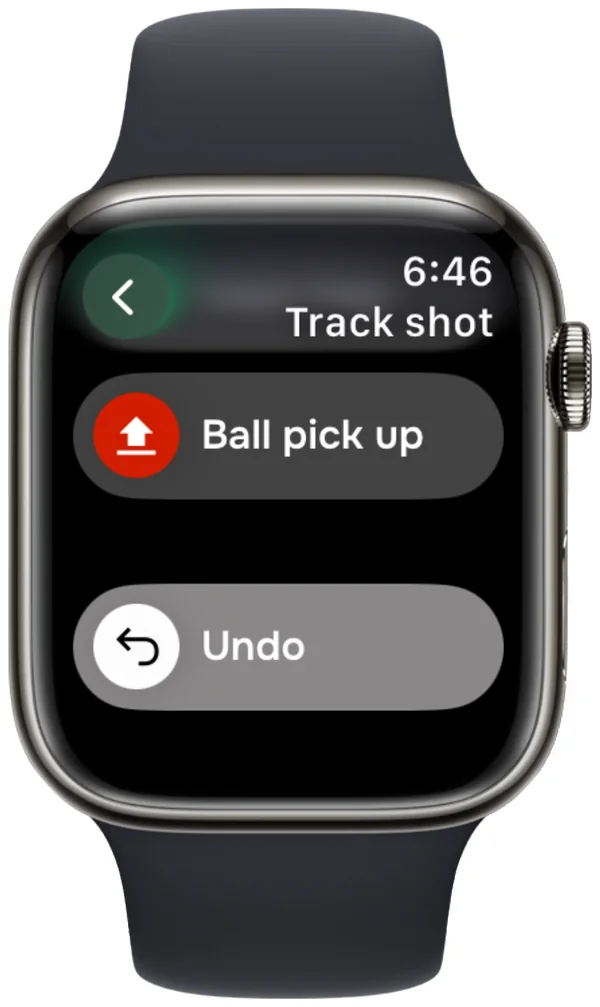
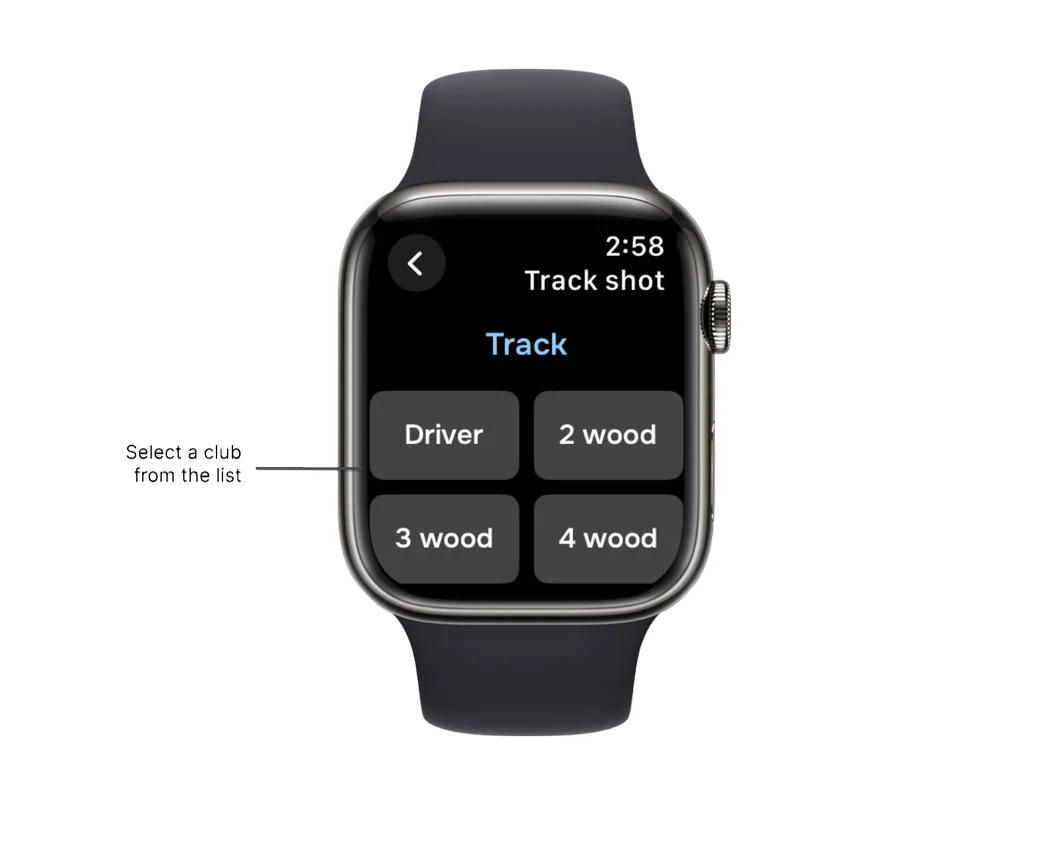
NOTE 1: Select 'Track shot distances and clubs' in Preferences > Smartwatch sync to enable club selection.
NOTE 2: After selecting "Track shot distances and clubs", you can enable/disable automatic club selection. If enabled, the recommended club will be auto-selected on your watch.
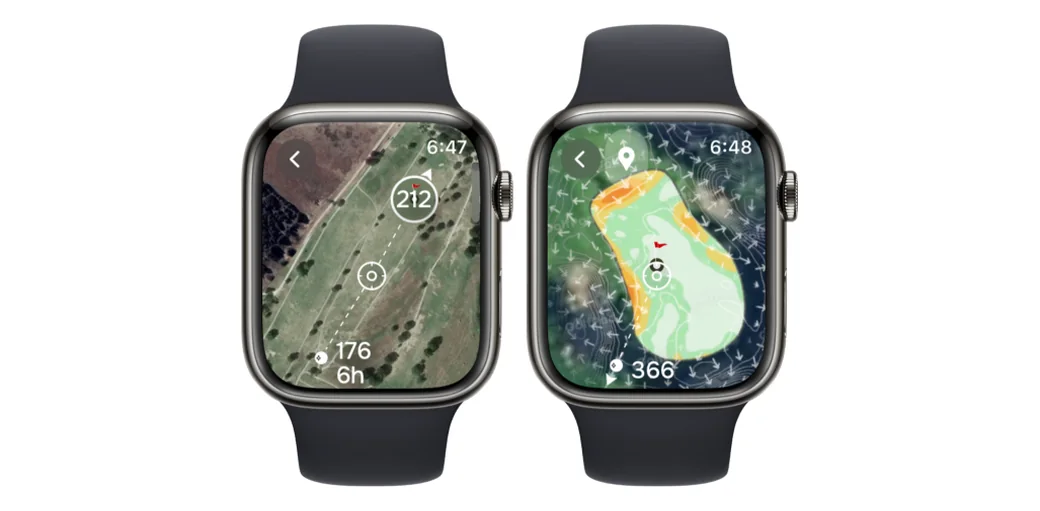
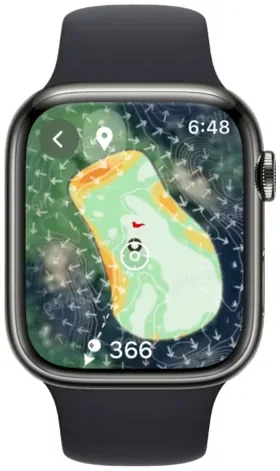
You can open the map view to see hole layouts, green undulations and measure distances directly on your watch. More information about this feature can be found here.
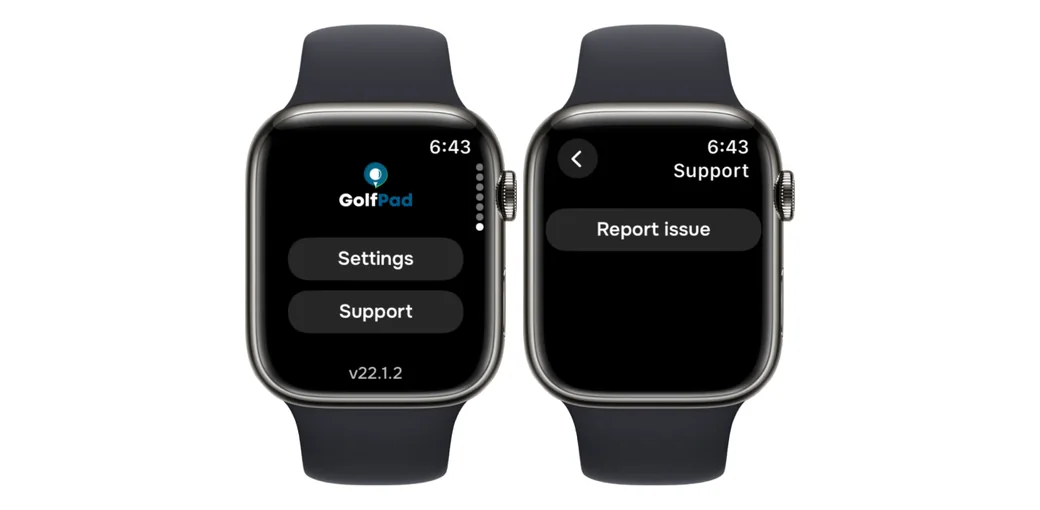
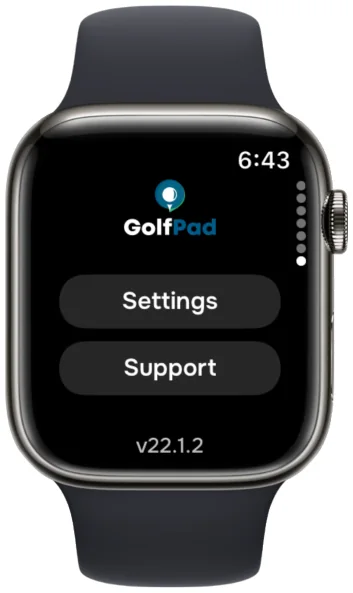
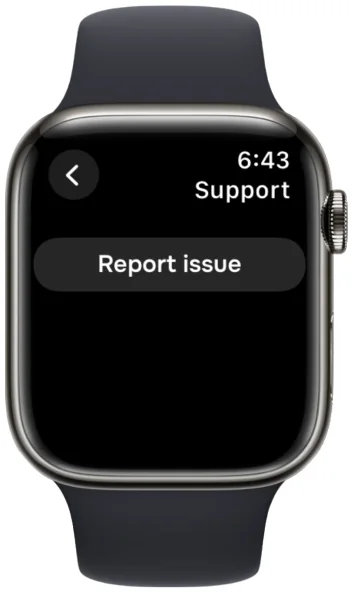
If you experience any issues, please reproduce the problem first, scroll to the bottom and send us a report by tapping Support > Report Issue.


Subscribe for early access to promotions, feature announcements & more.