No items found.

Golf Pad has three methods of sharing/joining a Live Leaderboard or an Event round. Detailed descriptions on these options below:
Live Leaderboard - Golfers can use their phone system-share to share this Invite link with other players to join. This can be sent via e-mail, SMS, etc.
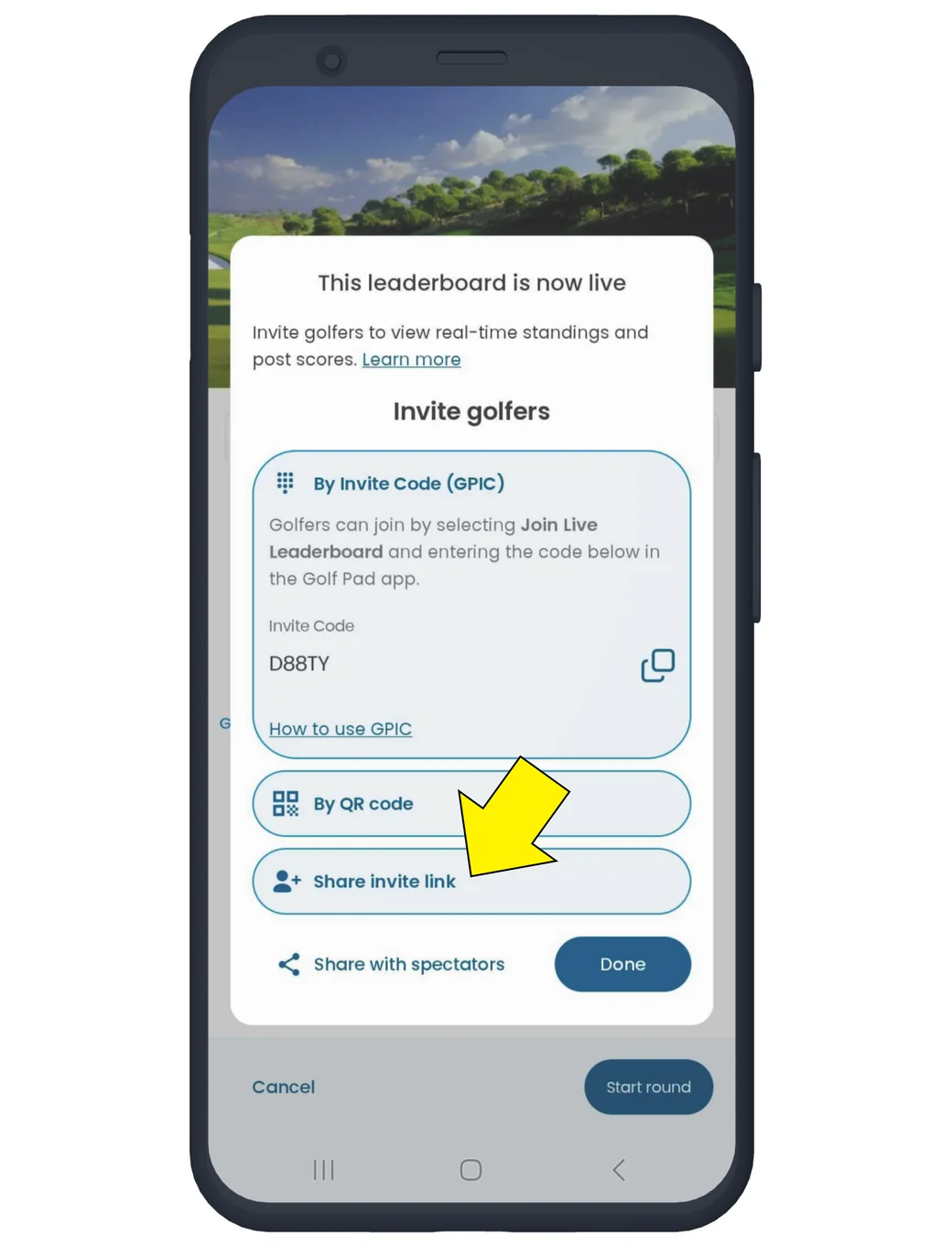
Golf Pad Events - Invite links for Events are embedded in emails sent from tournament organizers to golfers in the field. These links are golfer specific for joining an event for in-app live scoring.
Learn more about using Golf Pad app with Events.
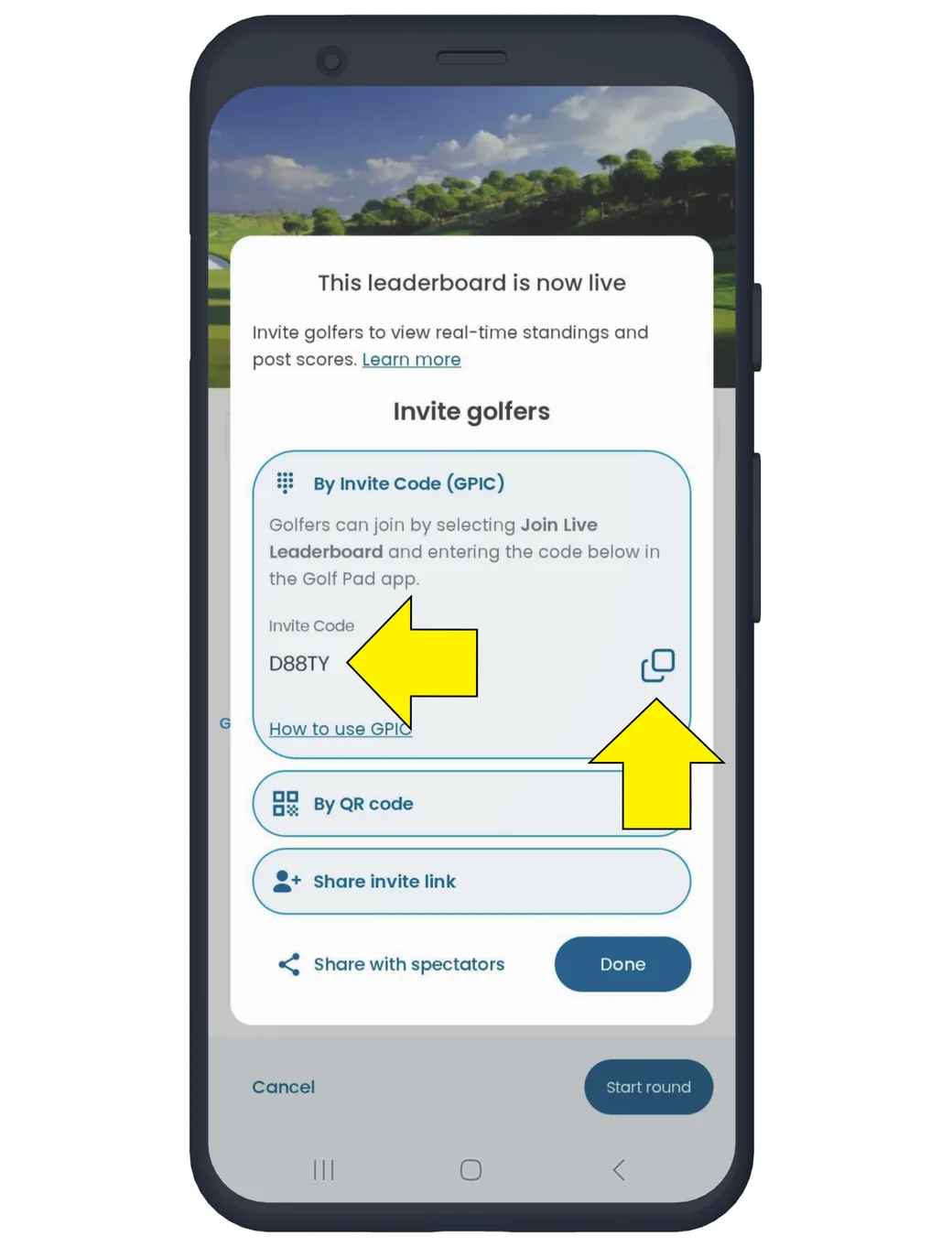
Live Leaderboard - An alphanumeric code used to join an active Live Leaderboard. Golfers visually share this code or copy and send to other golfers via their preferred method.
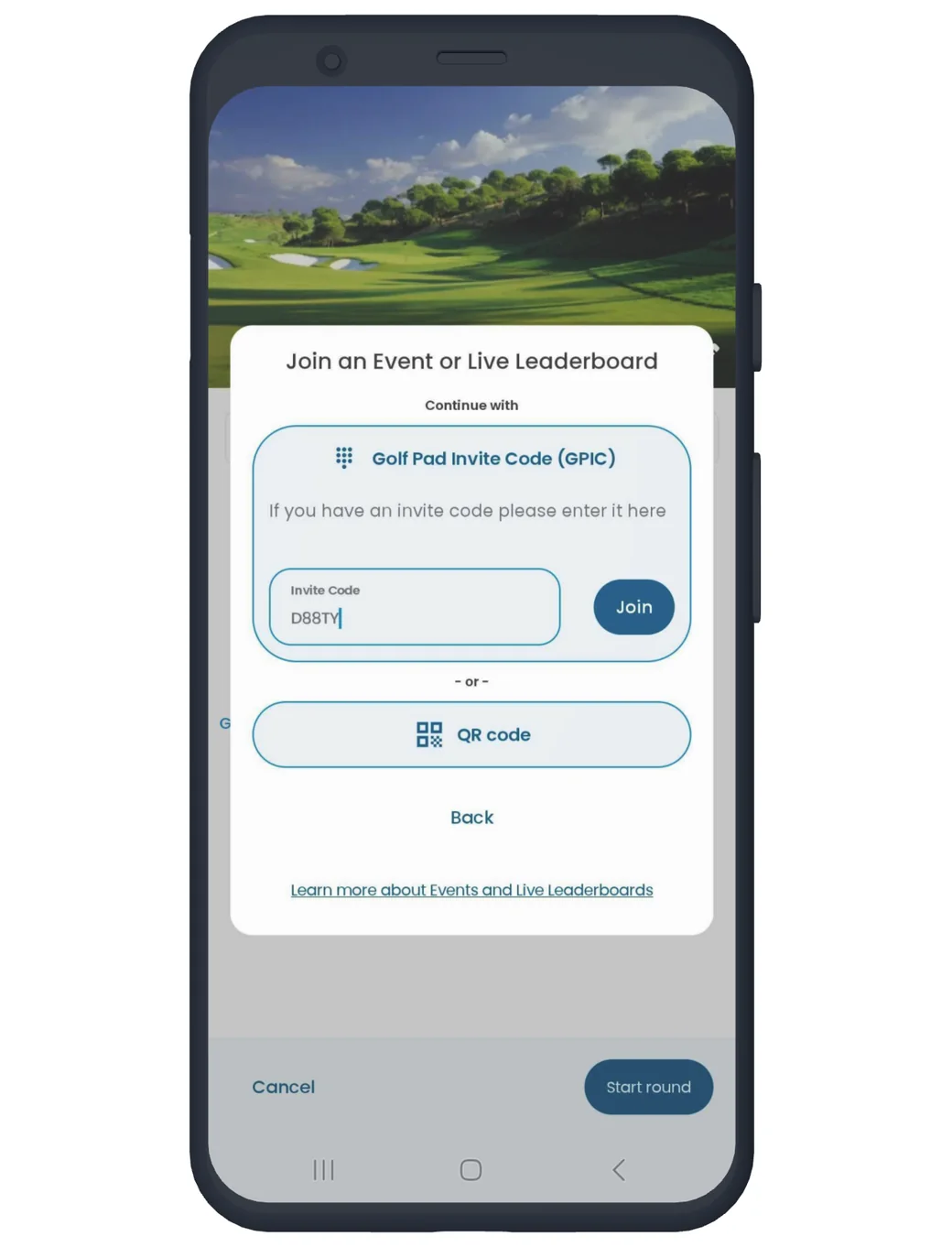
Ask the organizer of Live Leaderboard to share the invite code with you. Tap 'Live Leaderboard' in round settings and select 'Join a Live Leaderboard'.
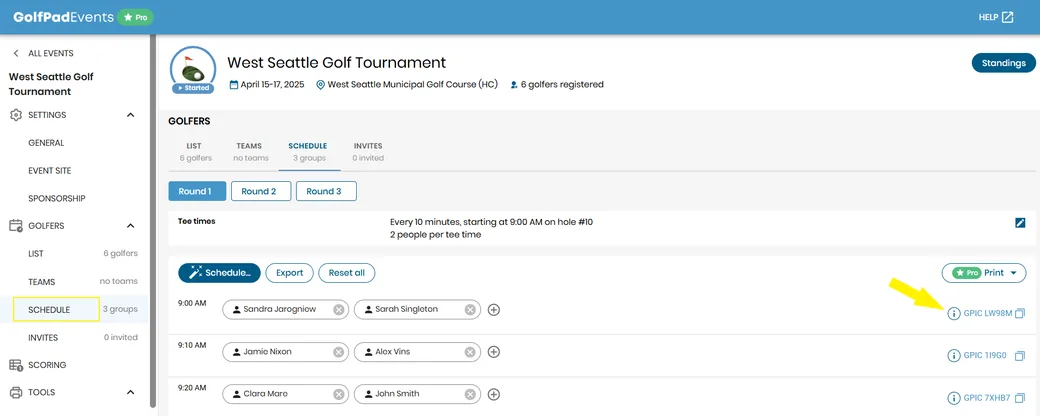
Golf Pad Events - GPIC codes will be displayed on printed scorecards, cart signs and in schedule. Golfers can join an event by entering this code in the Golf Pad GPS app. GPIC codes for event rounds are group or tee time specific, so upon code entry the player will be asked to identify themselves on the list of golfers in their group.
Live Leaderboard - Players can join by scanning the QR code displayed on the device of someone currently on the Live Leaderboard.
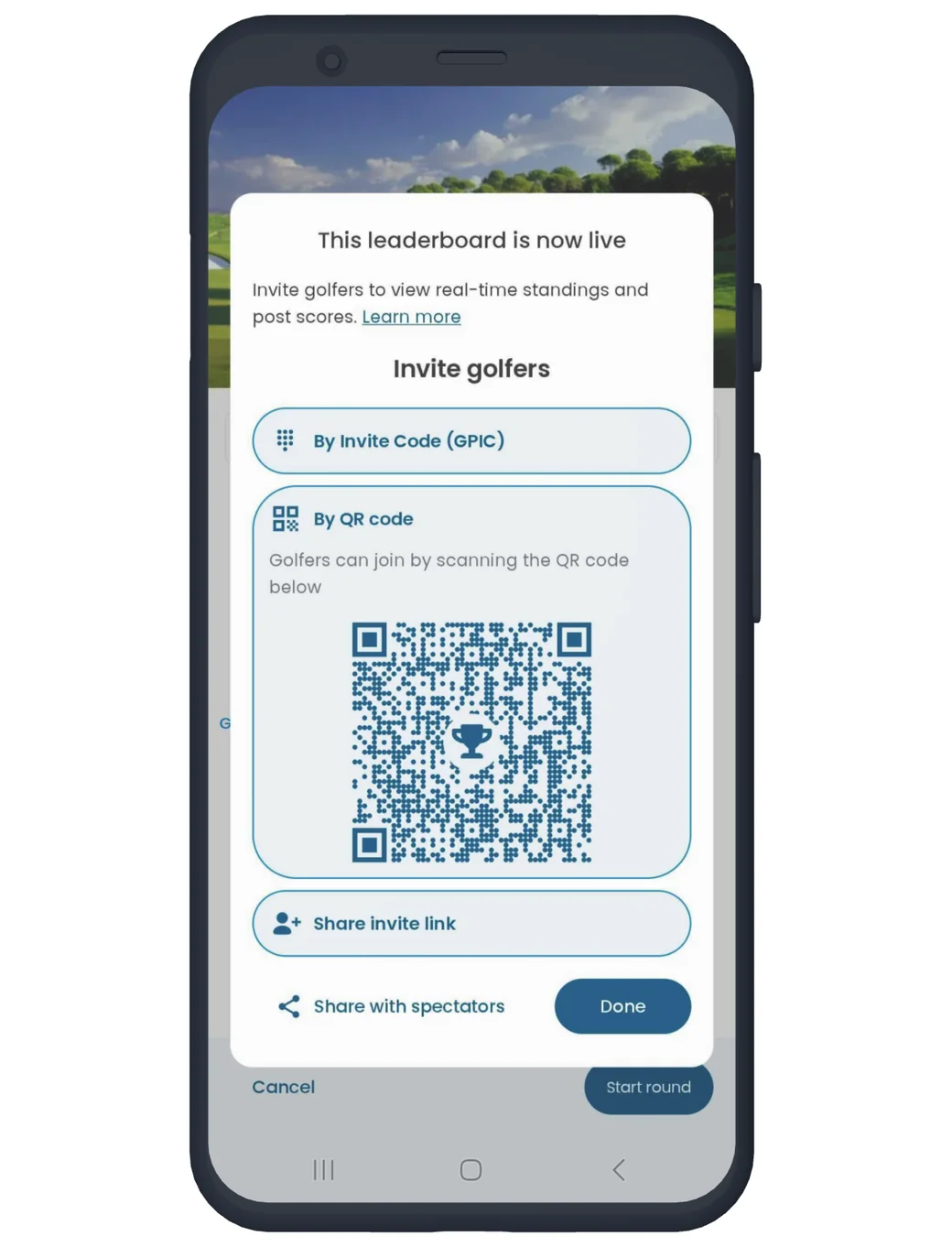
Golf Pad Events - GPIC codes will be displayed on printed scorecards and cart signs. Golfers can join an event by scanning this code using the Golf Pad app. Like GPIC, QR codes for event rounds are group specific, so upon scanning the player will be asked to identify themselves on the list of golfers in their group.


Subscribe for early access to promotions, feature announcements & more.