Help Center
›
Golf Pad TAGS
›
Using Golf TAGS

How Do I Know if the TAG as Read OK During a Round?

Your phone will vibrate and make a sound. You can turn volume down so that sound does not distract other golfers.
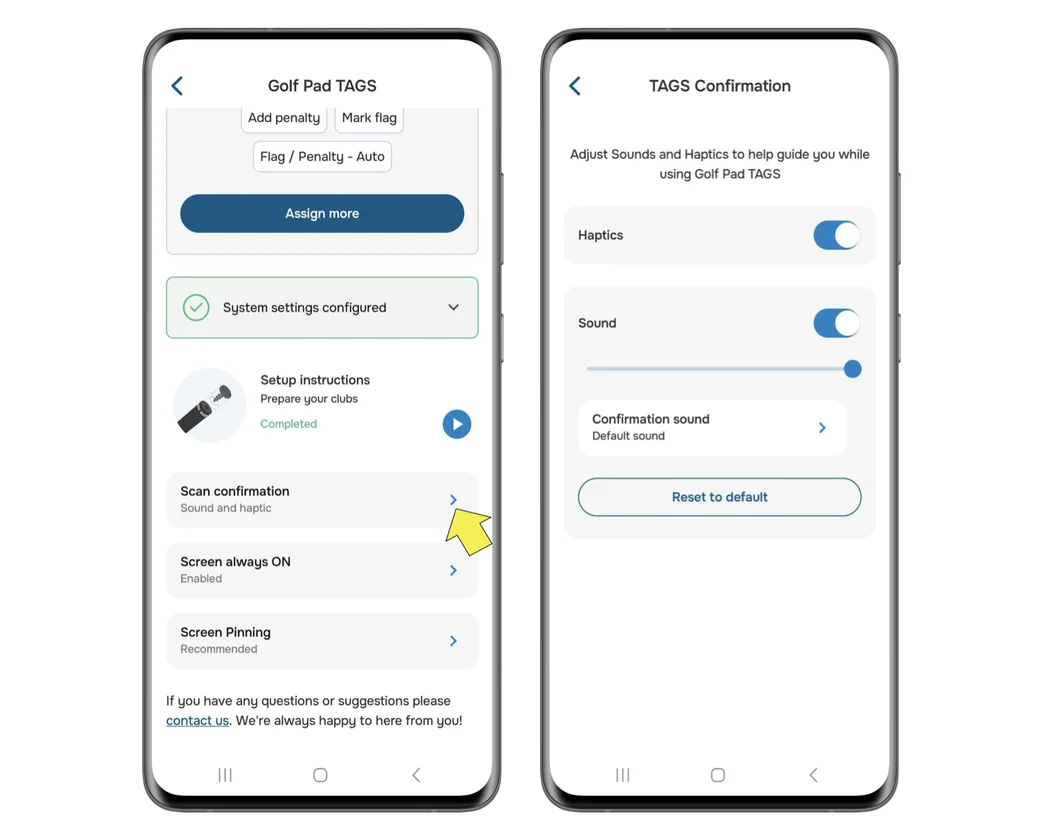
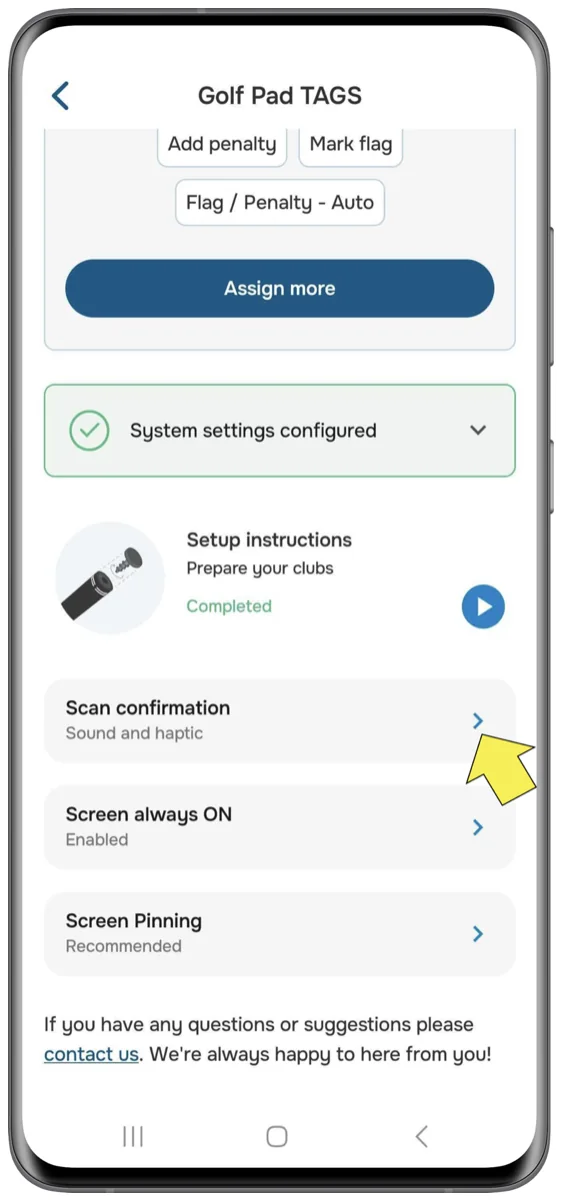
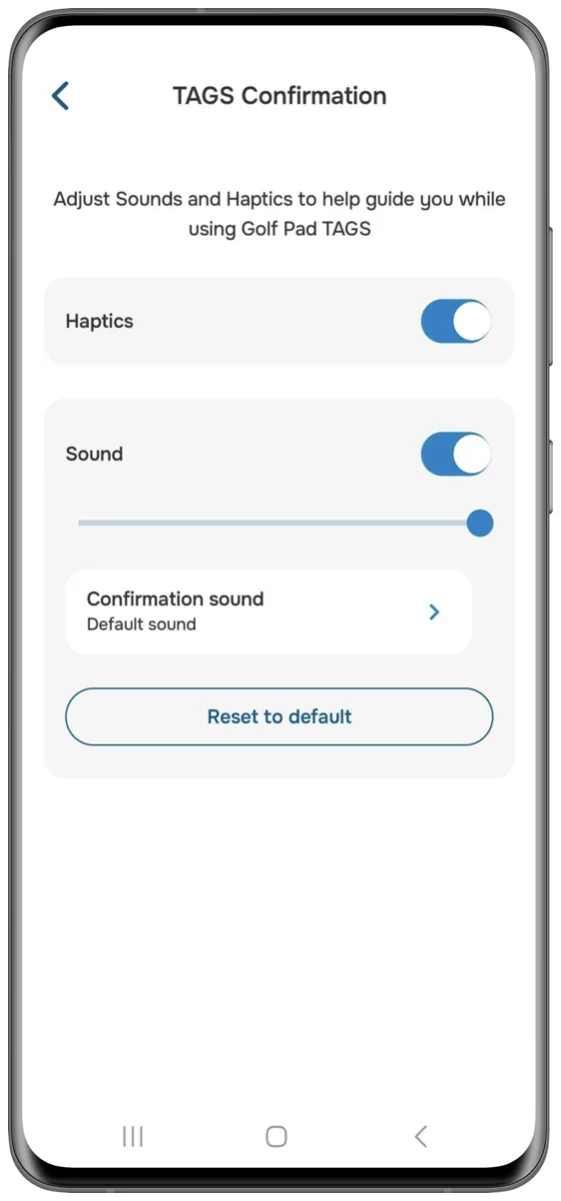
Golf Pad TAGS settings on Android with Scan confirmation and the haptics and sound options
Golf Pad TAGS settings with Scan confirmation marked
TAGS Confirmation screen with haptics and sound settings

If using a smartwatch, you will also see the confirmation of the club just scanned and the distance of the previous shot, right on the watch.

Will I get accidental reads?

No, you need to actually briefly touch the phone with the TAG. This virtually eliminates accidental reads.

Was this article helpful?
Thank you for your feedback!

Sorry we couldn’t help

Tell us what was wrong, and our support team will look into it.

What was wrong?

Thank you! Your submission has been received!
Oops! Something went wrong while submitting the form.
how-do-i-know-if-the-tag-as-read-ok-during-a-round
using-golf-tags
golf-pad-tags
November 11, 2026

Didn’t find an answer?

Send us a message and our support team will reply by email.

Contact support
Data source for the script: all help articles (for More in…). Hidden on the live page.