Help Center
›
Golf Pad Classic
›
Android Wear OS

How to Set Up Golf Pad Classic Watch App on Android Wear OS

To install Golf Pad Classic on your Wear OS smartwatch, please follow these steps:
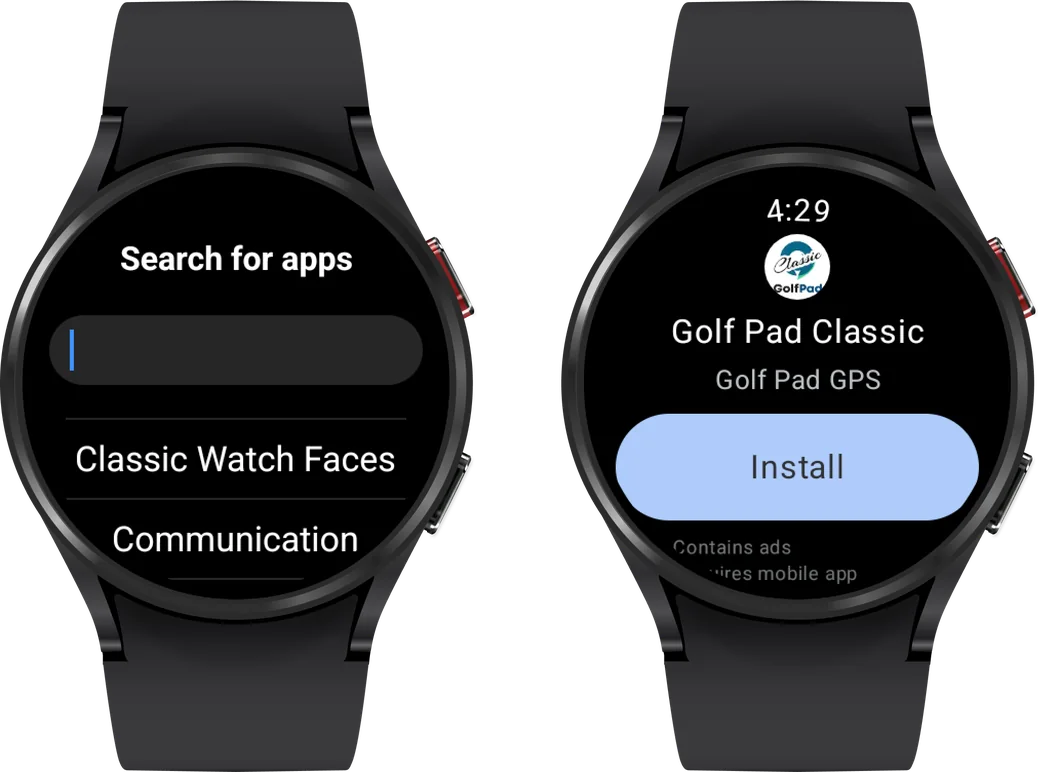
  • open Play Store on the watch;
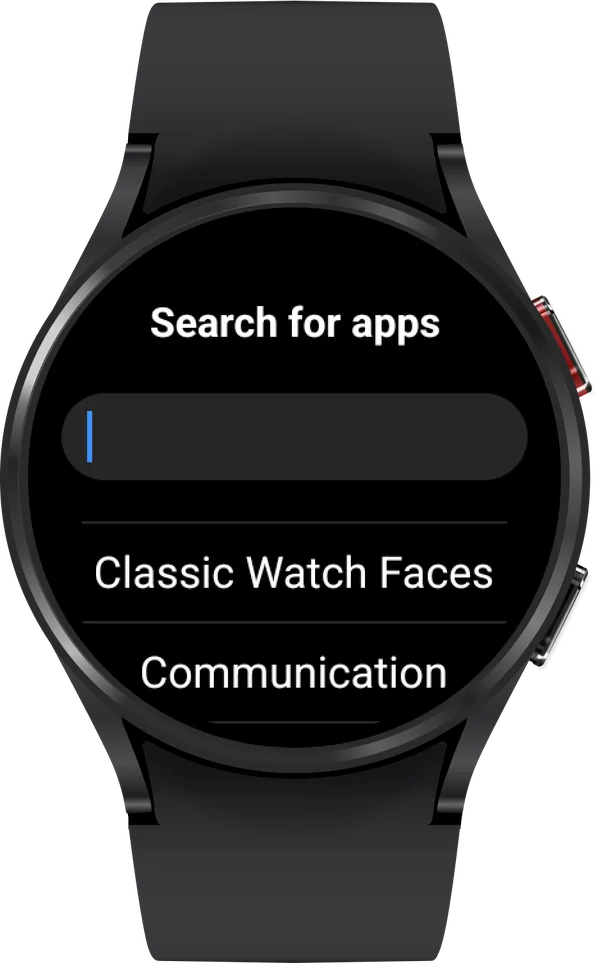
  • tap the search icon;
  • type "Golf Pad Classic" in the search bar;
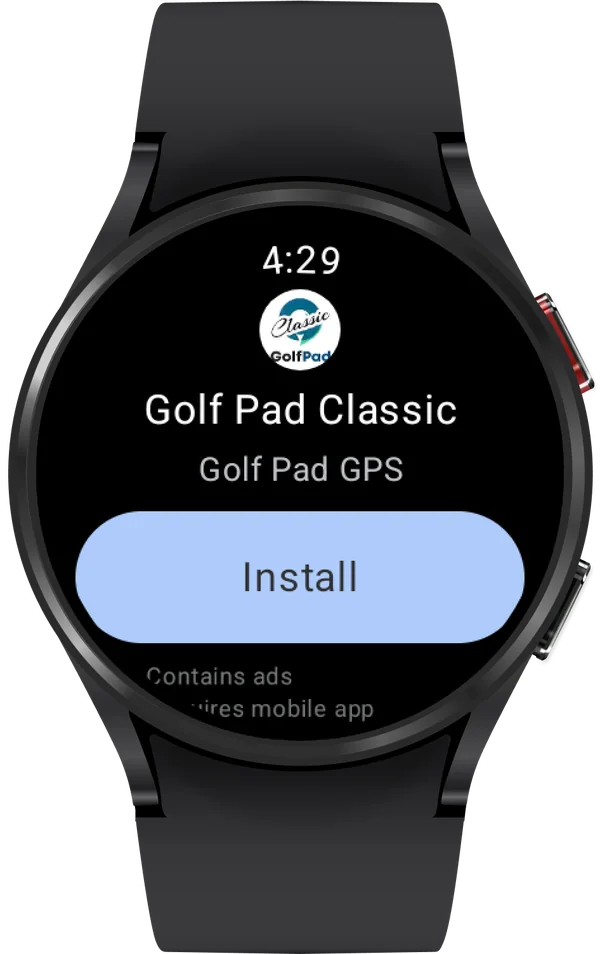
  • install the app.
Golf Pad Classic in the Play Store on a Wear OS watch with the Install button
Play Store search on a Wear OS watch
Golf Pad Classic in the Play Store on a Wear OS watch with the Install button

Check out this article for more information about Golf Pad Classic.

If you're using a Tizen OS watch, please refer to the instructions outlined in this article instead.

Have questions? Please submit a support ticket here.

Was this article helpful?
Thank you for your feedback!

Sorry we couldn’t help

Tell us what was wrong, and our support team will look into it.

What was wrong?

Thank you! Your submission has been received!
Oops! Something went wrong while submitting the form.
how-to-set-up-golf-pad-classic-watch-app-on-android-wear-os
android-wear-os-classic
golf-pad-classic
September 12, 2025

Didn’t find an answer?

Send us a message and our support team will reply by email.

Contact support
Data source for the script: all help articles (for More in…). Hidden on the live page.