No items found.

Events Pro feature
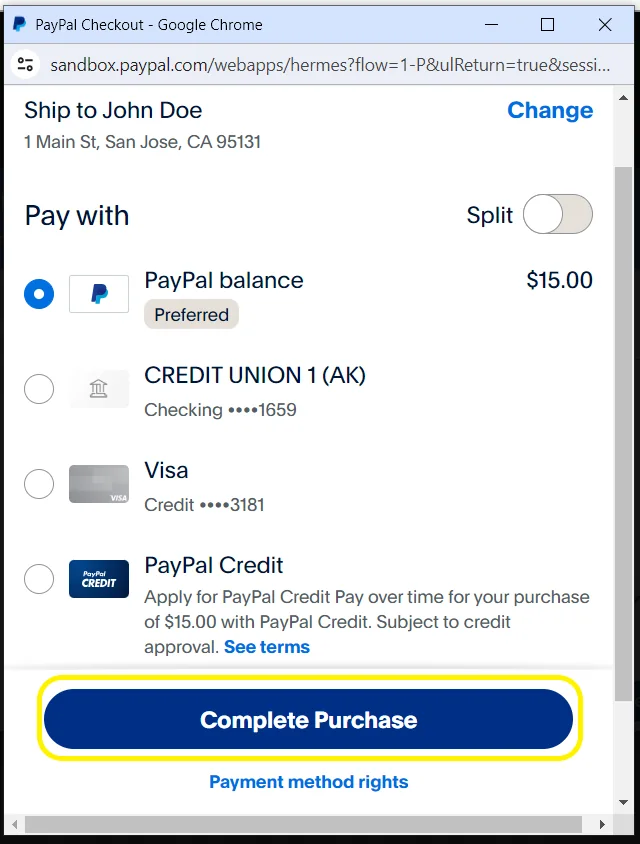
Once the payment settings have been configured, the admin gains the ability to activate entry fee payments within the event's registration form. As golfers register for the event, they are presented with the option to select their preferred payment method, be it through PayPal or via debit/credit card.
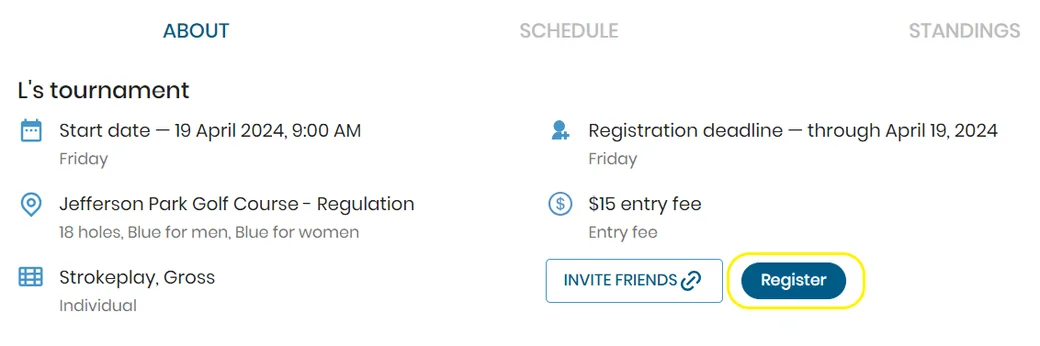
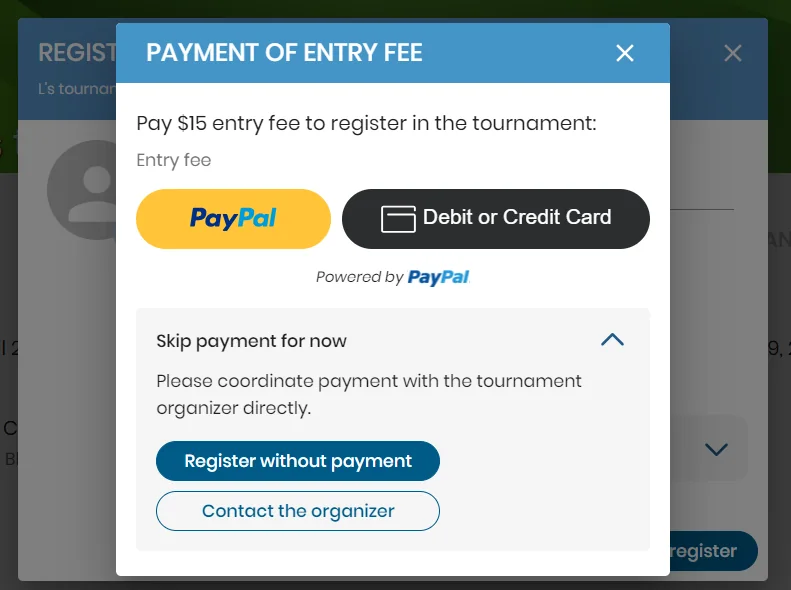
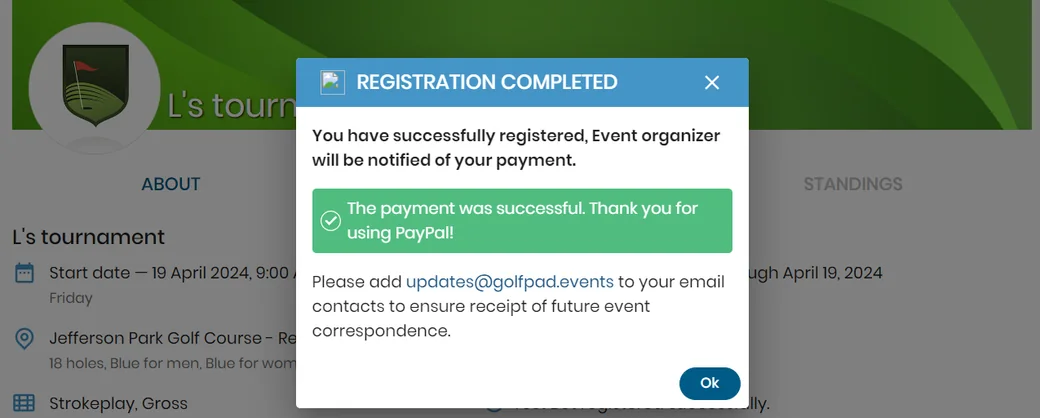
Upon the successful completion of a transaction, golfers receive a notification confirming the successful payment and their completed registration for the tournament.
Conversely, should a payment be unsuccessful, the golfer is promptly notified of the transaction failure, enabling them to take necessary action to rectify the situation.
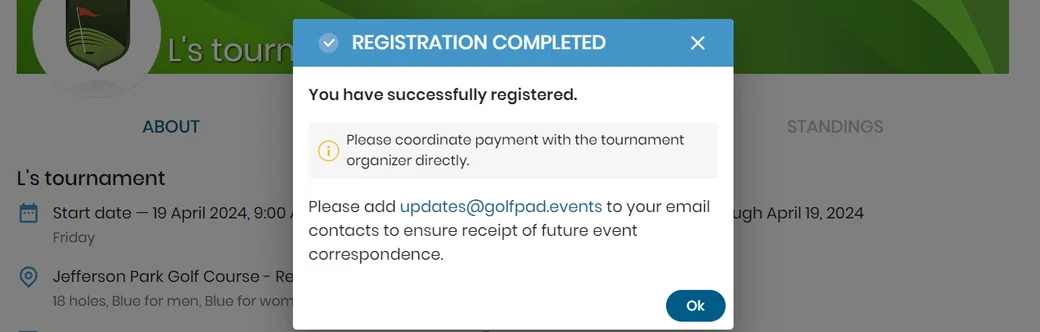
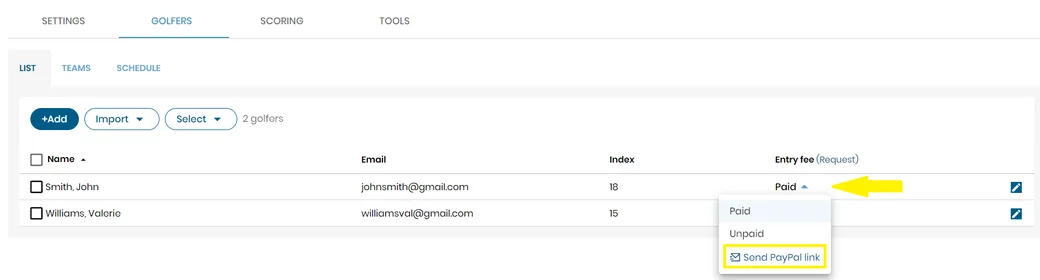
It is also feasible to enroll for the tournament without the payment. Registration shall be deemed successful, enabling the administrator to dispatch either a PayPal hyperlink or an email soliciting payment to the provided email address.
This streamlined process ensures clarity and transparency for golfers throughout the registration and payment process, facilitating smooth and efficient event management.


Subscribe for early access to promotions, feature announcements & more.