No items found.

The power button on LINK reader is designed to sit flush with the front panel of the device. The button is made from silicone to provide water resistance and tactile feedback.
A few users reported the button became depressed after use and did not function properly. If this happens, please contact support for assistance. Or, if you are comfortable with small DIY fixes, use the directions below to fix the alignment of the button.
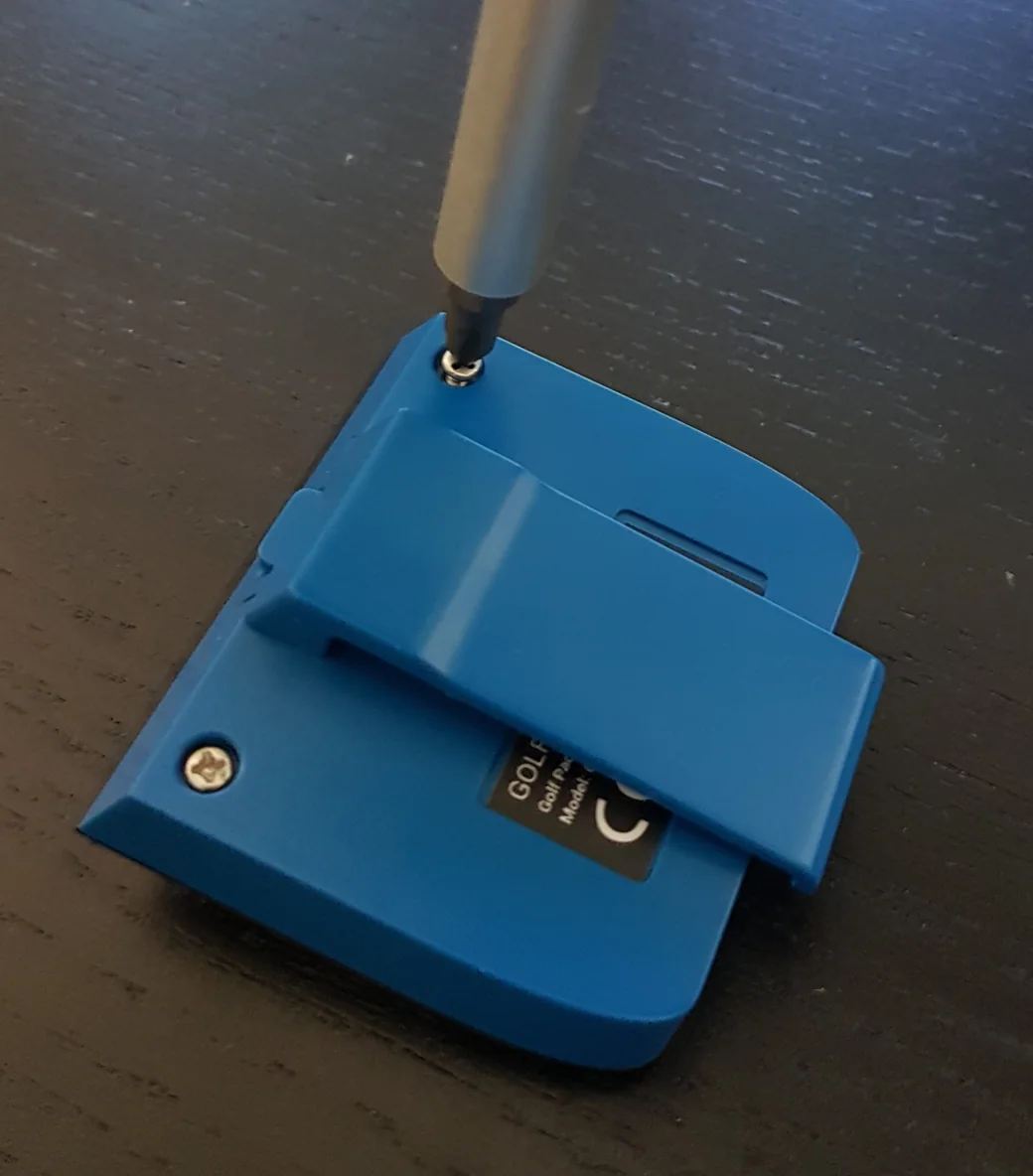
Unscrew two screws on the back of the reader.
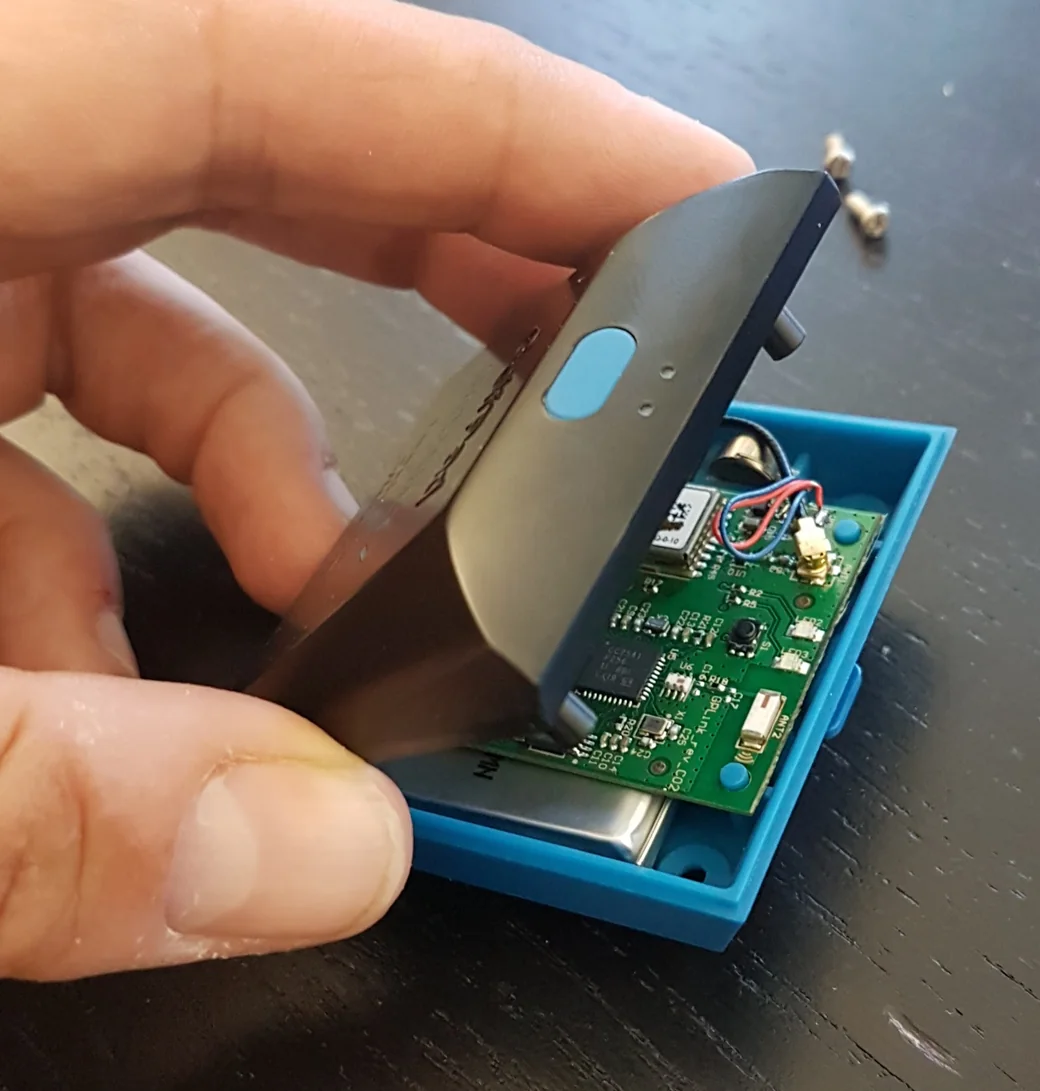
Carefully slide the front panel of the reader down and raise it from the top.
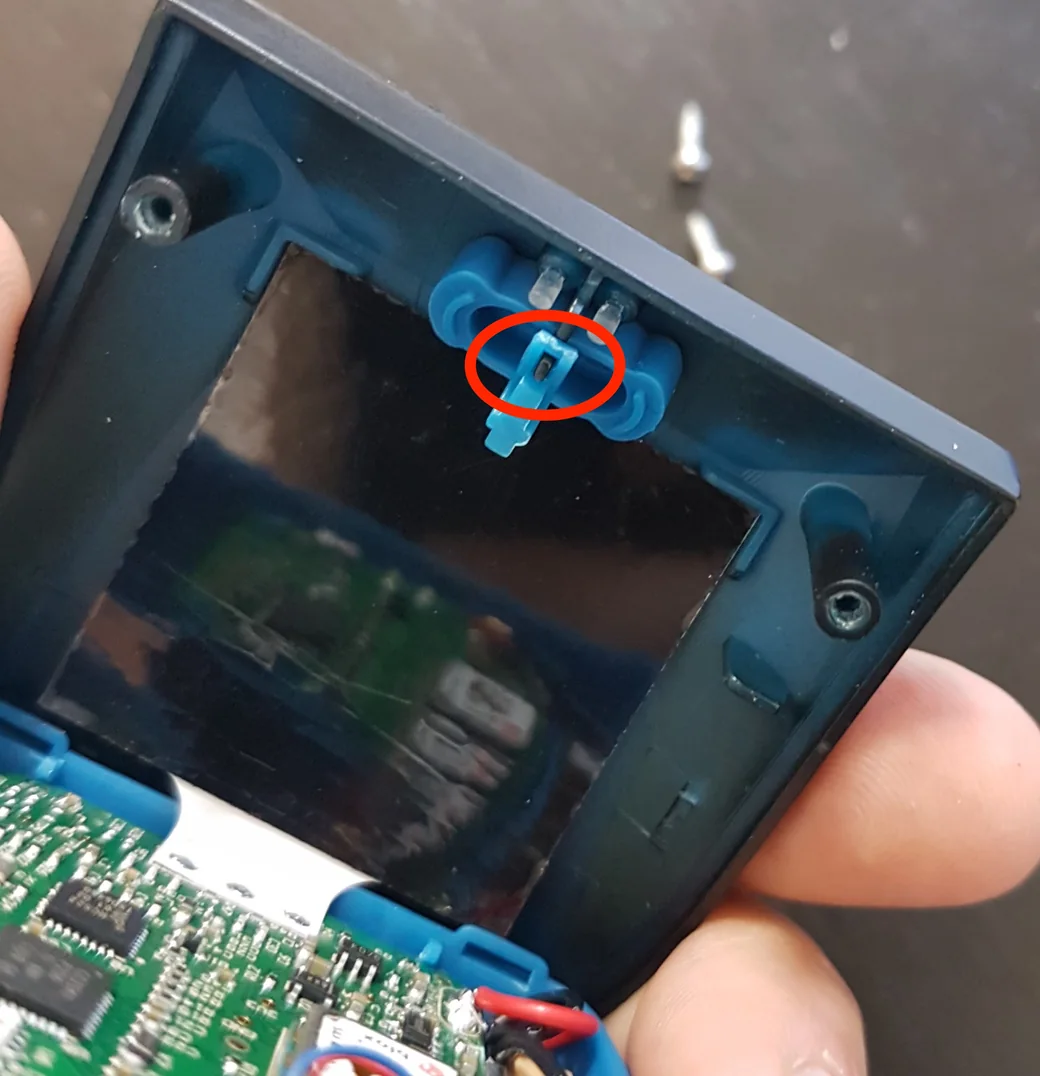
Align the button fixture opening against the guide rail as shown below.
Re-assemble the reader in reverse order. If you run into any issues or questions, please open a support ticket and we will be happy to help.


Subscribe for early access to promotions, feature announcements & more.