No items found.

By sending an email invitation to the golfer the admin initiates the connection between the admin's console and the golfer's device. When the golfer accepts the invitation, the connection is established. To ensure a seamless experience for both the admin and the golfer, a visual cue in the form of an icon is provided in the list of golfers.
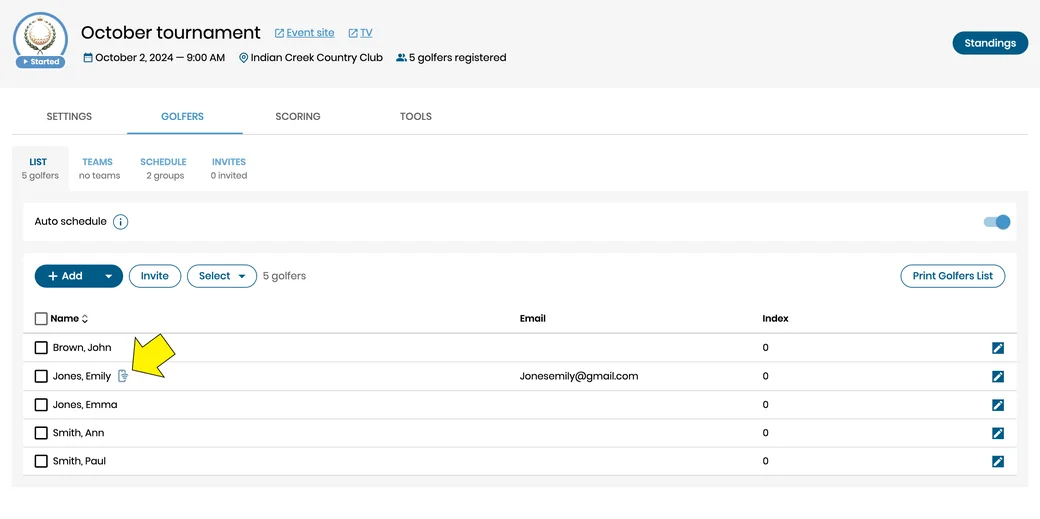
As long as the connection remains intact, the golfer will have access to all relevant events, notifications, and updates from the admin.
Revoking of the established connection removes all the admin's events from the golfer's list. The connection can be re-established by another invitation.


Subscribe for early access to promotions, feature announcements & more.