No items found.

Golf Pad Events Pro gives organizers everything they need to run larger, more complex, and recurring golf events. With Pro, you can manage multi-day tournaments, leagues, larger field sizes, automatic payments, sponsorships, and more — all in one place.
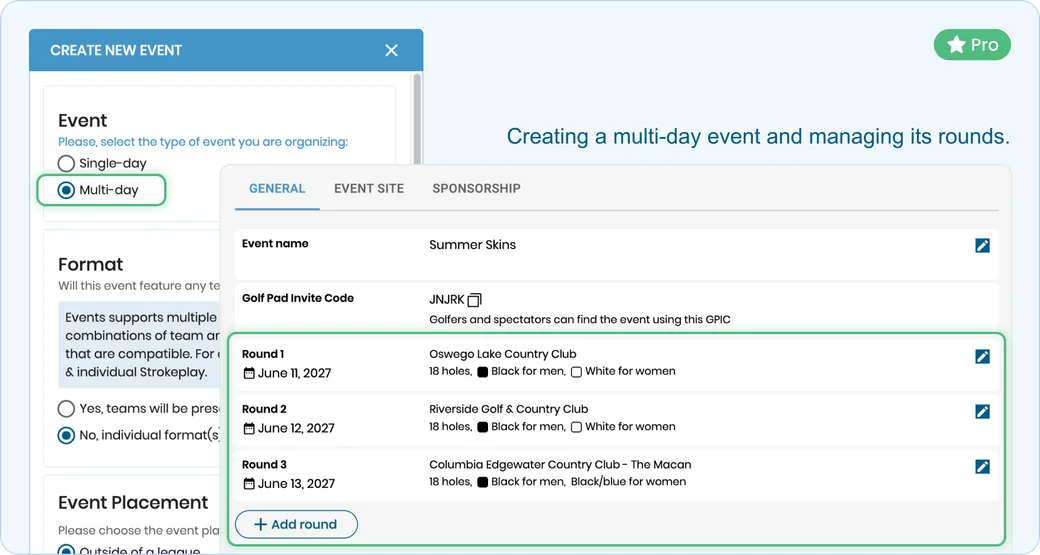
Organize tournaments that span multiple days or rounds. Golf Pad Events automatically calculates totals across all rounds, making it easy to manage multi-round competitions, providing accurate daily & total tournament standings.
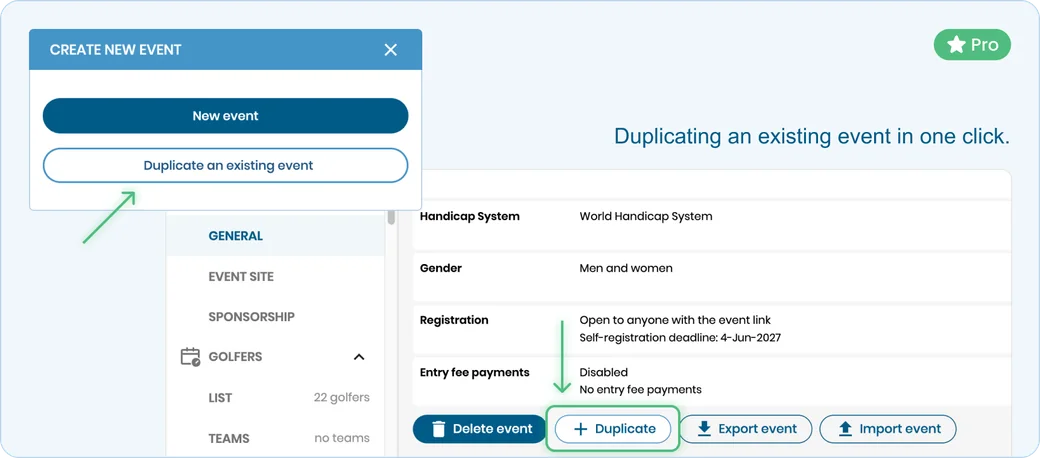
Save time by duplicating an existing event. Reuse an exact event or quickly update details such as dates, courses, or players — ideal for recurring tournaments and similar events.
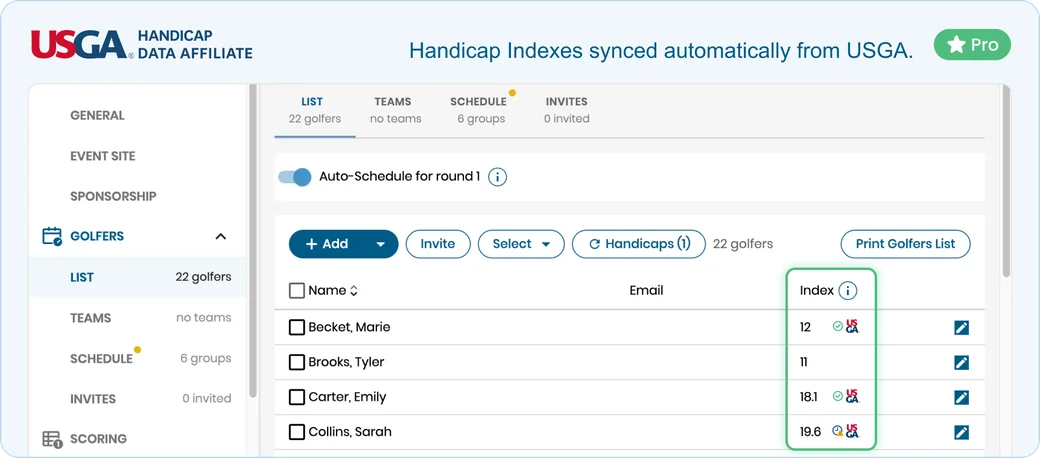
Golfers and organizers can enter USGA Handicap IDs, allowing Golf Pad Events to automatically update golfers' Handicap Indexes, daily. This keeps handicaps current without requiring manual adjustments.
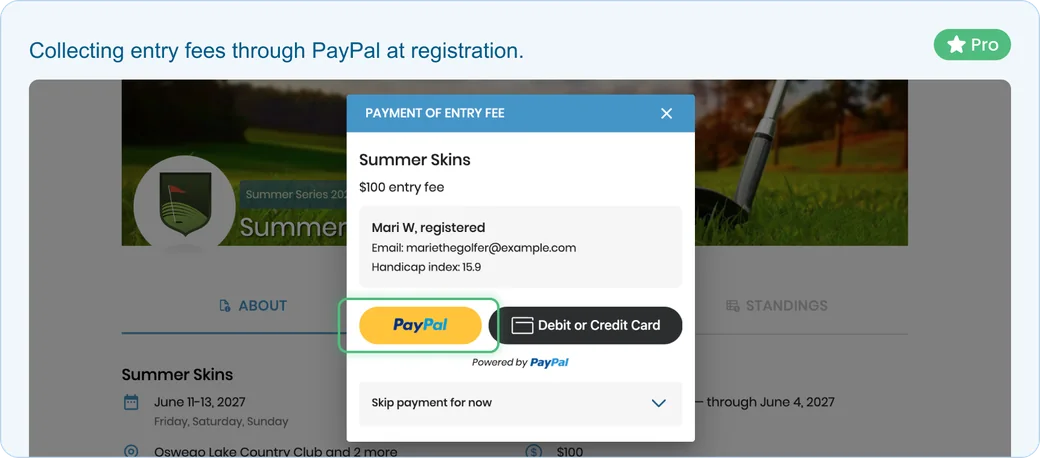
Connect your PayPal Business account to collect entry fees, manage buy-ins, and handle prize payouts directly through your event.
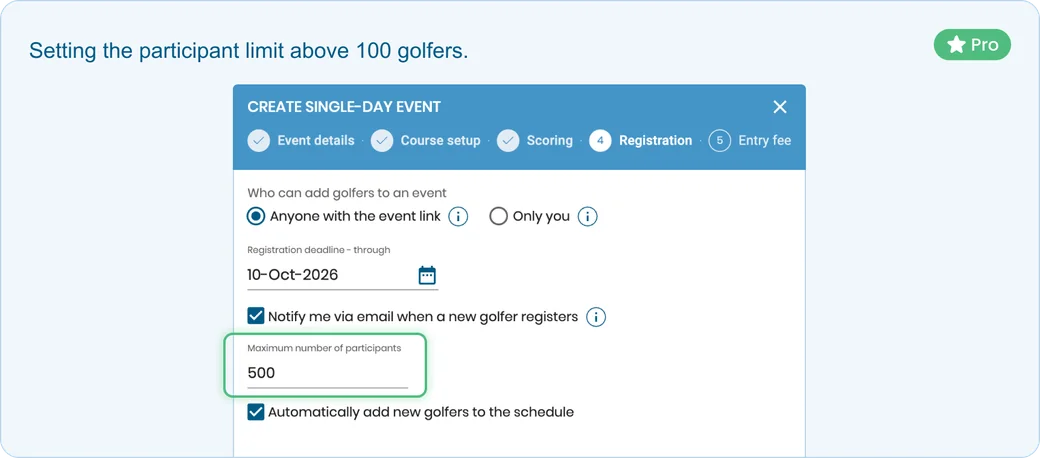
The free version supports up to 100 participants. Events Pro allows you to organize events with more than 100 golfers, making it suitable for large tournaments and group events.
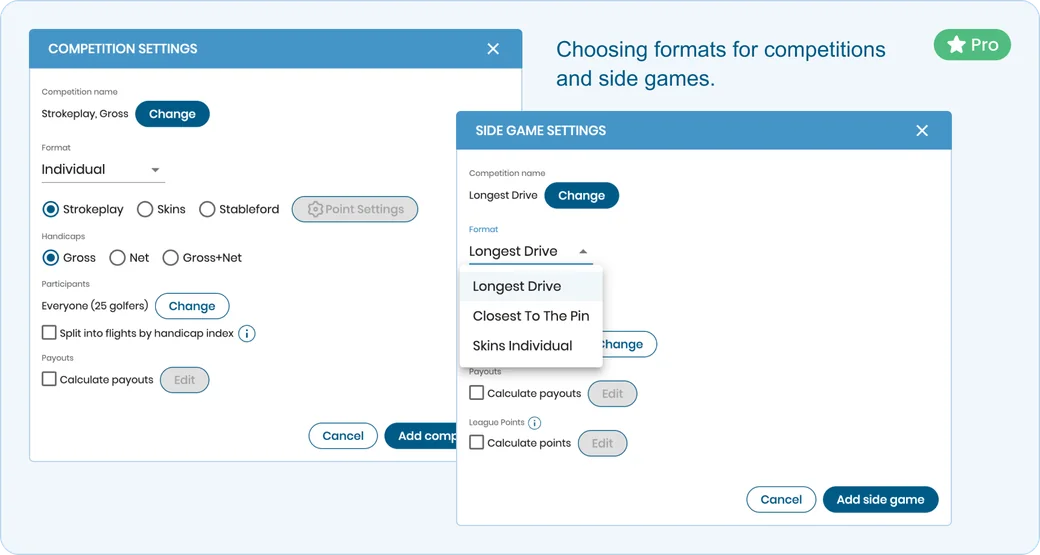
Create a variety of competitions and side games in multiple formats. Set up the games that fit your event and give golfers more ways to compete throughout the tournament.
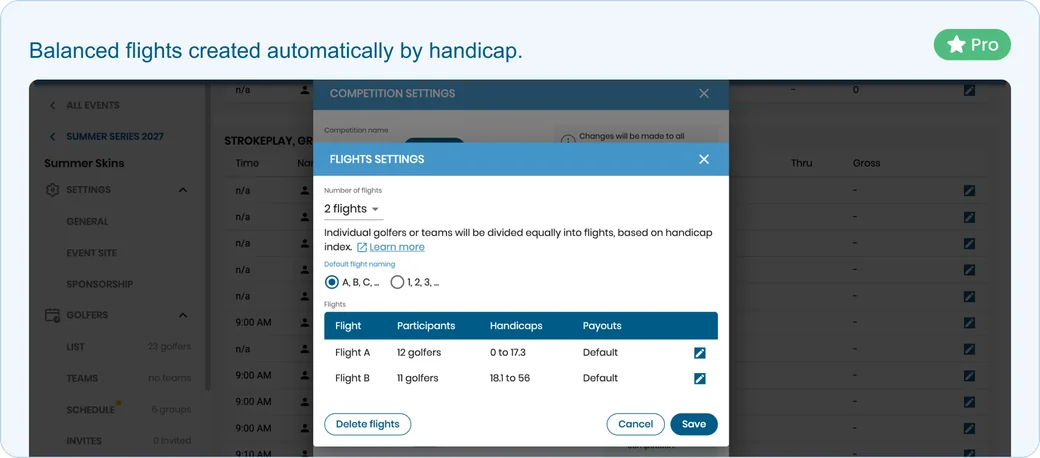
Automatically organize golfers into flights based on their Handicap Index. Golf Pad Events helps you create balanced flights and keeps results organized as golfers' handicaps change.
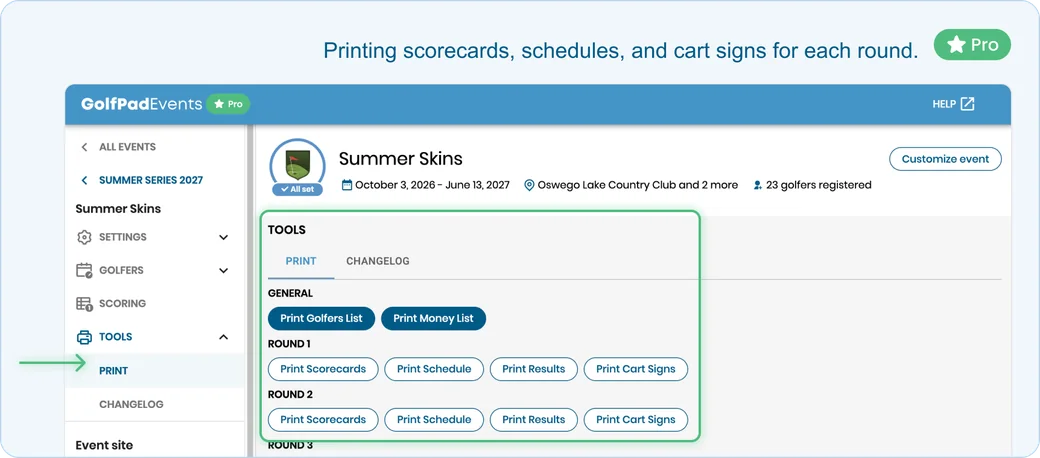
Create and print materials for your event, including scorecards, schedules, cart signs, and more. Customize your event materials to provide golfers with everything they need on tournament day.
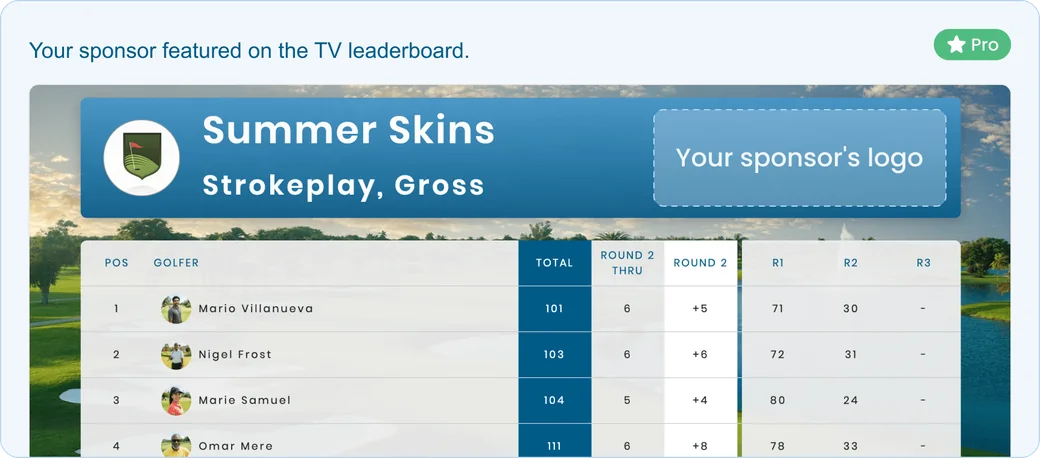
Promote your sponsors throughout your event. Customize your tournament website with sponsor information and showcase your supporters, while adding sponsor logos to printed materials such as scorecards, cart signs and other materials and featuring them on your TV leaderboard.
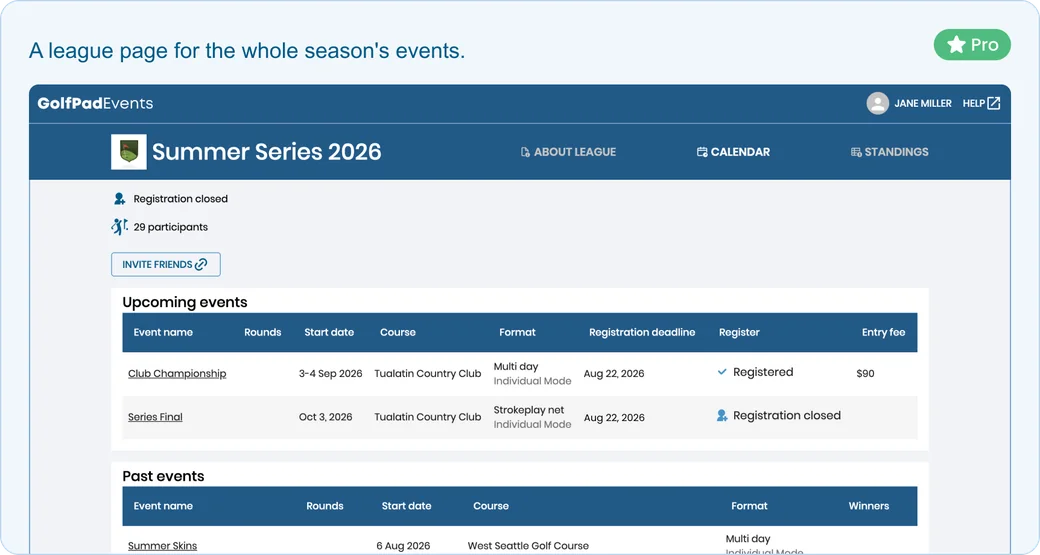
Run individual events or organize competitions across an entire season. Events Pro lets you track season-long standings and create a league experience that keeps golfers engaged from one event to the next.
Need help getting your tournament ready? Pro organizers can schedule a call with our team for personalized, step-by-step assistance with event setup and management.
Events Pro is available as a subscription with flexible cancellation. Your subscription rate remains locked as long as your account stays active.
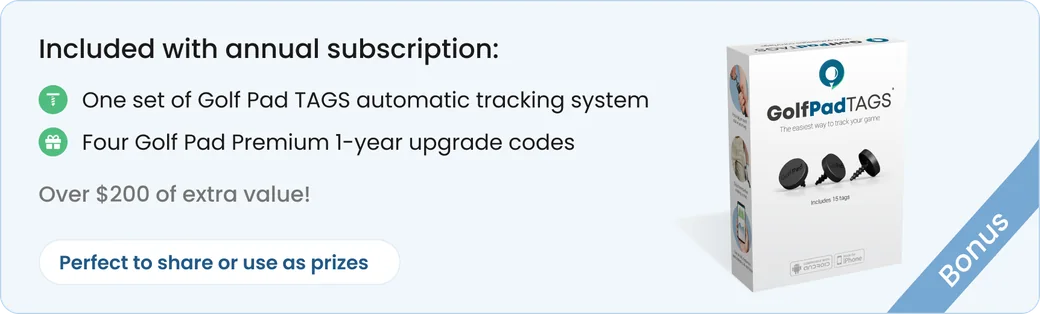
Annual subscriptions also include additional bonuses, such as Golf Pad TAGS and Golf Pad Premium upgrade codes.
Ready to get started? Upgrade to Events Pro


Subscribe for early access to promotions, feature announcements & more.