
Golf GPS Q&A Series: Part 1 of 5
It's a common mix-up: cell signal and GPS signal are two completely different systems.
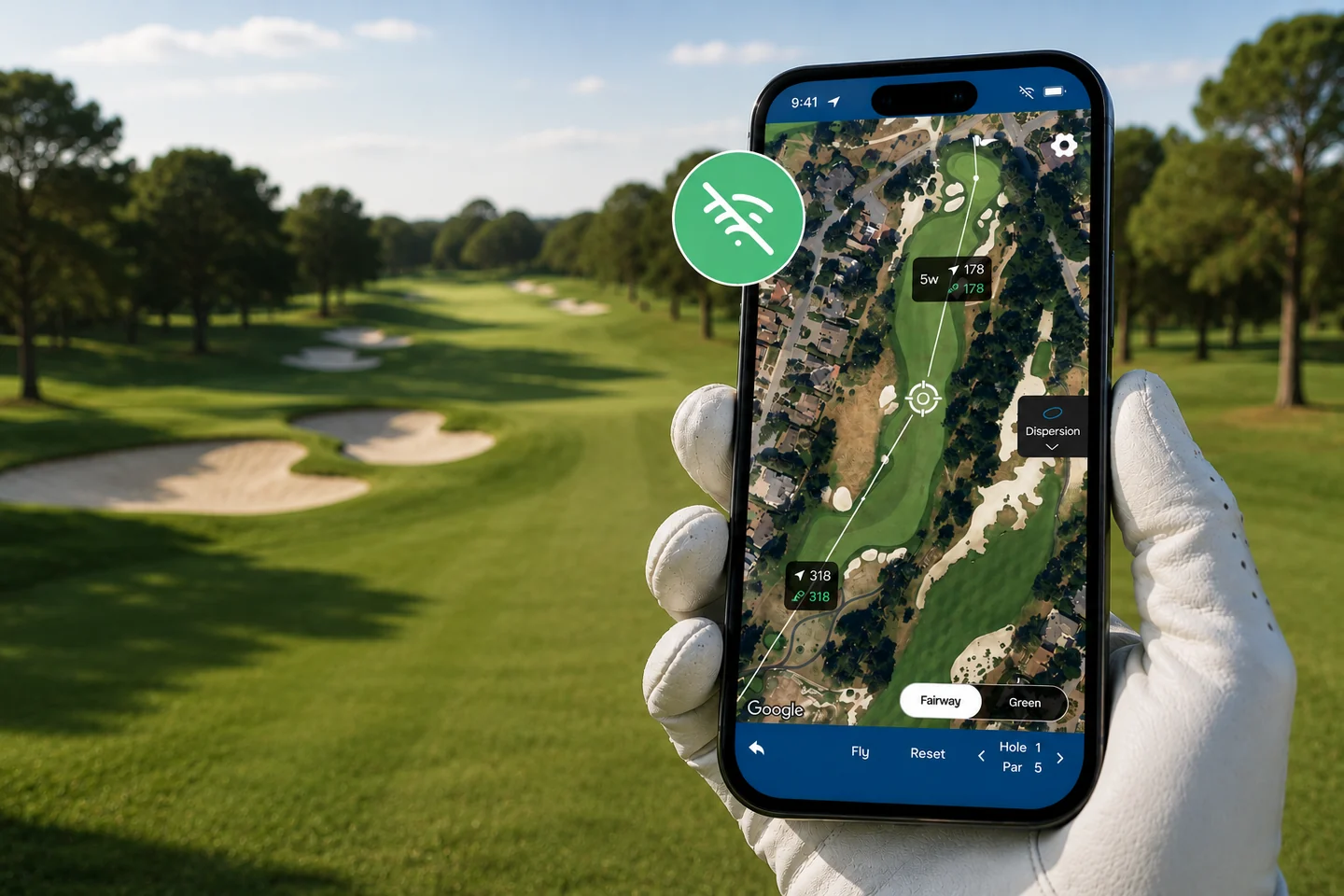
Your phone's GPS chip can pinpoint your position on the course whether you have zero bars or full signal. What actually needs a connection is the map data: the course layout, hazards, and hole outlines the app draws your location onto.
When a golf GPS app "doesn't work" in a dead zone, it's almost always a map problem, not a location problem. If the course map hasn't been downloaded or cached on your device yet, the app has nothing to draw your GPS dot onto, even though it still knows exactly where you are.
This is why the fix is simple: get the course map onto your phone before you lose signal.
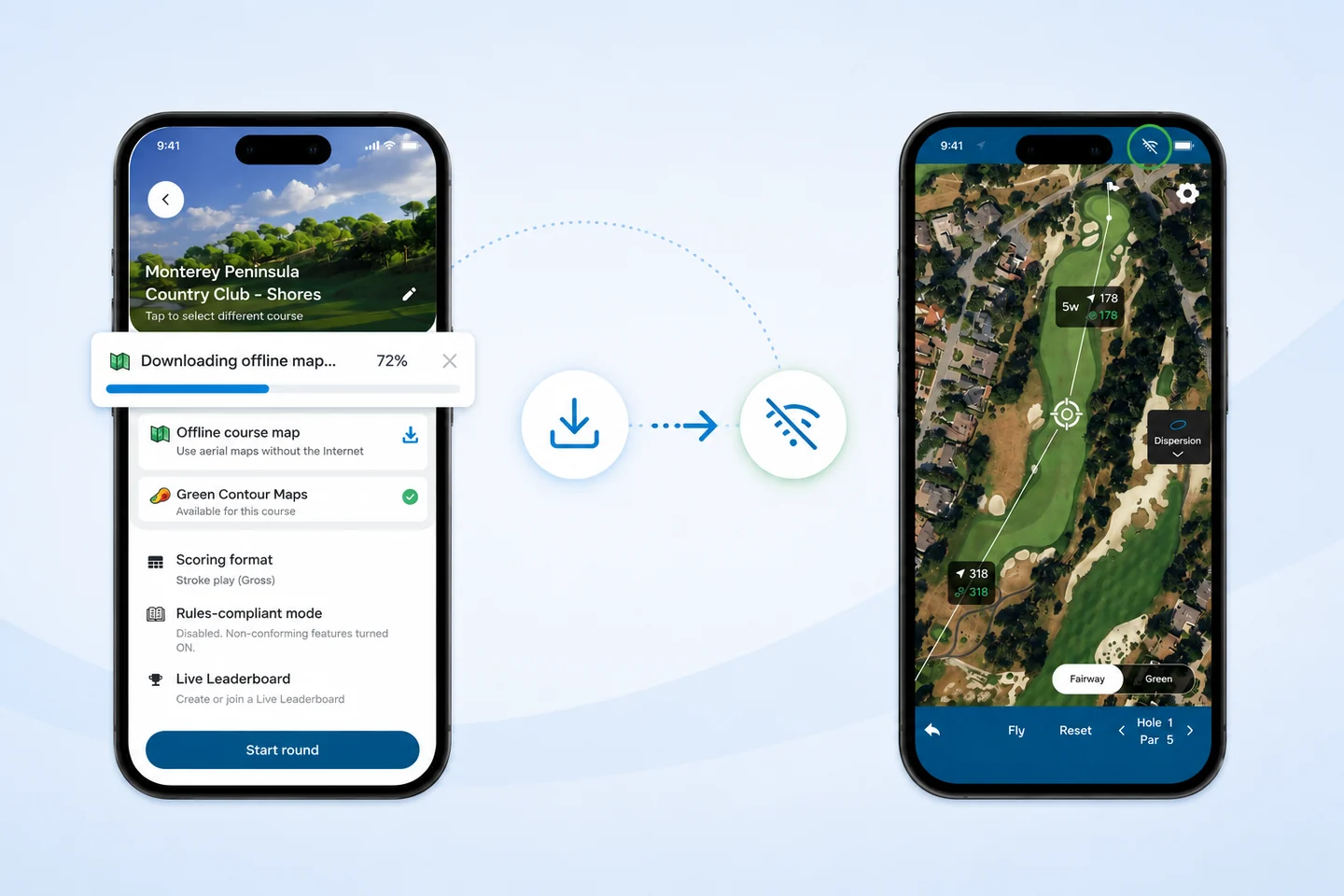
Golf Pad covers more than 40,000 courses worldwide with detailed aerial maps, and once you've viewed a course's map while connected, it's cached on your device for the rest of that round, even if signal drops on the back nine. For golfers who play regularly at courses with spotty coverage (mountain courses and resort courses are frequent offenders), Golf Pad's Offline Maps feature downloads the full aerial map ahead of time, so front/middle/back yardages and tap-to-measure distances work exactly the same with no signal at all.
Do I need internet to use a golf GPS app?
No. GPS location works without internet. You only need a connection once, beforehand, to load or download the course map.
Will a golf GPS app drain my battery faster without signal?
No. GPS positioning uses roughly the same battery whether or not you have cell signal; searching for a weak cell signal actually uses more battery than GPS does.
Do golf GPS watches have the same offline capability as phone apps?
Yes. GPS watches also use satellite signal for location and typically store course maps locally, so they work the same way in dead zones.


Subscribe for early access to promotions, feature announcements & more.

