No items found.

Tournament organizers now have the option to manually select a winner when there are ties present, atop the leaderboard. With the "break ties" button organizers can decide from multiple different tie breaking options such as playoff, chip-off, count back, etc. and then select the winning golfer.
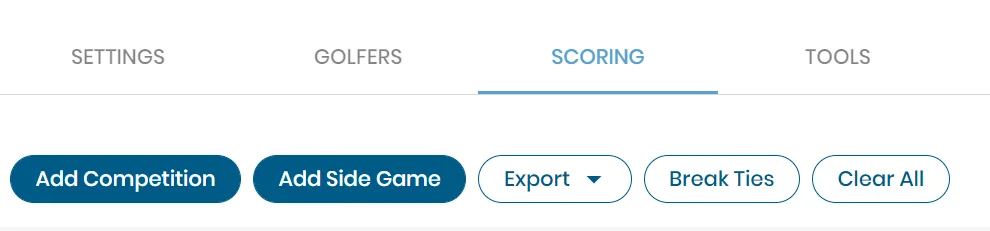
The break ties button will be shown greyed out and inactive unless there are ties for 1st place. When the scores have been entered and ties are detected the break ties button will become active, as seen below.
When the break ties button is selected, the organizer will see a list of the golfers tied atop the leaderboard for each competition where there are ties present. Here you can select the winner based on your preferred method of tie break.
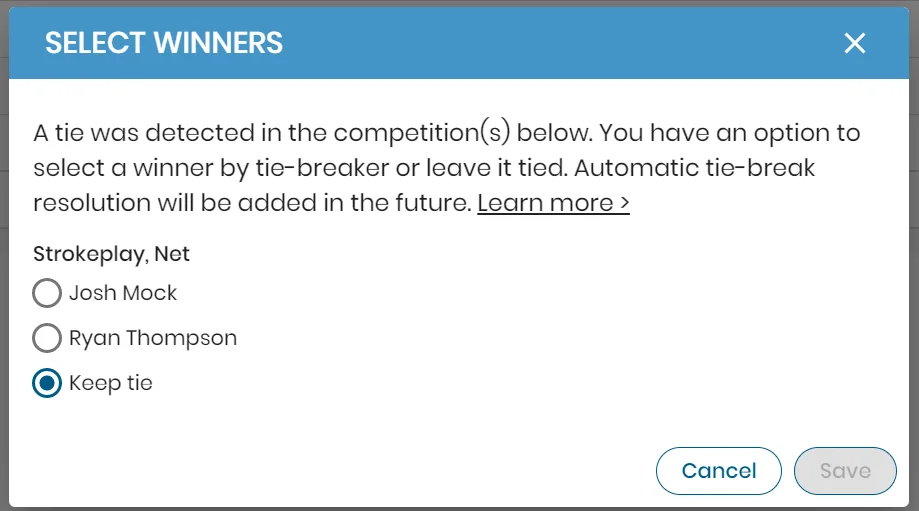
Golf Pad Events will default to keep ties and show them this way on the standings page, unless the organizer chooses to use this feature to break the tie.
The tie break feature is only designed to allow the organizer to designate a winner of the competition. Ties between golfers in the rest of the tournament field will be shown as ties and remain that way.
When payouts are present these will automatically default to a tied calculation for the purse and number of places selected in payout settings. If the organizer uses the Break ties button, payouts will automatically be recalculated based on the winner chosen.
Learn more about payouts settings.


Subscribe for early access to promotions, feature announcements & more.