No items found.

Listed are step by step instructions on how to flight a competition. Golfers will be separated into flights by handicap, so make sure you have handicap information entered in each golfer profile.
Before setting up your competition make sure you have added golfers to the event. To learn more about adding golfers see this article.
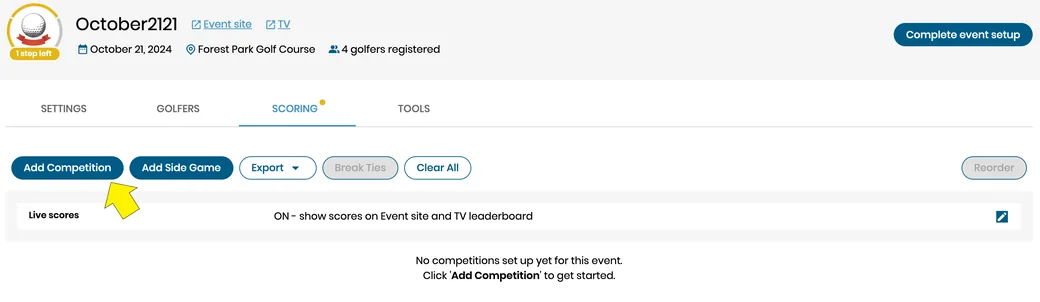
Create competition - Under scoring select the add competition button, this will launch competition settings.
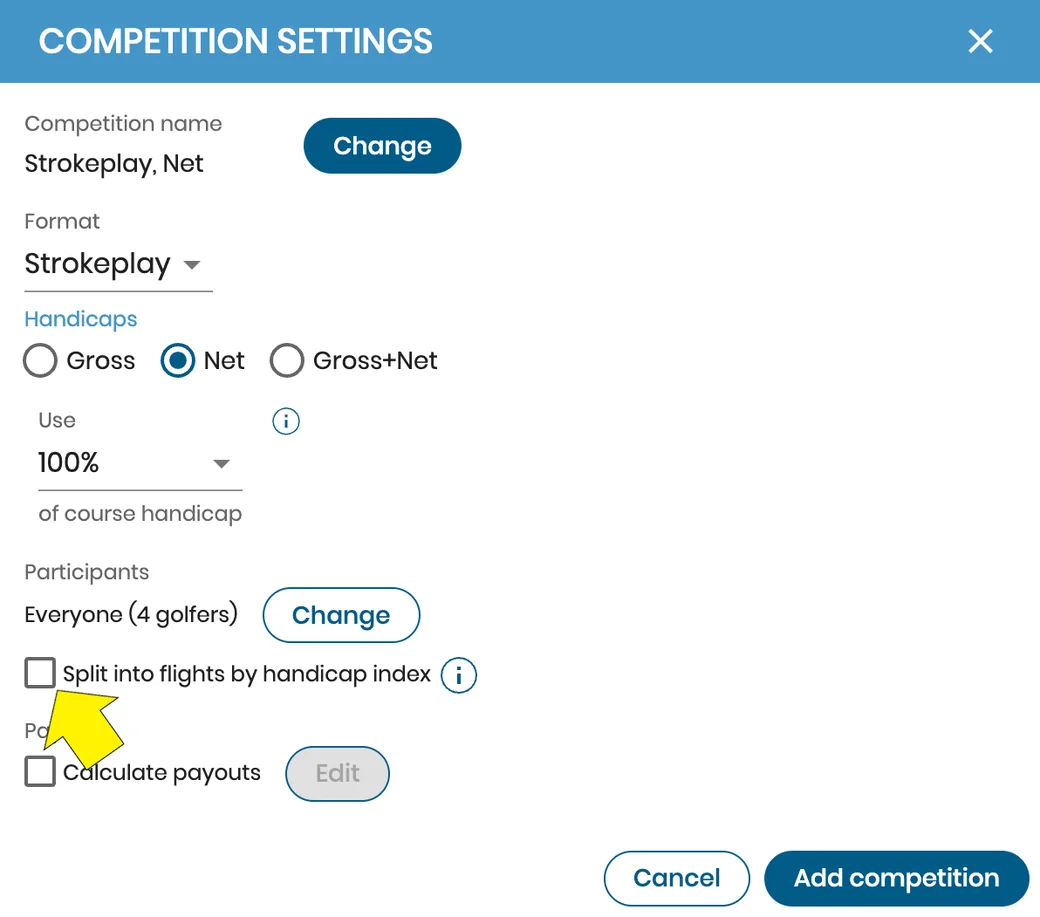
Competition settings - Check the optional box to split the competition into flights based on handicap. This will open flight settings.
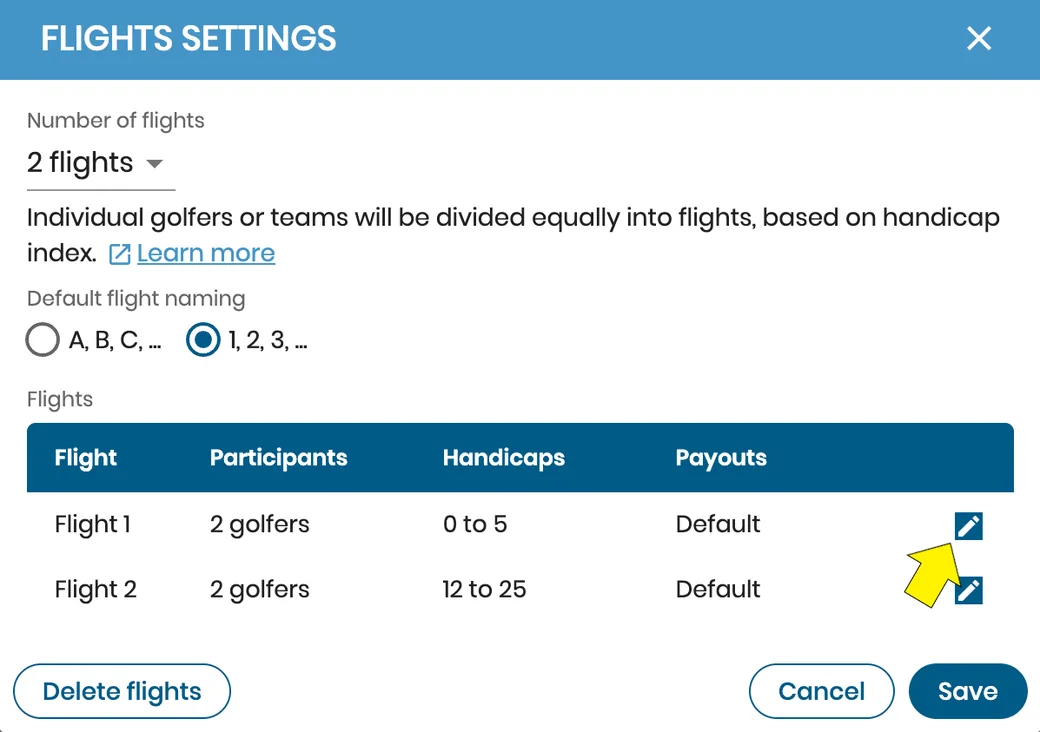
Flight settings - Here you can choose the number of flights, alpha or numeric flight names, and see the list of each flight and corresponding details.
Clicking on the edit button or any flight detail will open individual flight details.
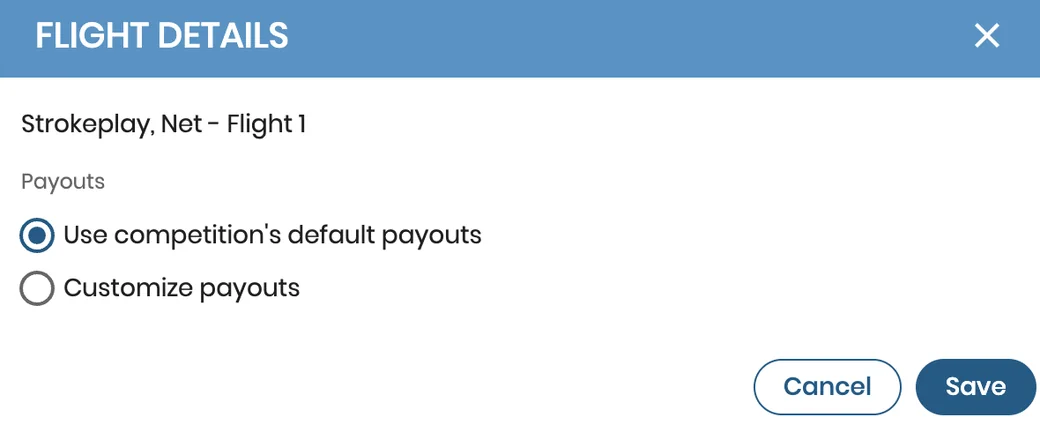
Flight details - You can create or edit flight specific payouts.
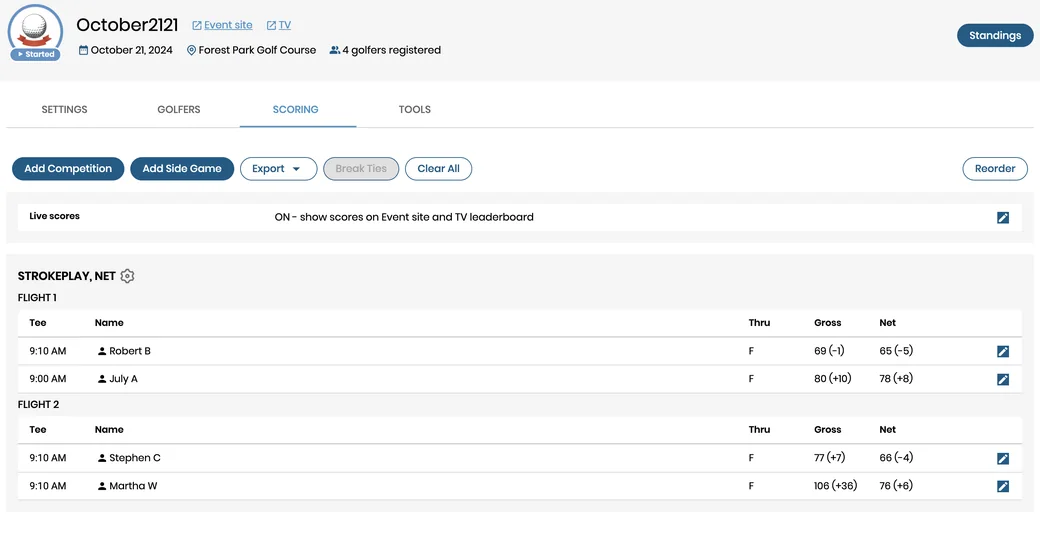
Flight display - After saving all your settings the competition has now been divided into flights and will be displayed accordingly.
If you would like to learn more about how and why to use flights please check out this article.


Subscribe for early access to promotions, feature announcements & more.