No items found.

Sometimes users report that they are unable to log in to their Golf Pad account or that some of their rounds are not showing up in the app. This can happen for several reasons:
In such cases, please submit a support ticket and include additional information to help us locate the account/rounds:
Send us any other email addresses that might have been used when creating your account.
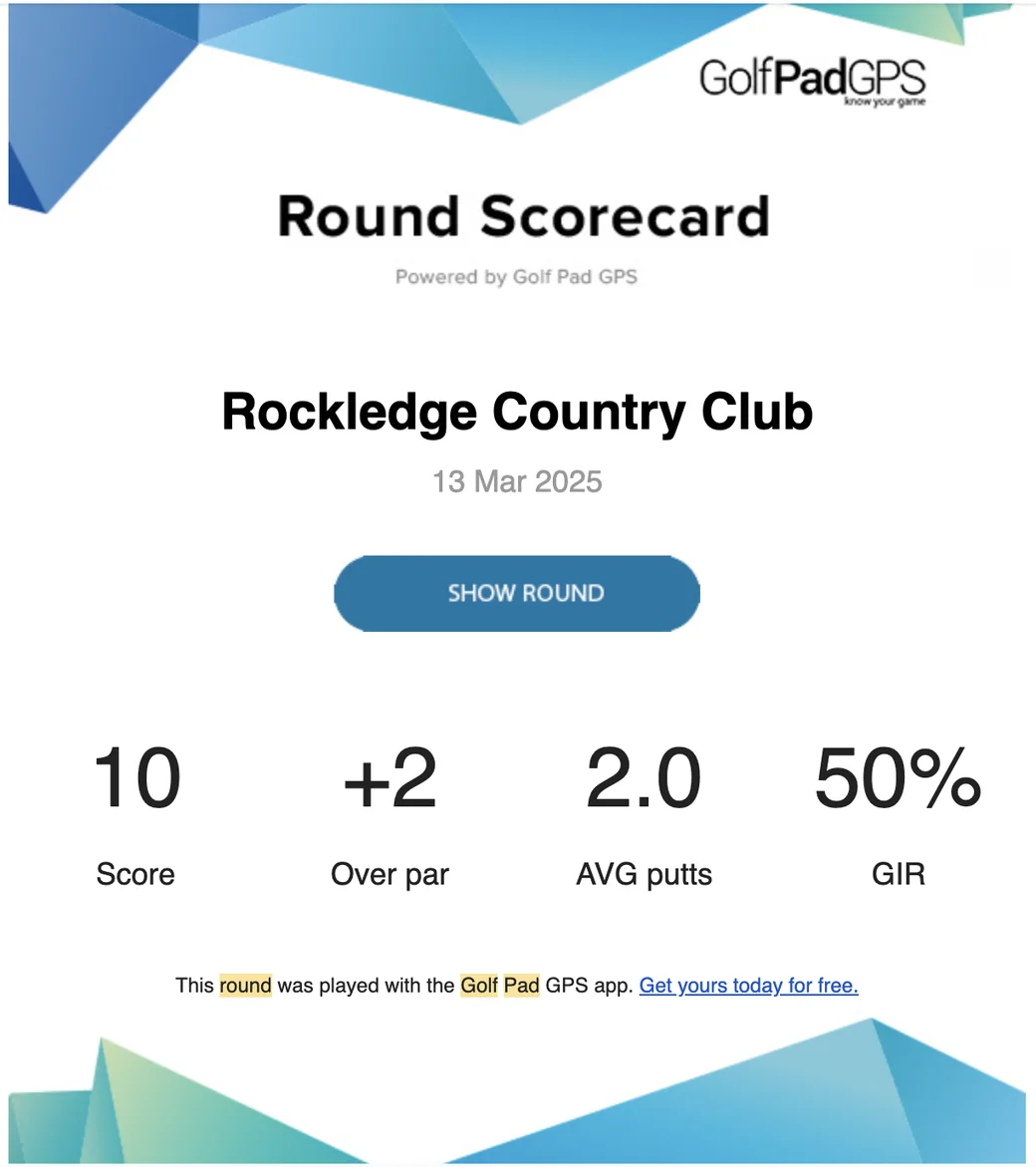
Forward an email with the results of any previous round (see example below).
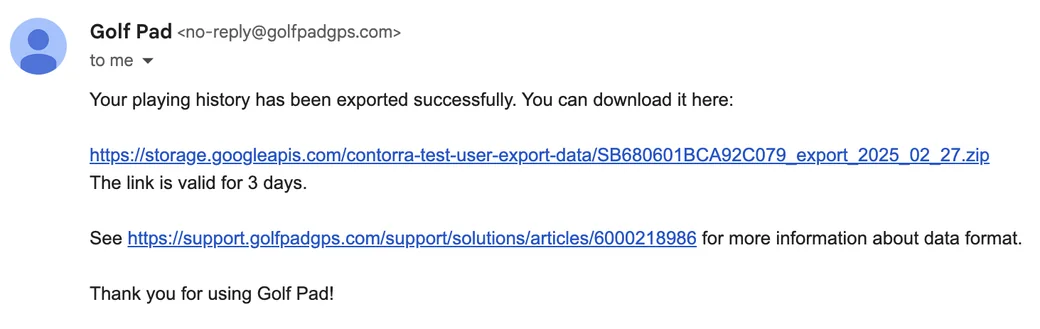
If you have ever requested a data export, please send us the export link or a screenshot of the export email. It contains your support ID (see example below).
Provide the date of the round and the name of the course you played.
Send us the support ID from the app on your old phone (if you cannot log in to your account on a new phone). The support ID can be found in Preferences > Help and Support.
If your purchase was made through Google Play, please include your order number from Google Play. This helps us verify your purchase and link it to your account.
Our team will work quickly to resolve the issue and get you back on the course!


Subscribe for early access to promotions, feature announcements & more.