No items found.

If you haven't already, please log in to golfpad.events first.
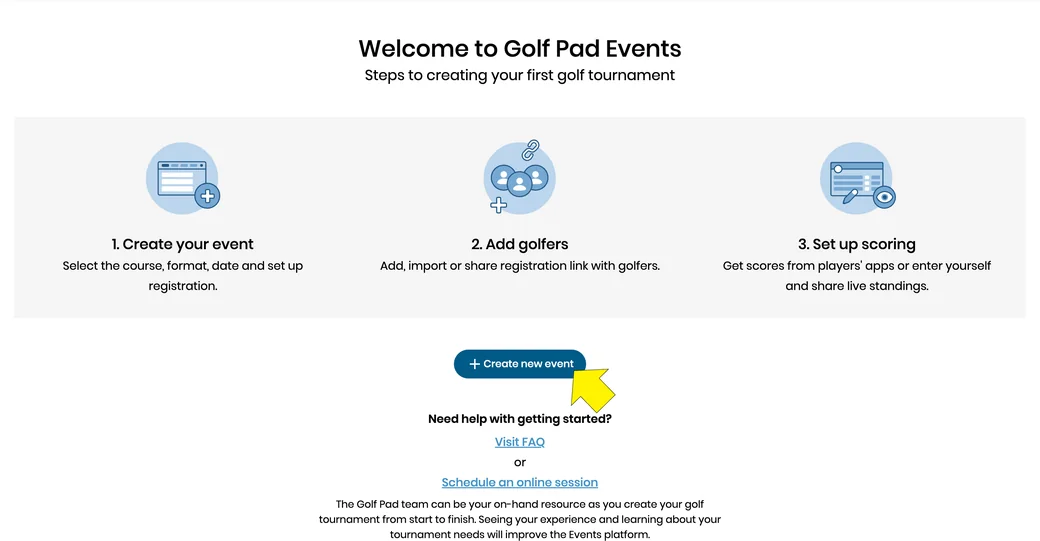
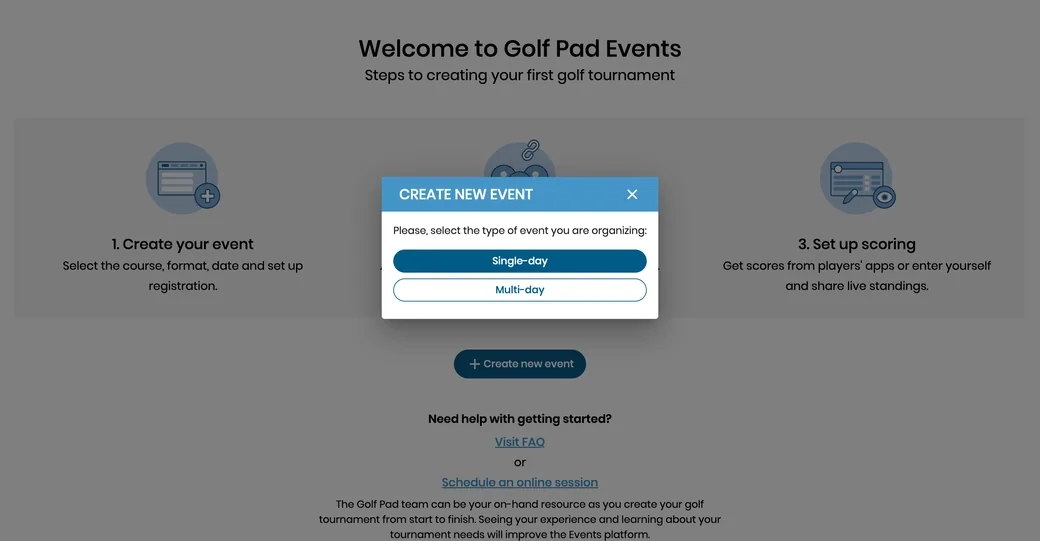
If this is your first event select the CREATE NEW EVENT button.
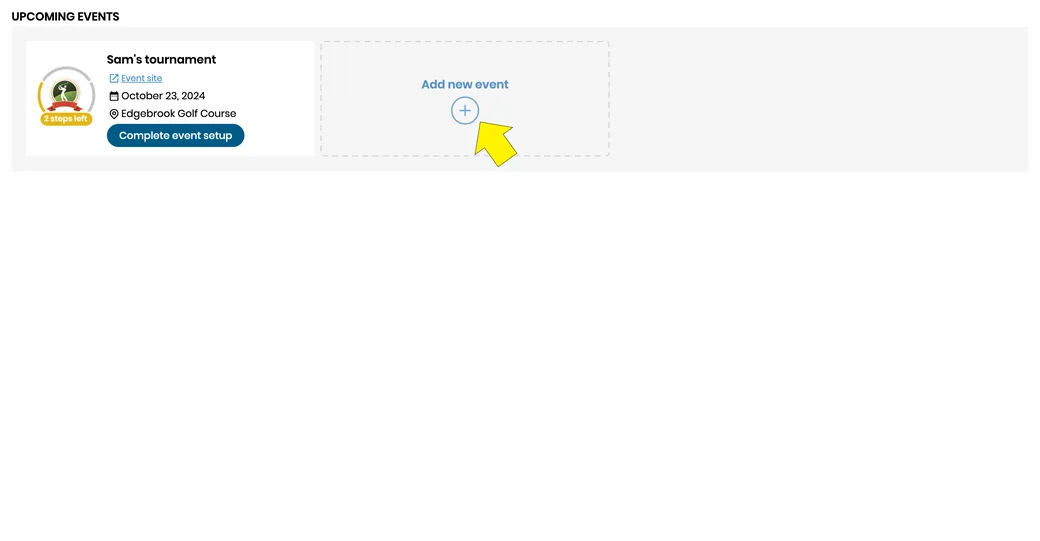
To create additional events start by selecting the Add new event button in the top left hand corner.
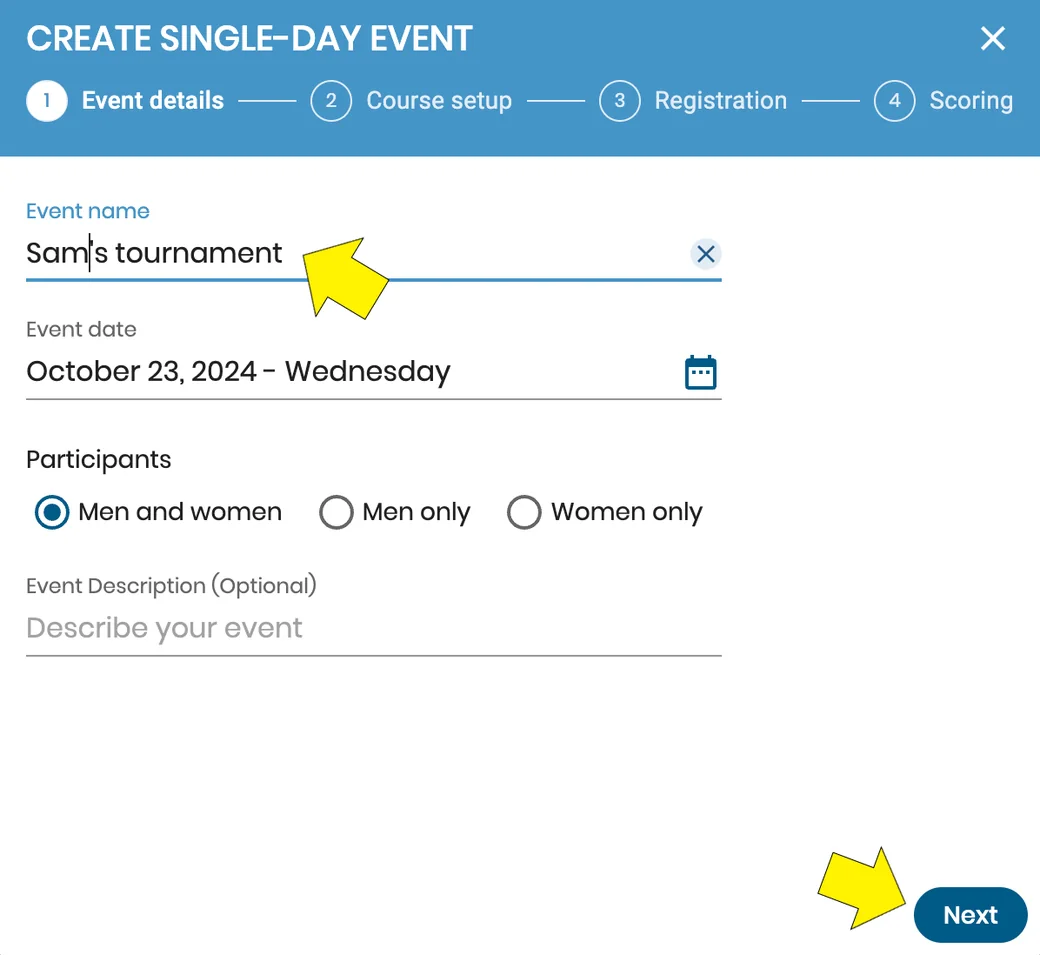
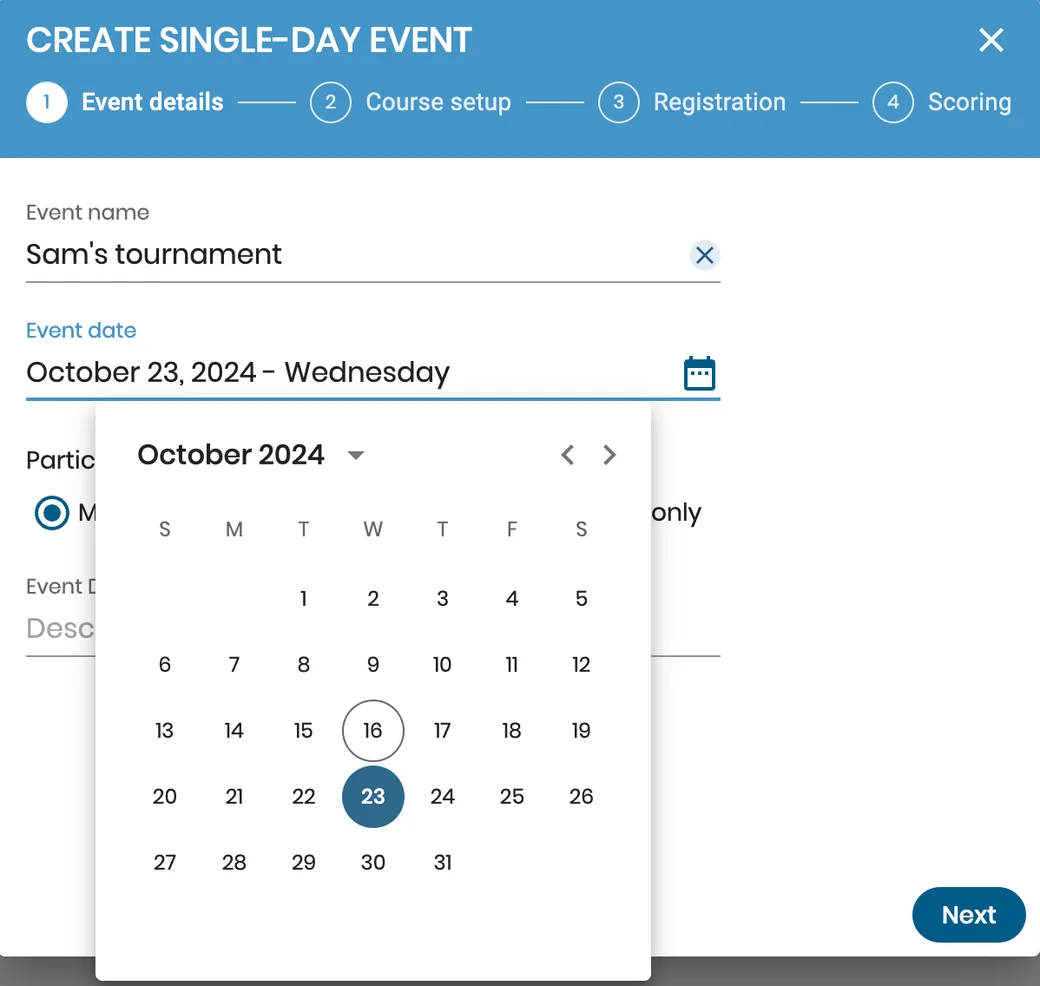
Enter the name of your new event and the date it will take place. Choose the proper gender setting and add a few words describing the tournament.
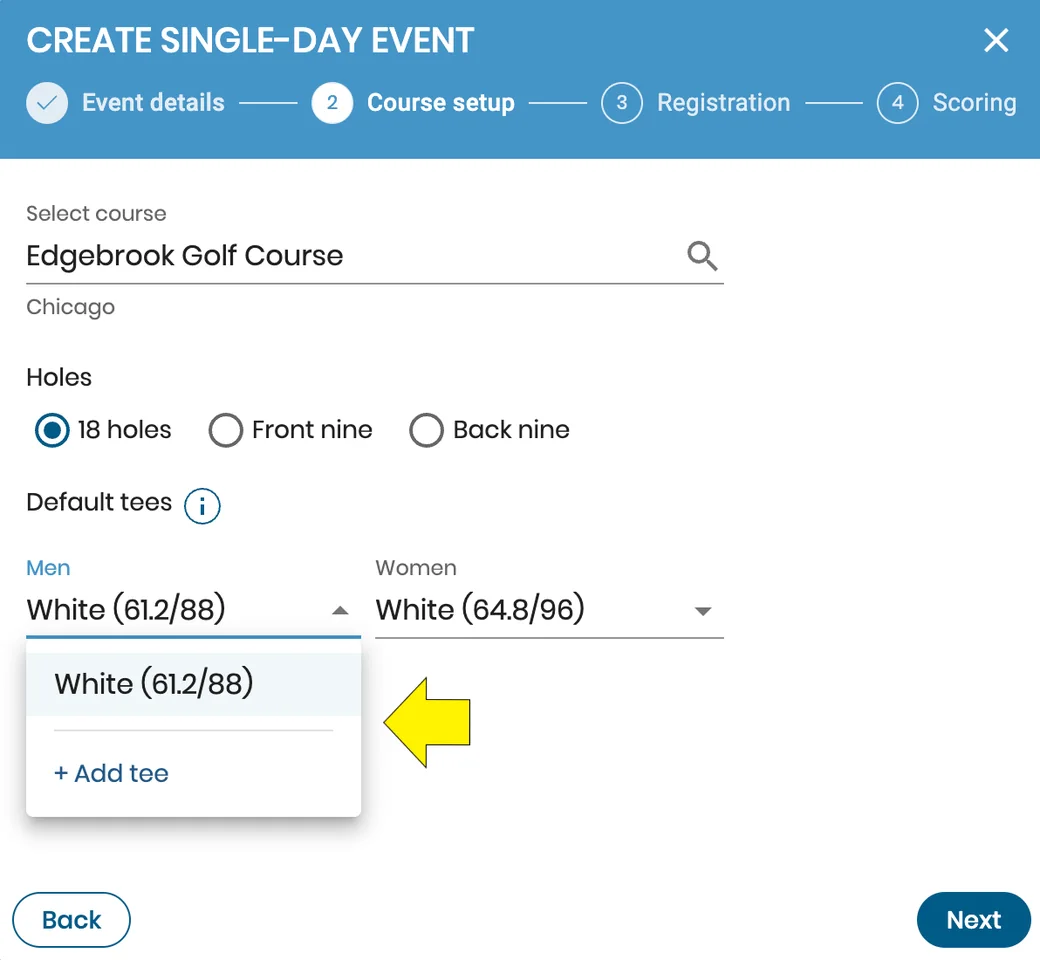
There are 3 tools to help you find a course. You can choose from recently used courses, near me (uses your location to share nearby courses), or search by the city or course name. Each of these options will provide you with a list of options to choose from.
Then, choose the part of the course included in the event (9/18 holes, front/back nines), check the gender-specific tees, add new ones if necessary.
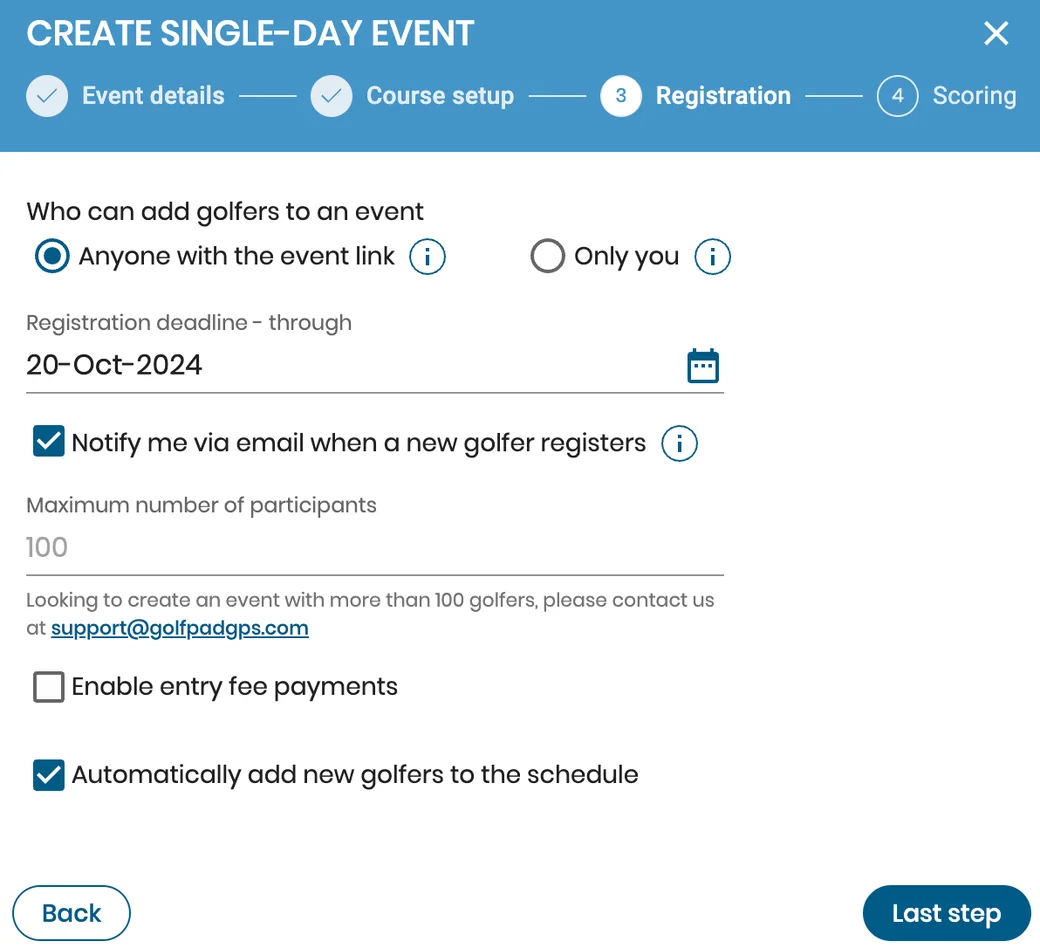
Next, define the registration deadline, maximum number of participants and set the registration's settings.
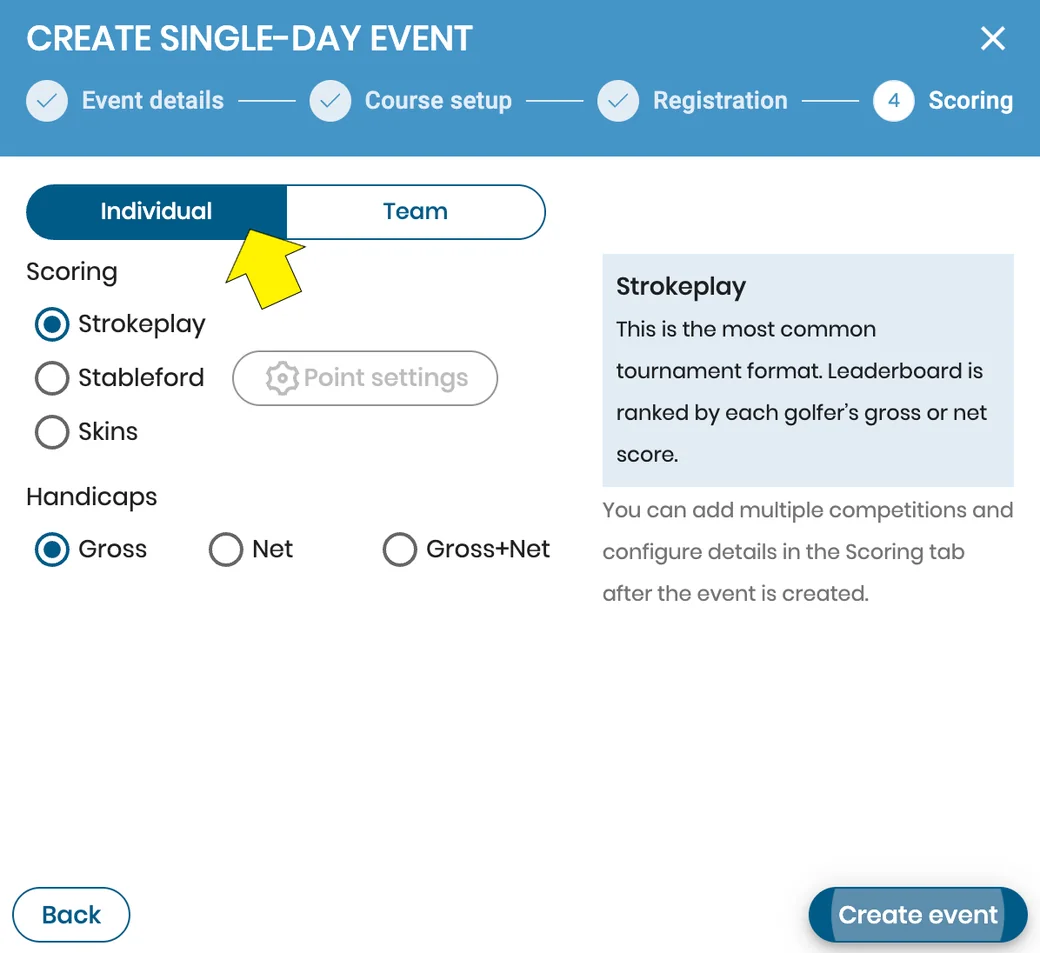
Set the scoring format and mode for individual or team event.
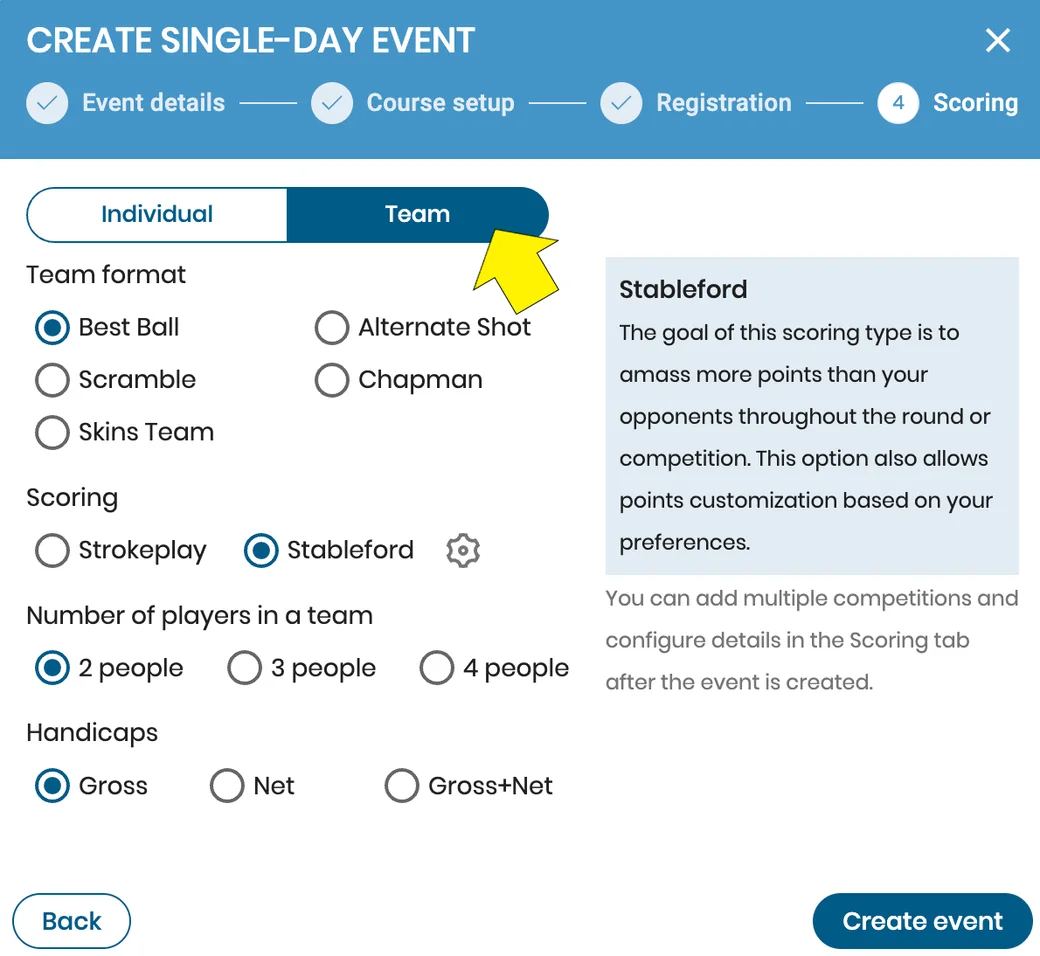
Lastly, create an event, then you can either edit your Event site settings or go further and add the participants of your event.
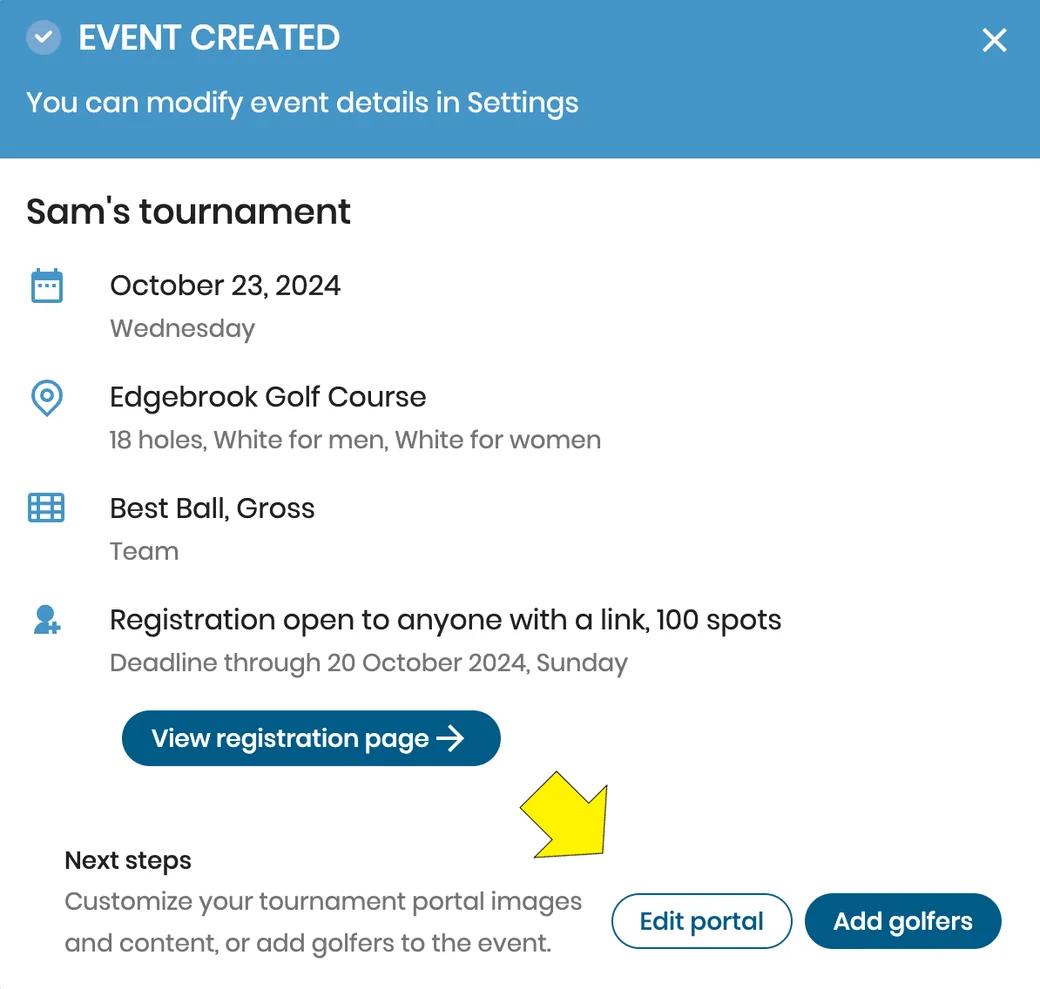
Your general event settings are now set and you are ready to customize your Event site content and add golfers!
Please click here to learn more about adding golfers, or here to learn about importing golfers.


Subscribe for early access to promotions, feature announcements & more.