No items found.

Tip
We recommend you set up TAGS and verify tracking works well at home, before you head to the golf course.
If you don't already have Premium features, you can activate the complimentary license code (optional) included in the Golf Pad TAGS welcome insert.
Open the box to locate the Welcome Insert. Your complimentary one year Premium code is printed on the bottom of the insert. If you already have Premium, save the code. Use it when your current subscription expires or give it to a friend. It's transferable and won’t expire until activated.
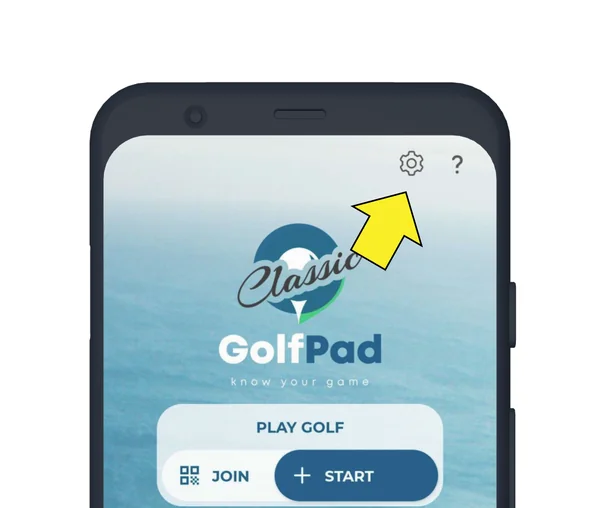
If you have trouble redeeming the code, click here for help.
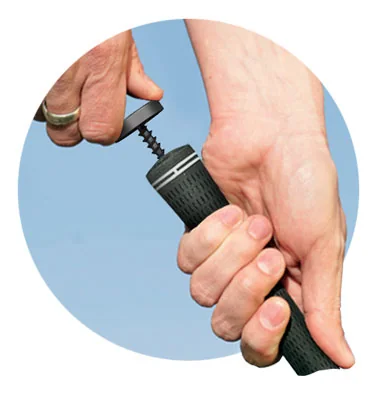
Attach TAGS to all clubs, including putter. Use a twisting motion to gently insert the post into the club grip. Do not over-tighten.
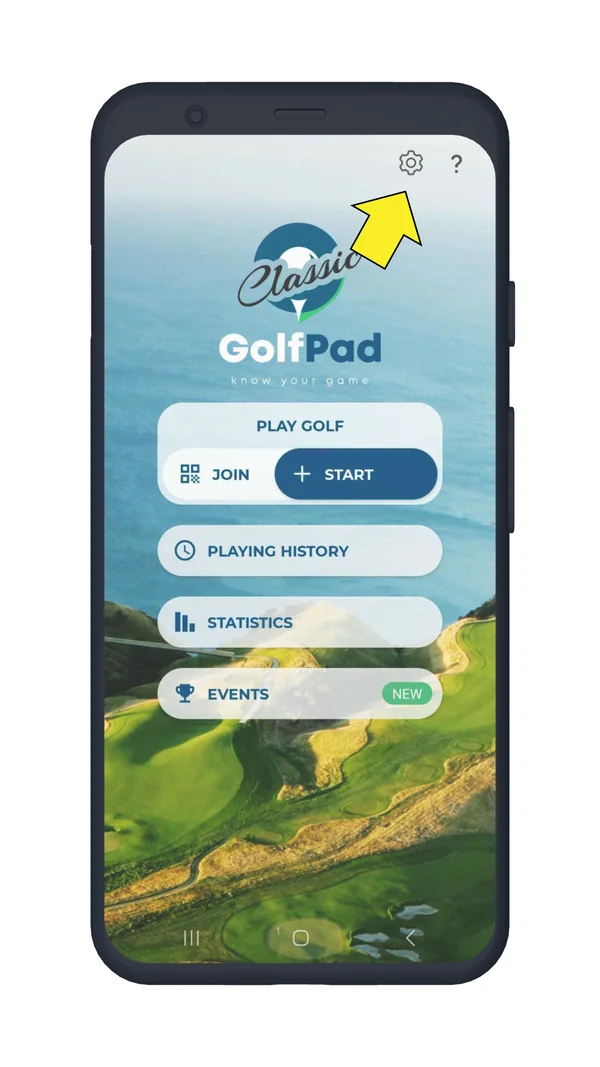
Start the Golf Pad Classic app and open Preferences, then select Golf Pad LINK / TAGS
Enable 'Golf Pad LINK / TAGS'
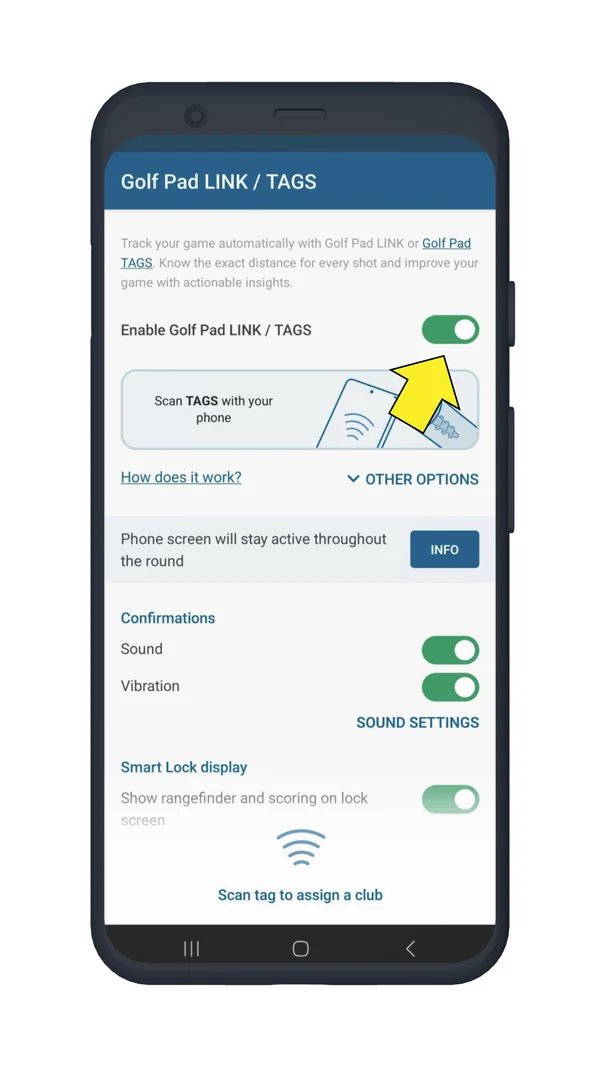
Within the same screen touch the TAG to the back of your phone (this is where the antenna is usually located). Select the club from the list. Repeat for all clubs.
Note
The location of the NFC antenna varies on different phone models. Try scanning all around the back of the phone and against the top edge. Once you found the spot with the best scanning range, use it for tagging shots during a golf round.
You are all set, you can now start a round! See this page for instructions on how to use TAGS and Smart Lock during a round.


Subscribe for early access to promotions, feature announcements & more.