No items found.

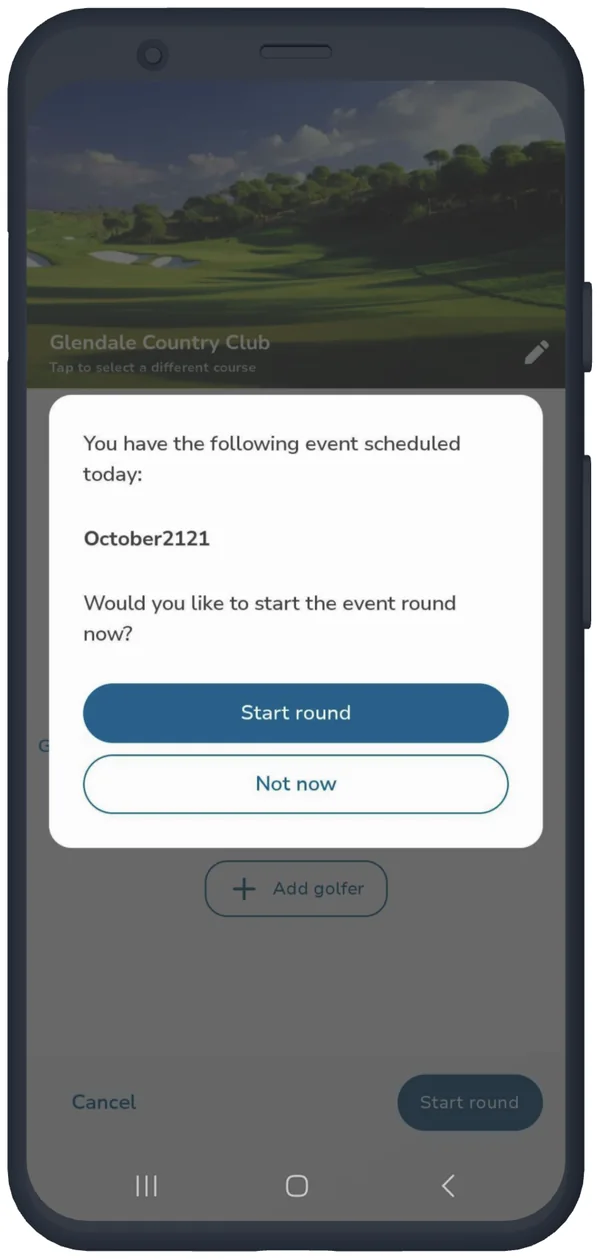
Launch the Golf Pad app on the day of the event, and you will be asked if you want to begin scoring for today's event. Golfers can also begin scoring from the events summary page.
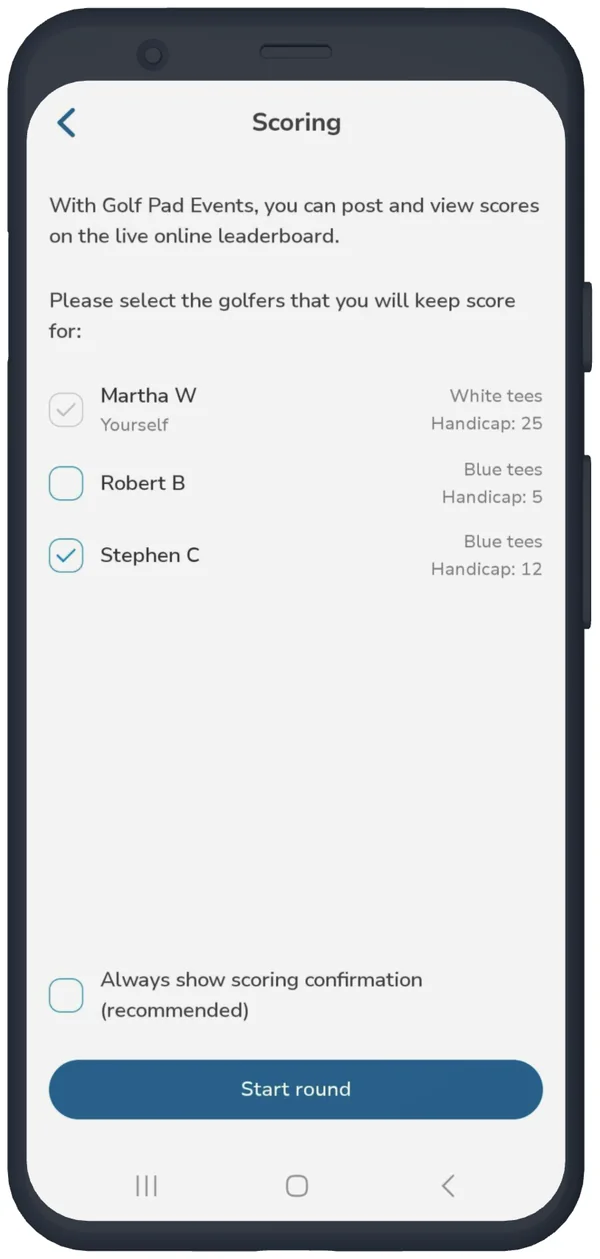
Select any other golfers you would like to keep score for and then start your round.
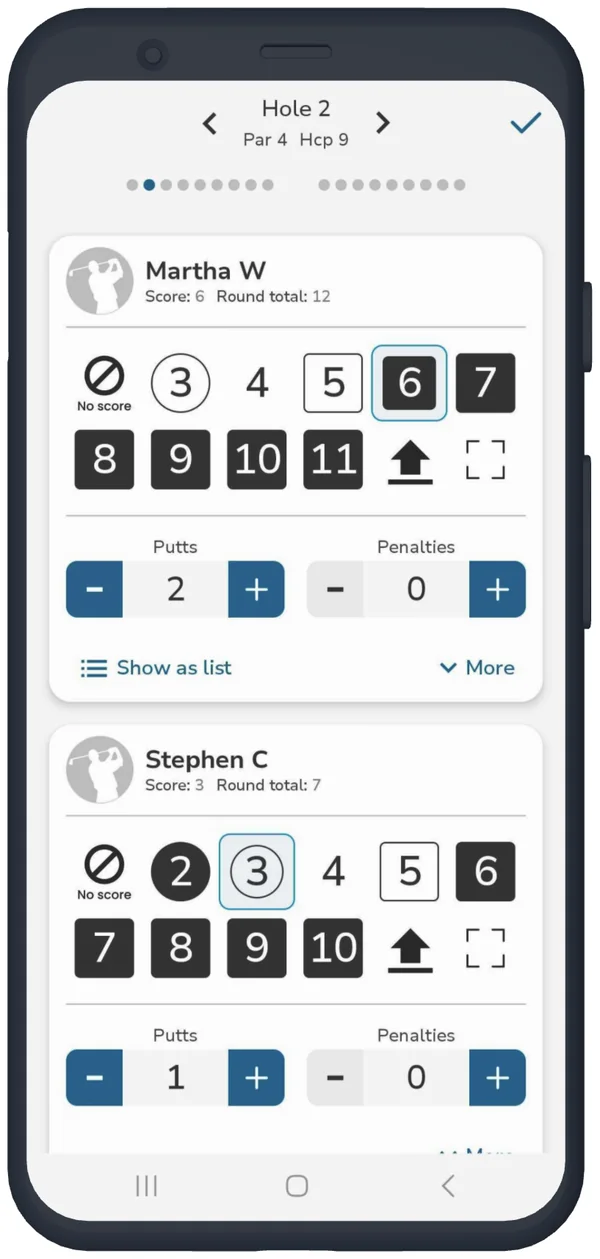
There are a few different options for keeping score on the Golf Pad GPS app. Golfers can use the shot and putt buttons, quick score, or use shot tracking. Learn more
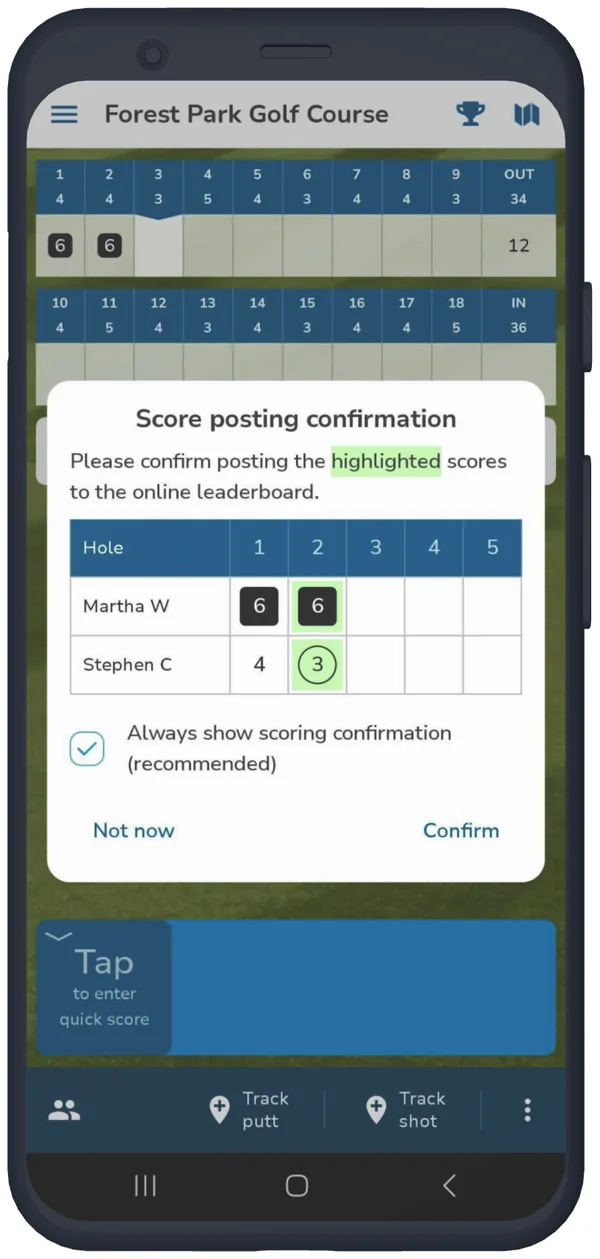
Score posting confirmation allows you to review and confirm scores before posting them to the standings page. We recommend keeping score confirmation on to keep your leaderboard as accurate as possible. However, you can choose to not show the confirmation message, and any scores entered will be automatically posted to the events.
Score corrections can be made at any time. Any adjusted scores will be confirmed or automatically update the standings, based on your preferred settings.
When your scorecard is completed, the Golf Pad app will assist you in finishing the round. The finish round option can also be found on the main menu.


Subscribe for early access to promotions, feature announcements & more.