No items found.

Golf Pad GPS offers multiple ways to keep score during your round. Choose the method that works best for you!
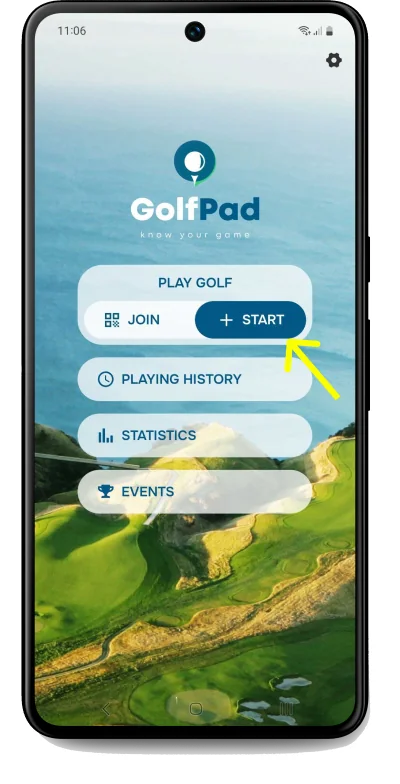
To begin, open the app and start a round.
To add multiple players, click the "+ Add golfer" at the bottom of the next screen.
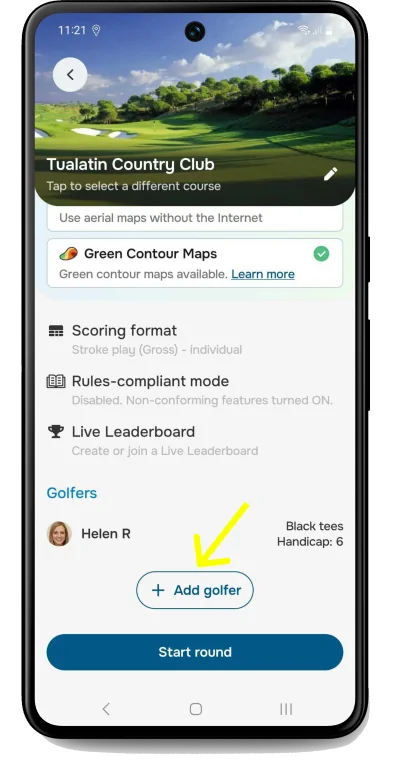
Follow the steps and repeat for all golfers.
Select your course. Next, tap "Start round".
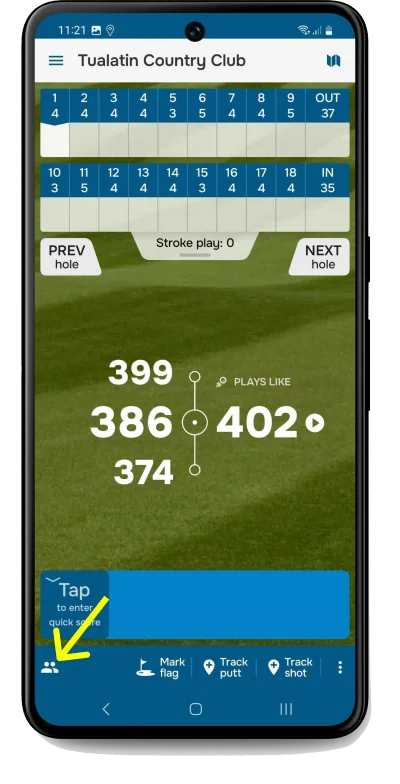
To add scores when playing with multiple golfers, tap the player icon in the lower left. If there is only one player, just tap the quick score box to enter your score.
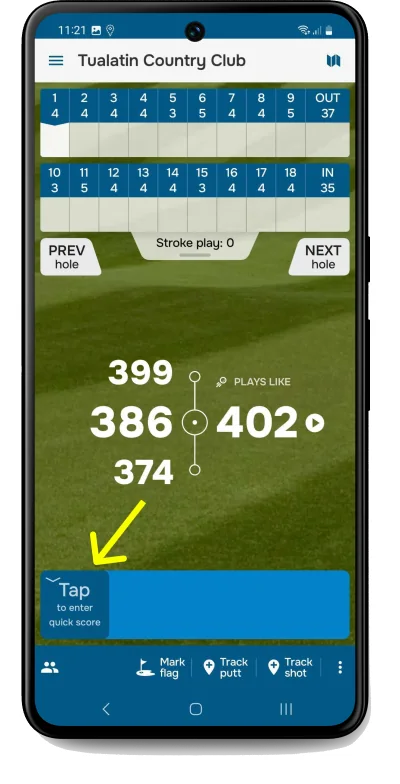
Click here to learn more information about the Quick score.
If you prefer, you can keep score shot by shot.
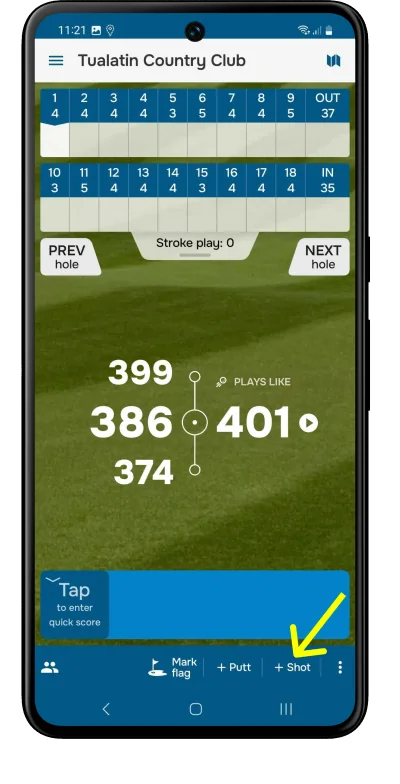
Another method for keeping score in Golf Pad is by using GPS to track each shot location and distance. This option provides a wealth of statistics about your game, including distance, accuracy and Strokes Gained.
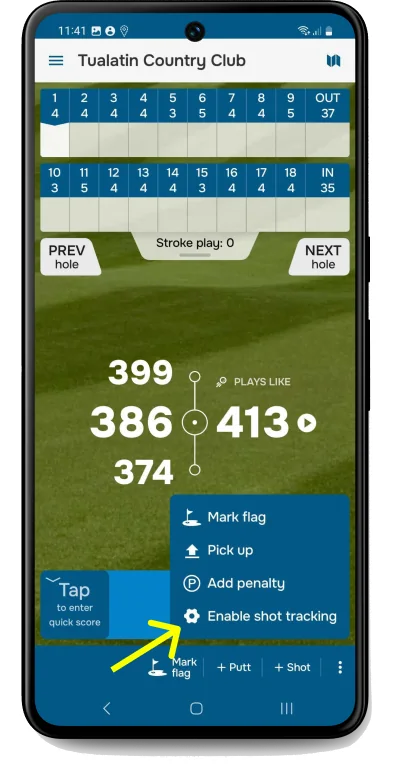
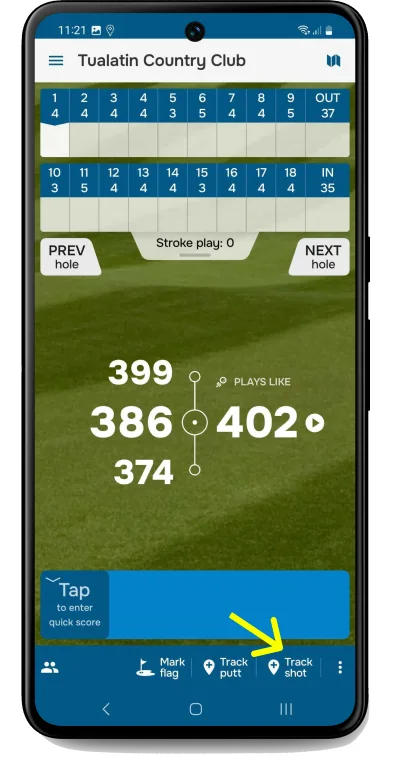
Simply tap on "three vertical dots" in the lower right corner, select "Enable shot tracking" and enable it. You can optionally select the club used from the following screen, or after finishing the hole. See this video or this article for more details.
For the ultimate convenience, you can track shot positions using your smartwatch, or with our automatic tracking system, Golf Pad TAGS.


Subscribe for early access to promotions, feature announcements & more.