No items found.

Team scoring makes it easy to track competitive rounds with friends, whether you're playing Best Ball or Scramble. This feature is part of Golf Pad Premium.
To use teams scoring, start a new round and go to 'Scoring format'.
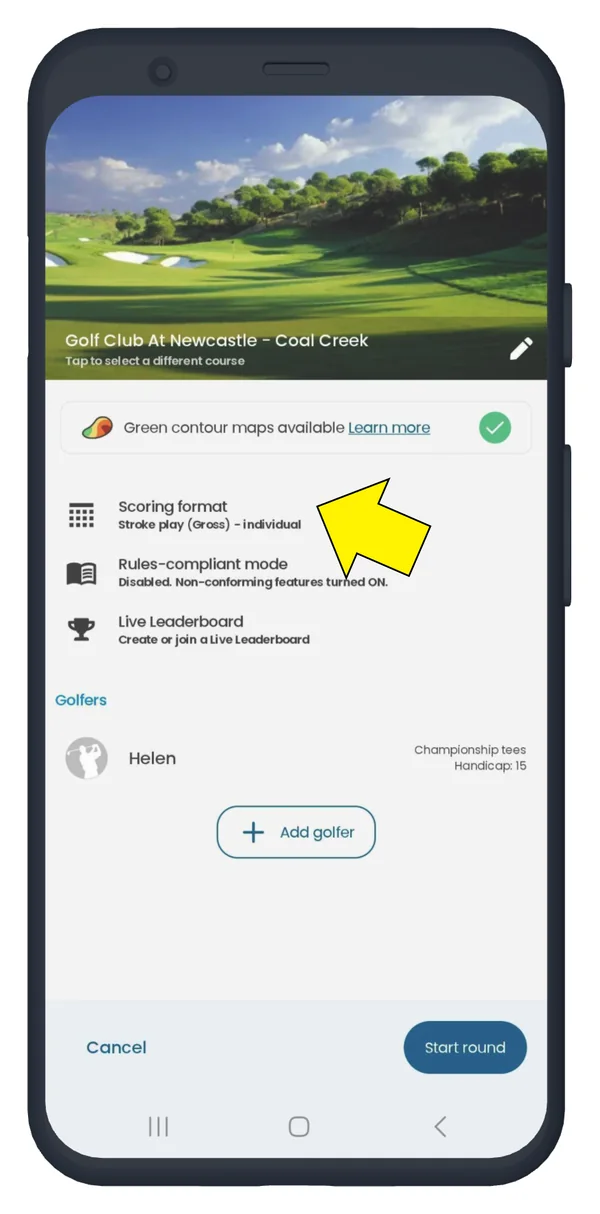
Select a number of teams, scoring mode and format.
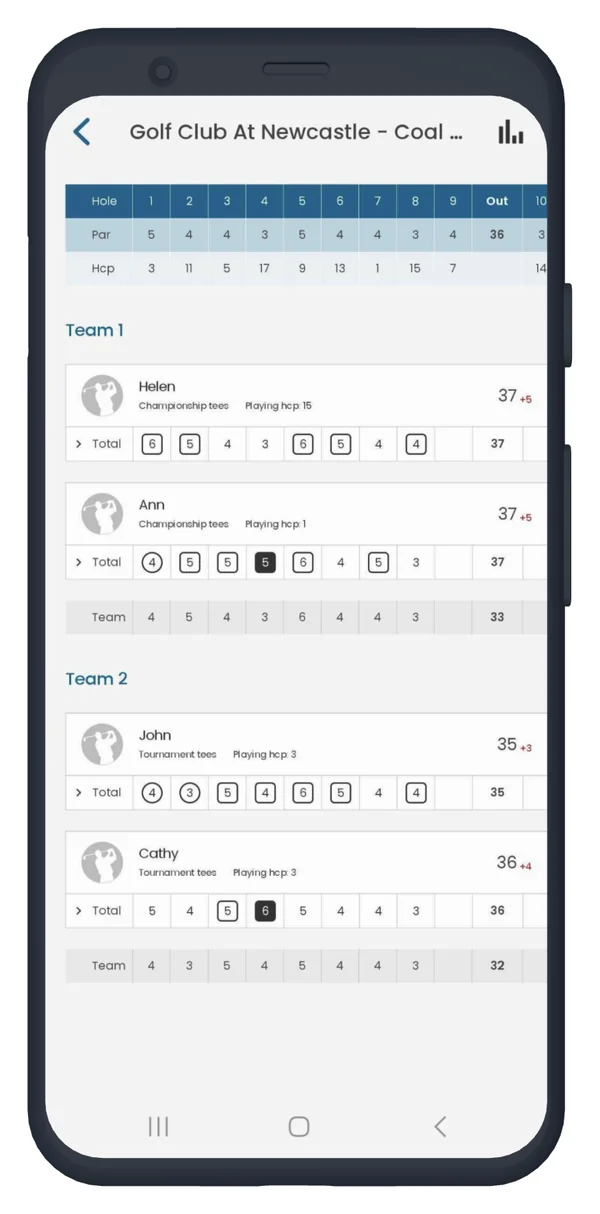
Each player plays their own ball, and the lowest score per hole is recorded as the team's score. If net scoring is used, the individual scores are adjusted based on handicap before the team's score is determined.
A single score is kept for the entire team. If net scoring is used, a team's playing handicap is calculated as an average of all team members' playing handicaps.
Use this scoring mode if you play Scramble, Alternate shot, Chapman or similar playing formats. See this article for more information on formats.
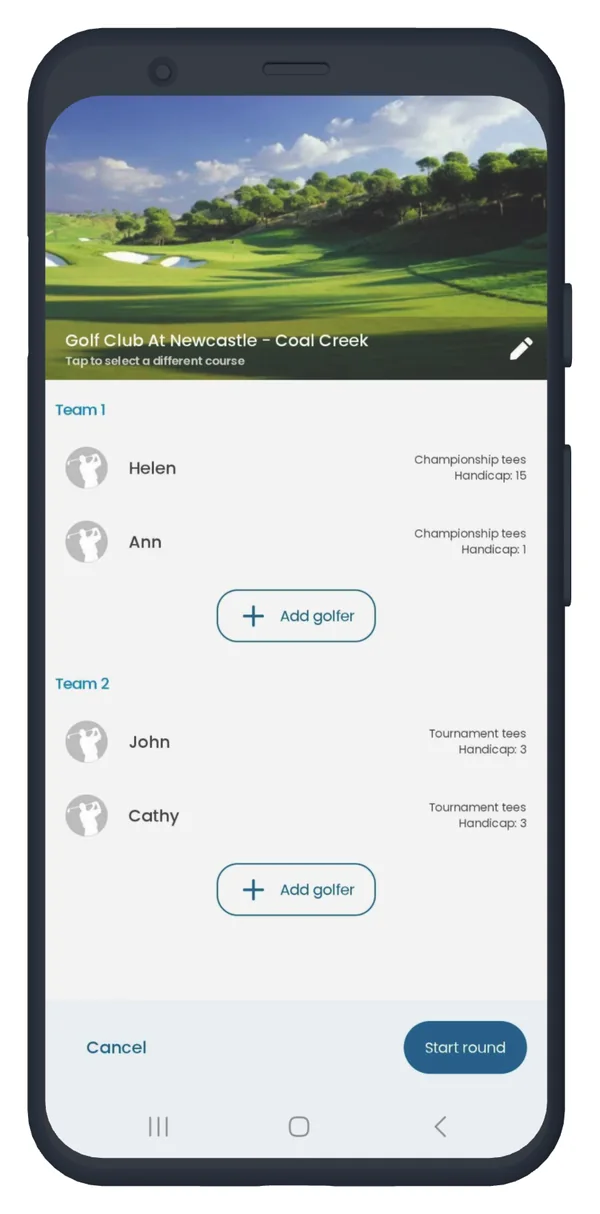
Add golfers to teams. You can choose the tee and handicap for each golfer by tapping his or her name.
If you want to transfer a player to another team, delete him or her from one team and add to another one.
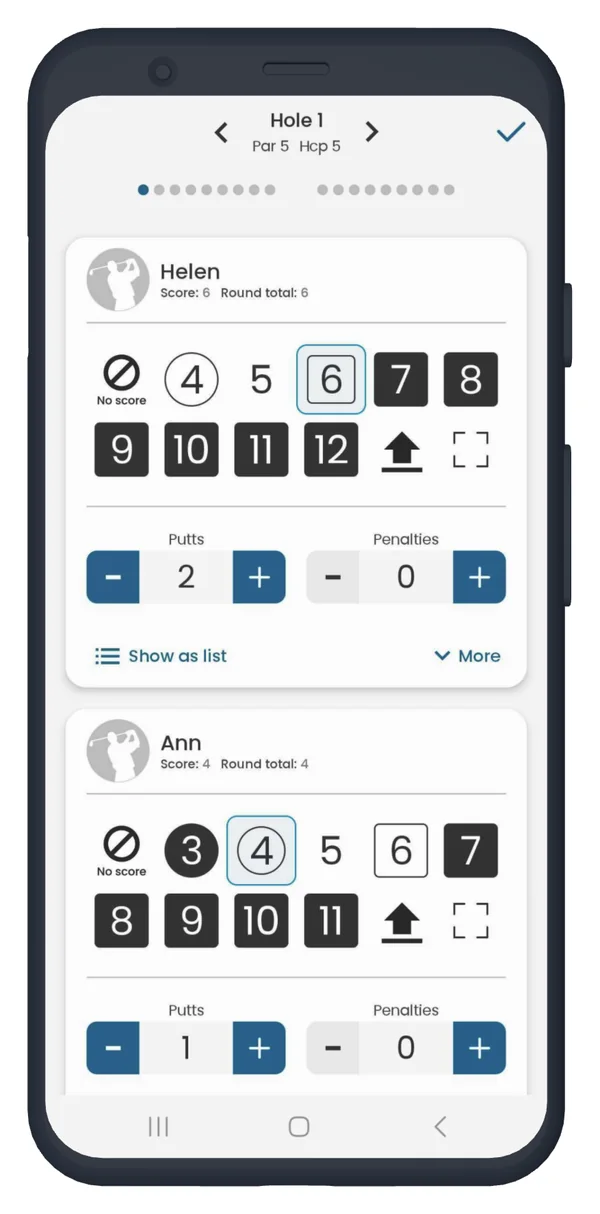
Keep players' scores using 'Quick score'. Click here to learn more about keeping score for multiple players.
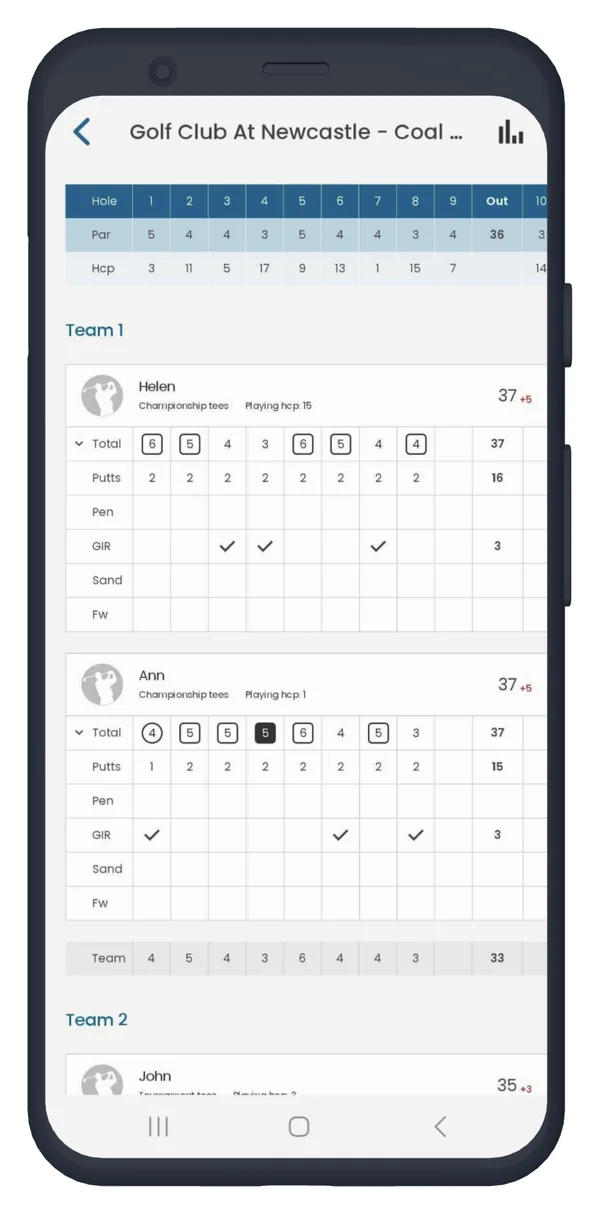
View scores in the full scorecard.
Enjoy your game with Golf Pad’s team scoring feature!


Subscribe for early access to promotions, feature announcements & more.