

Product · Shot tracking
Four ways to log every shot. One app. No other golf GPS platform comes close.
The four tracking methods

Most amateurs guess their yardages. "I hit my 7-iron about 150." Really? Over 20 full-strike rounds? Or over the three you remember?
Shot tracking turns a guess into a number. It tells you what you actually carry each club, how your dispersion looks right vs. left, what you leave short on approaches, and which part of your game is quietly costing you strokes. It is the difference between playing to a fantasy of your game and playing to the game you actually have.
The catch is that tracking only works if you do it. Every lap of this product category runs into the same wall: amateur golfers do not want to break their rhythm to tap a phone every shot. So most apps try one solution, usually a Watch-based auto-detector, and call it a day.
Golf Pad took a different approach. We built four ways to track, so you can pick the one that fits how you play. That is why Golf Pad is the leader in shot tracking: not because of one feature, but because of the ecosystem.
Open the app, pull up the hole, tap where your ball lands. Done.
Phone-based tracking is where every golf GPS app started, and in Golf Pad it is still the fastest, simplest option. The aerial map lets you tap any point on the hole. The app logs the shot, the club, and the distance. You can review it after the round in the stats view.

Golf Pad's watch app runs standalone. That is not a universal feature in this category. Your Apple Watch or Wear OS watch gets front, middle, and back distances, on-watch aerial maps, and tap-to-log shot tracking without the phone needing to be in Bluetooth range. You can leave your phone in the cart, in the bag, or on the bench and play a full round from your wrist.
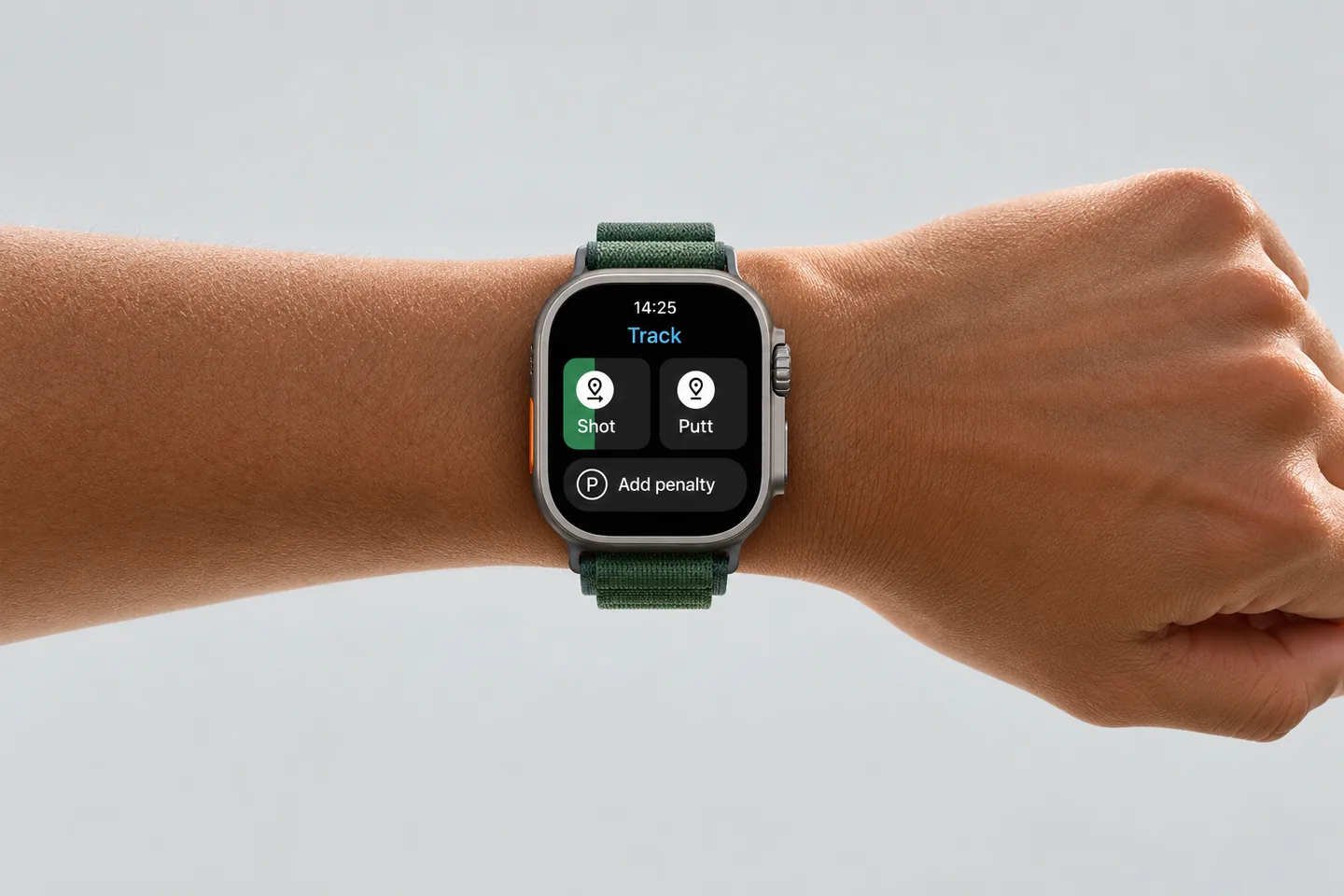
For a lot of golfers, this alone changed how a round feels. Phones in pockets slow you down. A glance at the watch does not.
TAGS are small chips that sit on top of every grip in your bag. Before you swing, you tap your phone to the grip. The chip tells the app which club you just pulled, and when you move to your ball and record where you ended up, the app logs the shot with the club already attached.
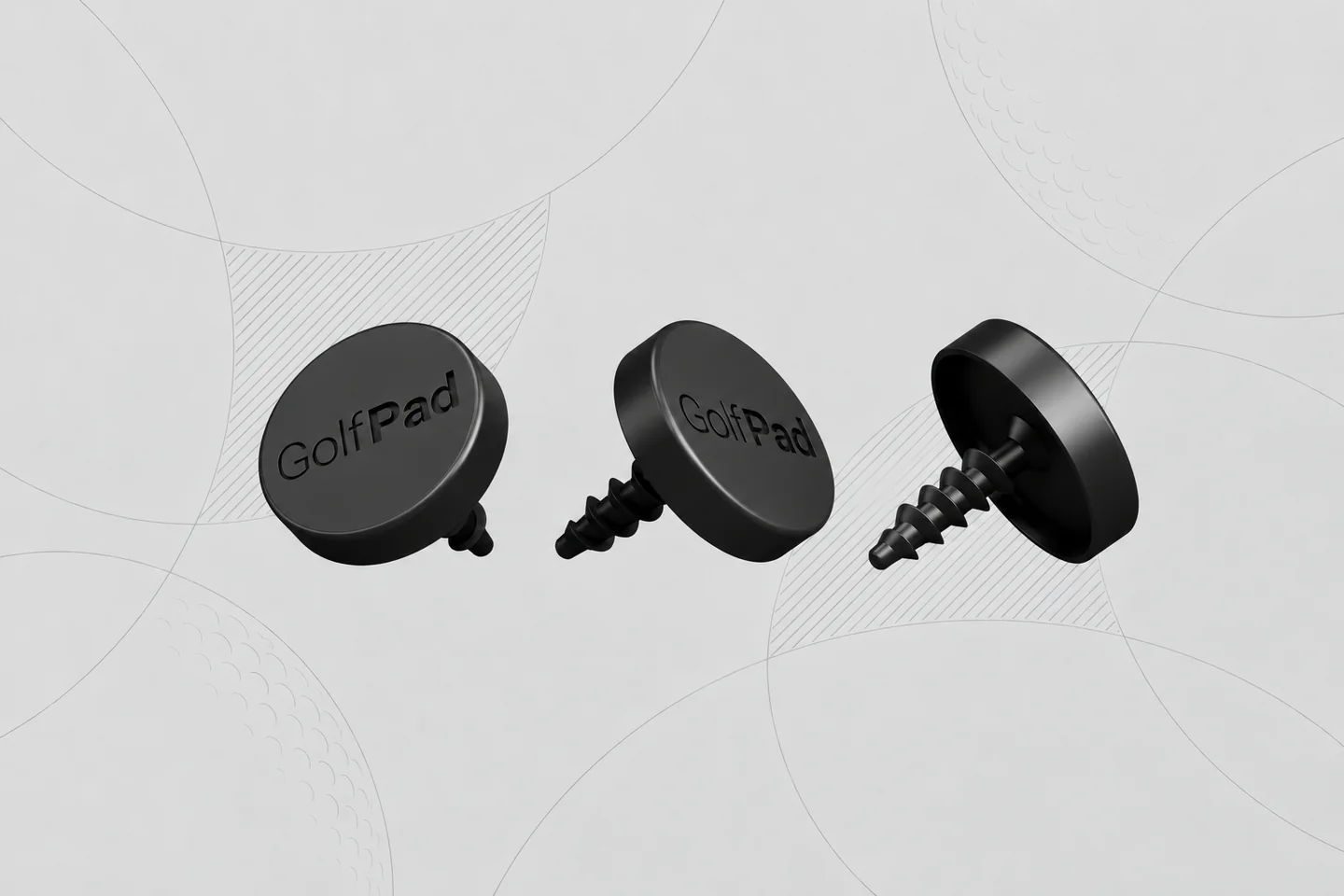
Over a season, that is the difference between "I think I hit my 7-iron 150" and knowing you carry your 7-iron 148 on your median strike, 134 on your worst, and 158 on your best. It is the data a stats nerd actually wants.
Click is our newest piece of shot-tracking hardware, and it is the most ambitious. It is a tiny Bluetooth button you clip anywhere on your bag or belt. You pair it to Golf Pad once, and from then on:
Hands-free. Phone-in-pocket. Audio callouts through your phone speaker or connected Bluetooth device. There is no other golf GPS app on the market with a hardware button like this.
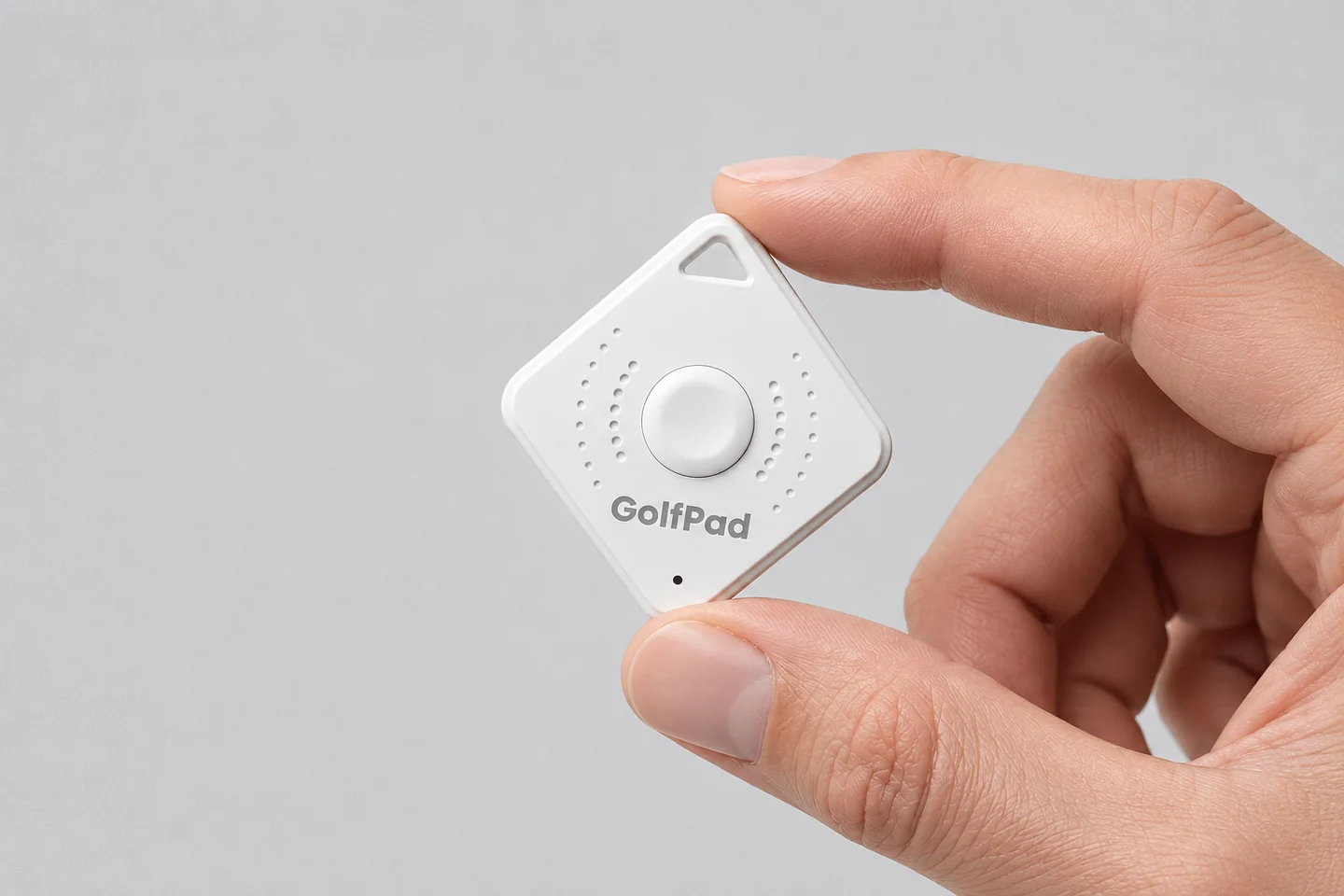
Click fills the one gap the other three methods leave behind: what if you do not want to look at a screen at all, not your phone, not your watch? Click answers that. It is the quietest, most focused way to play with real data flowing into the app in the background.
The honest answer is that there is no "best" way to track shots. There is only the best way for you.
A beginner wants a yardage without a learning curve. A stats-obsessed single-digit wants every shot auto-logged with the club. A fast walker wants the phone put away. A player on an audio kick wants Click reading numbers in their ear.
Most apps pick one of those four golfers and build for them. Golf Pad was built on the idea that we should not force anyone to use the app a certain way. The team is genuinely passionate about making it work for everyone the way they want to play.
That is why the four methods all live in one app, and all feed the same stats, scorecard, and watch experience. You can start on phone and graduate to Click. You can mix TAGS on your irons with Click on your bag. You can use the watch for everything and your phone for nothing. It is one app, played four ways, and your data is one data set.
In the broader golf GPS category, apps generally offer one or two of these tracking methods. Watch-based automatic shot detection is now common. Phone-tap tracking is universal. But hardware companions are rare: no major competitor sells a chip-per-grip system or a hands-free Bluetooth button that pairs to their app.
Golf Pad is the only app that offers all four methods inside one experience. That is the shot-tracking leadership claim, and it is grounded in the product, not the marketing.
You can also mix. Many of our Premium users run TAGS on irons for auto-club-logging and Click on the bag for audio distance callouts.
How does Golf Pad track shots?
Four ways: tap on the phone's aerial map, tap on your Apple Watch, tap your phone to a Golf Pad TAGS chip on each grip for automatic club-logged tracking, or press Golf Pad Click (a Bluetooth button) for hands-free logging and audio distance callouts.
What is Golf Pad Click?
Golf Pad Click is a small Bluetooth button that pairs to the Golf Pad app. Single-click reads the distance to the green aloud through your earbuds or Bluetooth speaker. Double-click logs a shot. Both actions are customizable to AI advice, plays-like distance, hazard distance, or penalty tracking. It is the newest addition to Golf Pad's shot-tracking lineup.
What are Golf Pad TAGS?
Golf Pad TAGS are chips that sit on top of every grip. Tap your phone to the grip before you swing and the shot auto-logs with the club you just used. TAGS gives you a real club-distance table across a full season.
Can I track golf shots on Apple Watch without my phone?
Yes. Golf Pad supports Apple Watch standalone mode. You get front, middle, and back yardages, on-watch aerial maps, and shot tracking directly from your wrist. The phone can stay in the cart.
What's the easiest way to track golf shots?
For most golfers, the easiest option is Golf Pad TAGS (fully automatic, chip-per-grip) or Golf Pad Click (hands-free, Bluetooth button, no screen required). Phone-tap or watch-tap tracking is also very fast.
Do I need Golf Pad Premium to track shots?
No. Shot tracking is a free feature in Golf Pad. Premium ($39.99/yr) adds PLAYS LIKE distance, personalized club recommendations fed by your tracked shots, and advanced stats.
Do other golf GPS apps have hardware shot tracking?
No major competitor offers both a per-grip chip system and a hands-free Bluetooth button paired to their app. Golf Pad is the only golf GPS app with Click and TAGS.


Subscribe for early access to promotions, feature announcements & more.

